Creative sewing
69
Mirror image of stitch patterns
> Select a stitch pattern or alphabet.
> Touch the icon «i»-Dialog.
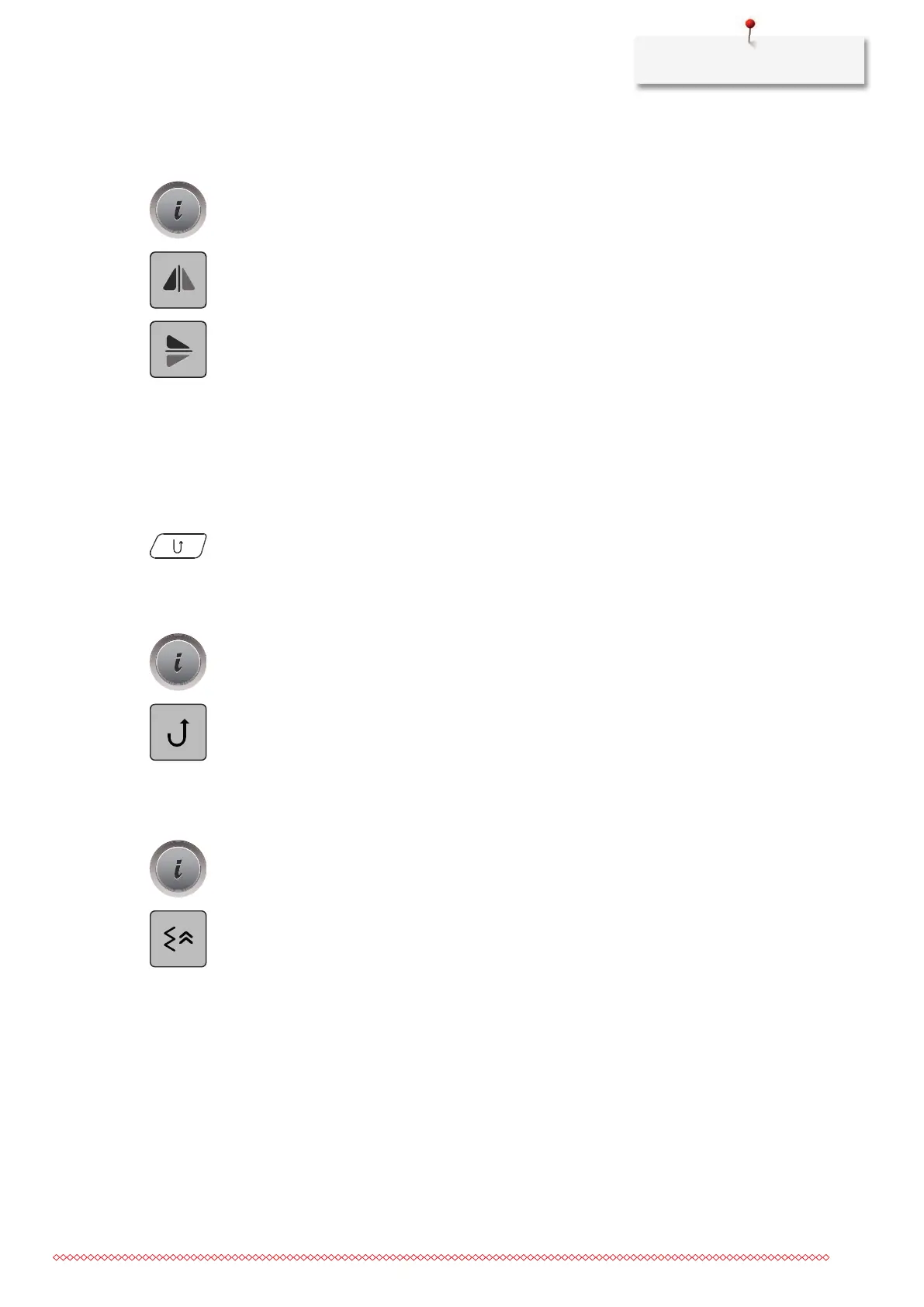
> Touch the icon «Mirror image left/right» to mirror the stitch pattern from left to tight.
> Touch the icon «Mirror image up/down» to mirror the stitch pattern contrary to the sewing direction.
Quick reverse
> Select a stitch pattern, alphabet or buttonhole.
> Program needle stop down (permanent) to switch immediately to Quick reverse as soon as the button
«
Quick reverse» is pressed.
> Program needle stop up (permanent) to sew another stitch forward before the machine switches to
reverse sewing.
> Push the button «Quick reverse» and keep pressed.
Permanent Quick reverse
> Select a stitch pattern or alphabet.
> Touch the icon «i»-Dialog.
> Touch the icon «Permanent reverse sewing» to sew permanently in reverse.
– The machine keeps sewing in reverse until the icon «Permanent reverse sewing» is touched again.
Backstepping
> Select a stitch pattern or alphabet.
> Touch the icon «i»-Dialog.
> Touch the icon «Backstepping» to backstep the last 200 stitches.



 To Next Page