Creative sewing
76
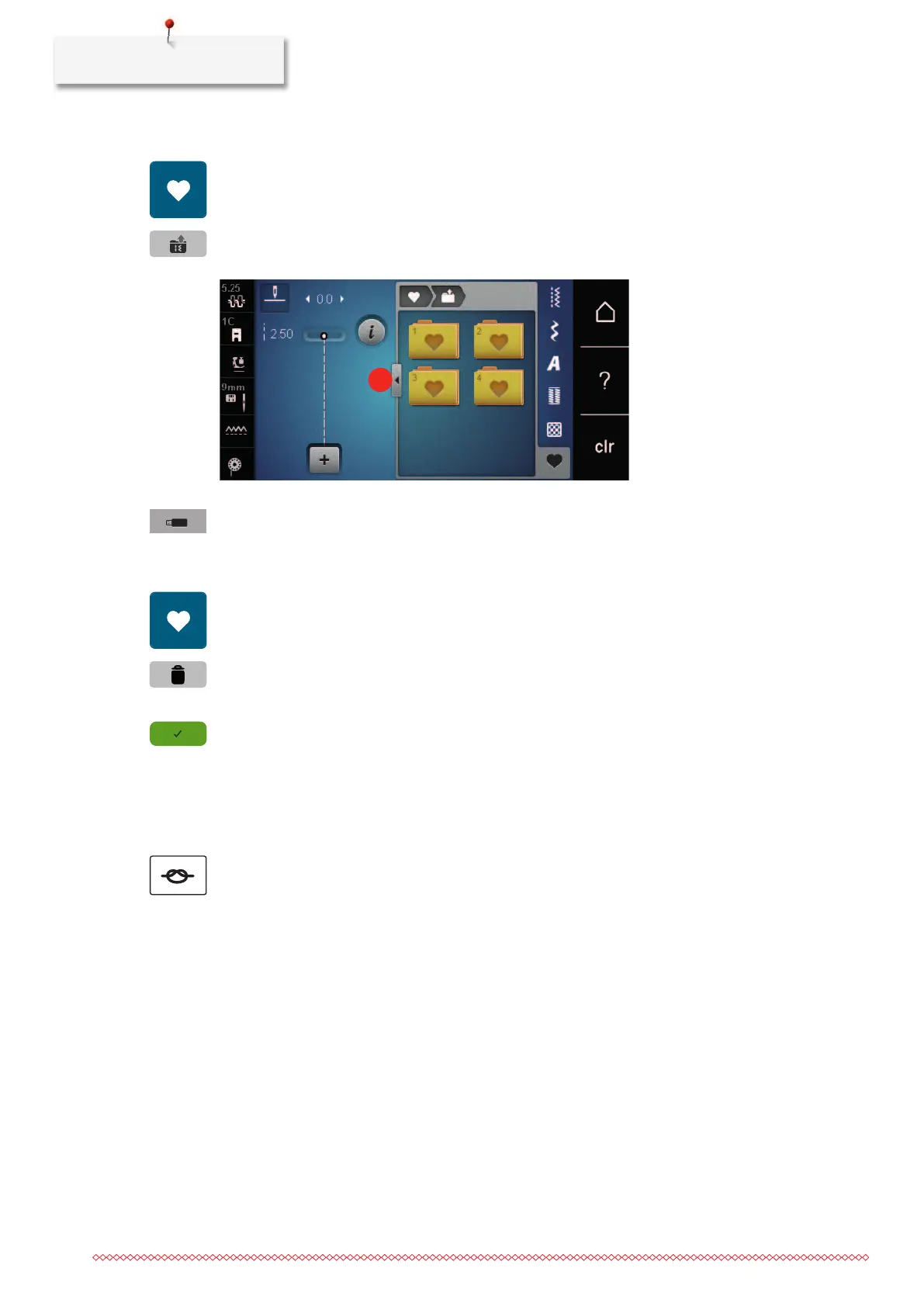
Uploading a stitch pattern from the BERNINA USB stick
> Touch the icon «Personal memory».
> Touch the icon «Load stitch pattern».
> Touch the icon (1).
> Insert the BERNINA USB stick into the USB port of the machine.
> Touch the icon «USB stick».
> Select the desired stitch pattern.
Deleting stitch patterns from the BERNINA USB stick
> Touch the icon «Personal memory».
> Touch the icon «Delete».
> Insert the BERNINA USB stick into the USB port of the machine.
> Select the stitch pattern which is to be deleted.
> Touch the icon «Confirm».
5.7 Securing
Securing a seam with the button «Securing»
The button «Securing» can be programmed with various securing stitches.
> Push the button «Securing» before starting to sew.
– The stitch pattern/stitch pattern combination will be secured with the number of programmed stitches
when sewing is started.
> Push the button «Securing» while sewing.
– The machine stops immediately and secures with the number of programmed stitches.



 To Next Page