Creative sewing
70
5.5 Combining stitch patterns
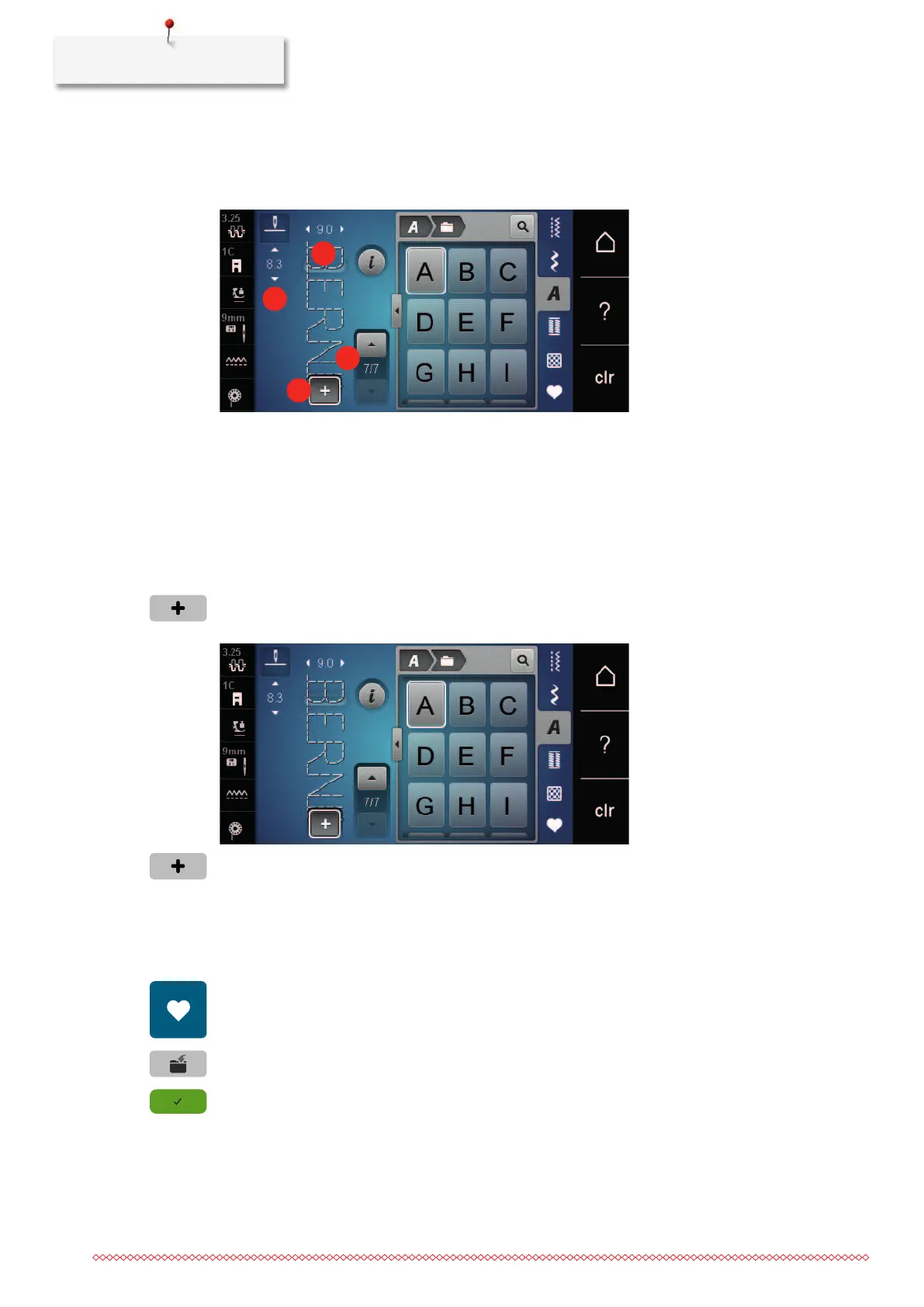
Overview Combi mode
1 Stitch width of the active stitch pattern 3 Combination mode/single mode
2 Stitch length of the active stitch pattern 4 Individual stitch pattern within the combination
Creating Stitch pattern combinations
In the Combi mode stitch patterns and alphabets can be combined according to your wish. By combining
any alphabet letters, the logo BERNINA can be created.
> Touch the icon «Single/Combi mode».
> Select the desired stitch patterns.
> Touch the icon «Single/Combi mode» again to return to the single mode.
Saving a stitch pattern combination
To be able to use individually created stitch pattern combinations, they can be saved in «Personal Memory».
> Create a stitch pattern combination.
> Touch the icon «Personal memory».
> Touch the icon «Save stitch pattern».
> Touch the icon «Confirm» or the yellow-framed icon to save the stitch pattern combination.



 To Next Page