Creative embroidering
156
Deleting an embroidery motif from the BERNINA USB stick
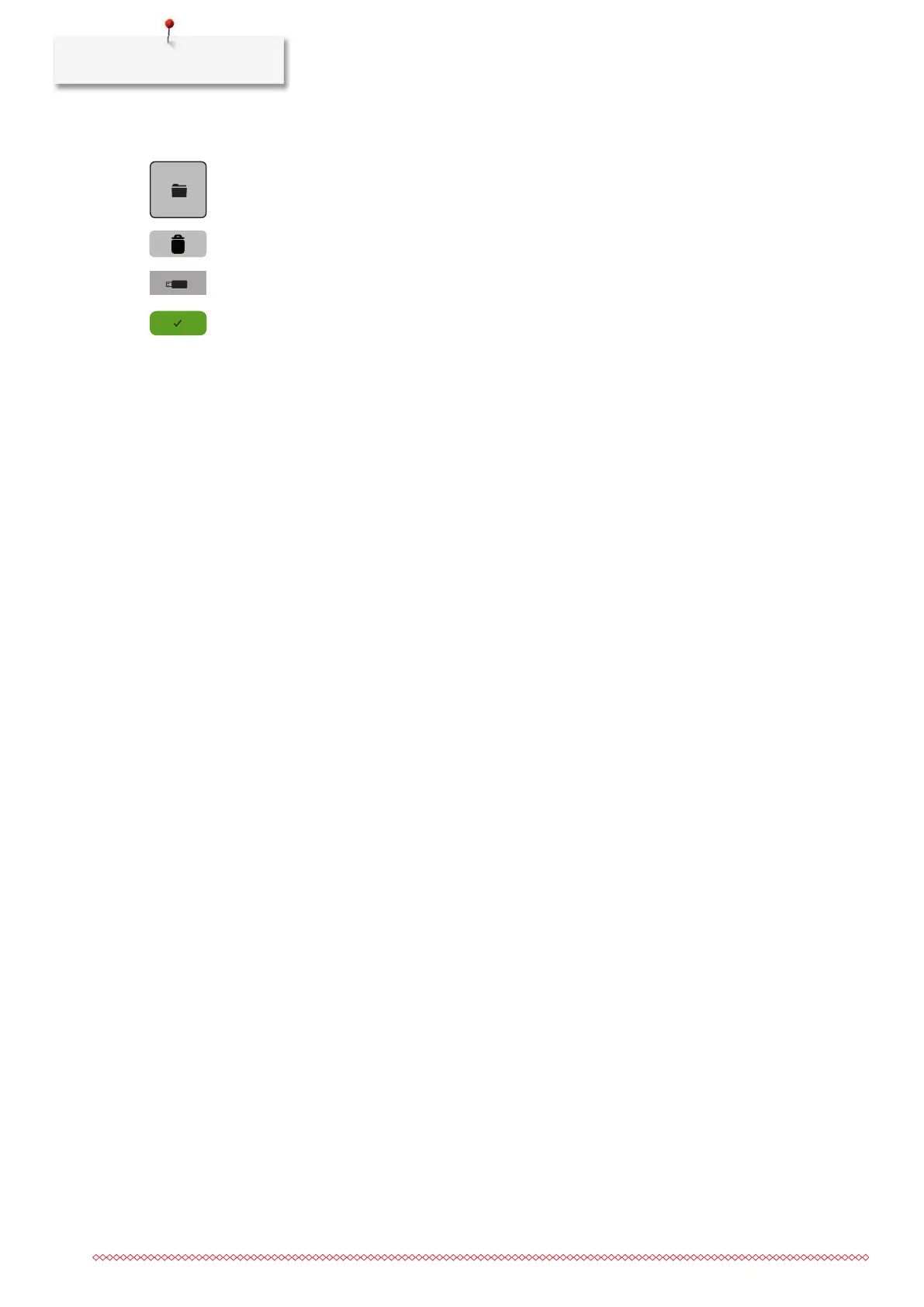
> Touch the icon «Selection».
> Touch the icon «Delete».
> Insert the BERNINA USB stick into the USB port of the machine.
> Touch the icon «USB stick».
> Select the embroidery motif which is to be deleted.
> Touch the icon «Confirm».



 To Next Page