Embroidering preparation
131
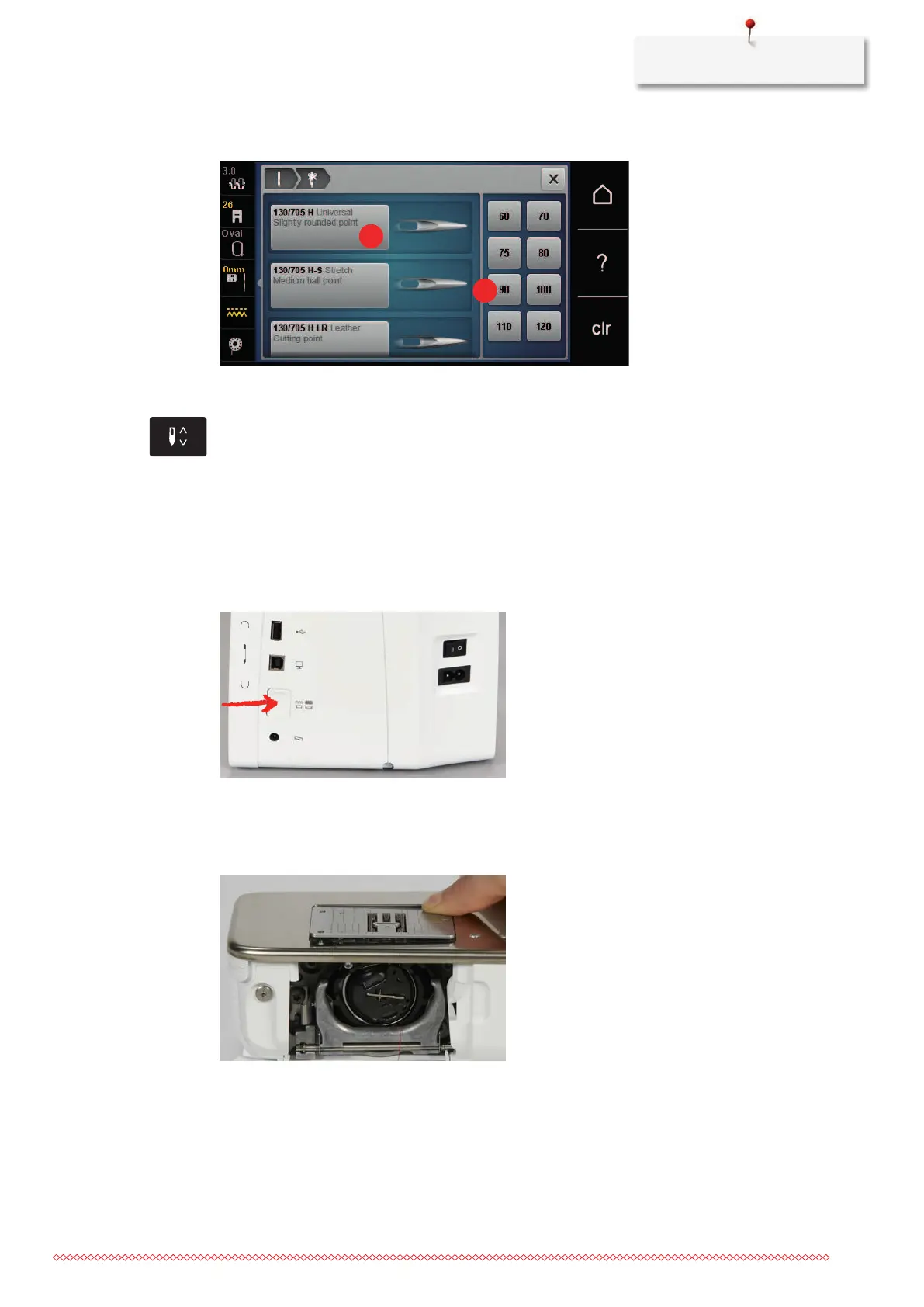
> Select the needle size (2) of the inserted needle.
Adjusting the needle position up/down
> To pull the thread upwards, touch the icon «Needle up/down».
– The needle is lowered and raised once.
Attaching the stitch plate
There is a small hole in the area of the needle on the CutWork/straight stitch plate (optional accessory). The
thread draw-in (thread knotting of upper thread and bobbin thread) is therefore optimized. This results in a
nicer stitch formation.
> Touch the icon «Feed dog up/down» to lower the feed dog.
> Switch off the machine and disconnect it from the power supply.
> Remove the needle.
> Remove the presser foot.
> At the marking on the rear of the stitch plate, push the stitch plate downwards until it tips.
> Remove the stitch plate.
> Position the openings on the CutWork/straight stitch plate (optional accessory) above the corresponding
guide pins and push them downwards until they click into place.



 To Next Page