Appendix
166
Message on the display Cause Solution
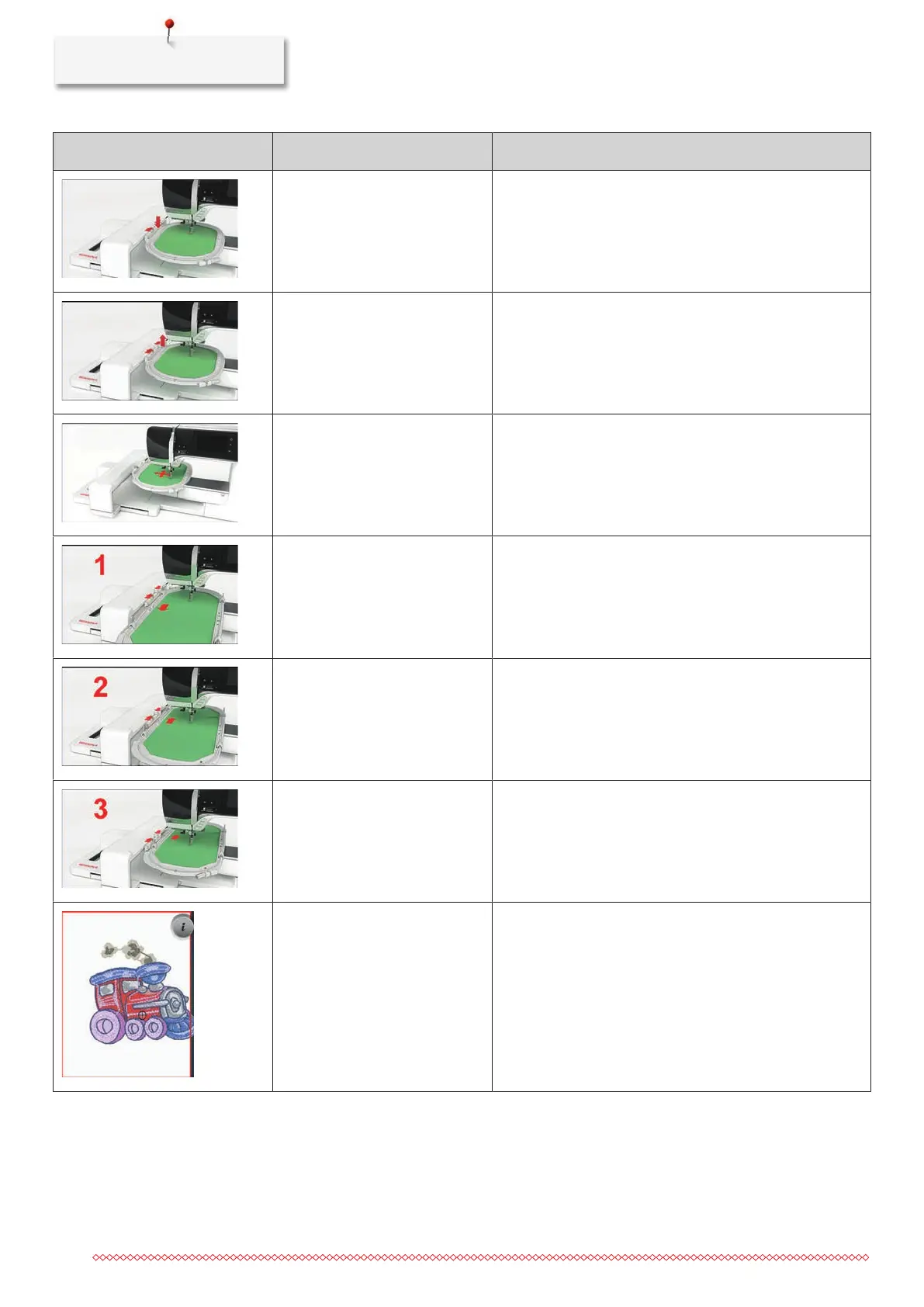
The hoop is not attached. > Attach the hoop.
The hoop is attached. > Remove the hoop.
The movement of the hoop
follows.
> Touch the icon «Confirm».
Mega Hoop top. > Bring the Mega Hoop to the top position.
Mega Hoop center. > Bring the Mega Hoop to the center position.
Mega Hoop bottom. > Bring the Mega Hoop to the lower position.
The embroidery motif is partly
outside the hoop.
> Reposition the embroidery motif and start embroidering
it again.



 To Next Page