Embroidering preparation
128
13.2 Preparing the machine
Lowering the feed dog
> Push the button «Feed dog up/down».
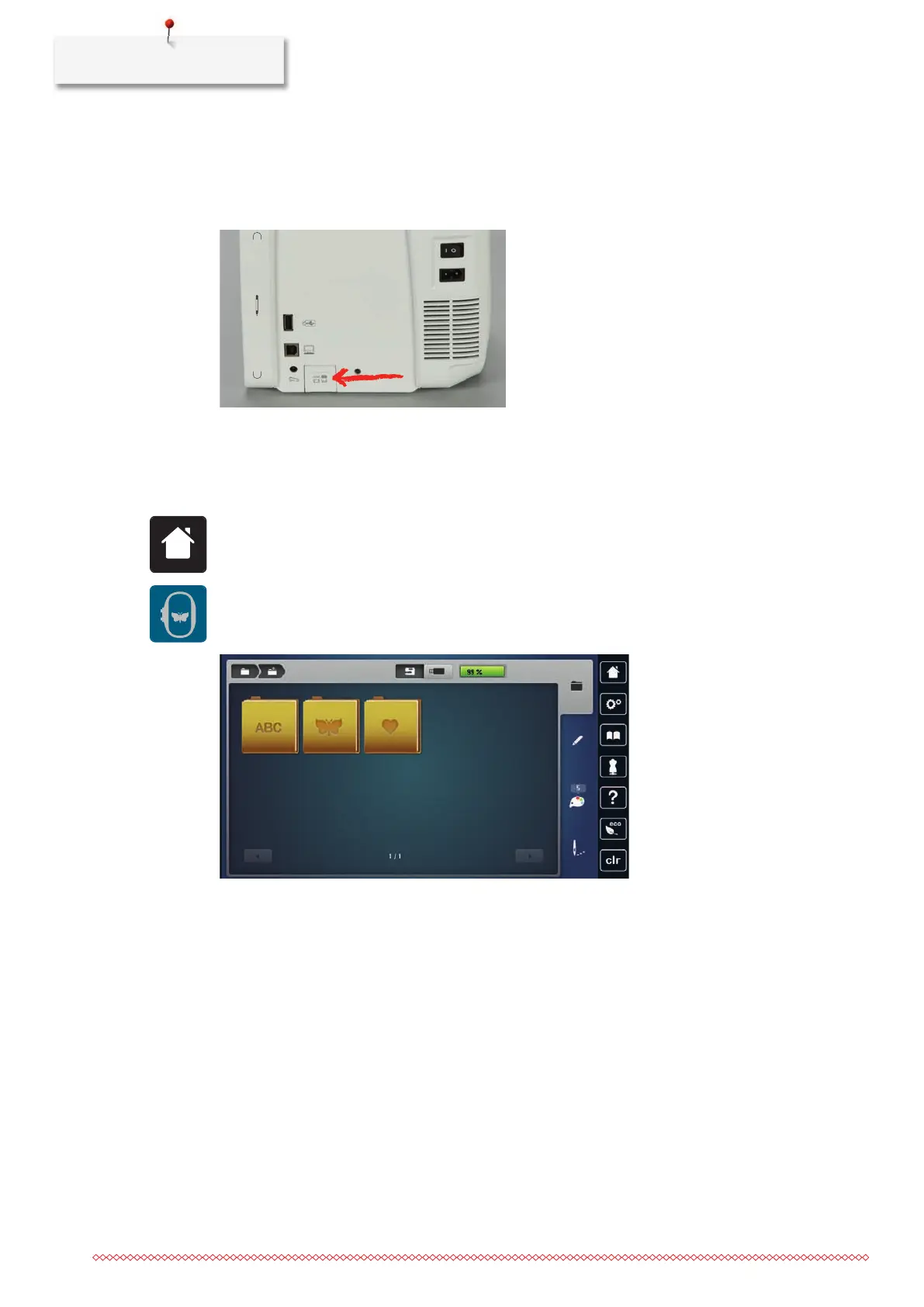
Selecting an embroidery motif
All embroidery motifs can either be embroidered as-is or they can be changed by using the various functions.
You can find all embroidery motifs at the end of the instruction manual. Furthermore, embroidery motifs
from the Personal Memory or from the BERNINA USB stick can be loaded.
> Tap «Home».
> Tap «Embroidery».
> Select an alphabet, an embroidery motif, a stitch pattern or a personal embroidery motif from one of the
files.
13.3 Embroidery foot
Attaching the embroidery foot
> Raise the needle.
> Raise the presser foot.
> Switch the machine off and disconnect it from the power supply system.



 To Next Page