Setup Program
53
Calibrating the embroidery hoop
The calibration of the embroidery hoop is the coordination of the needle to the center of the embroidery
hoop.
Prerequisite:
• The Embroidery Module is connected and the embroidery hoop with the appropriate embroidery
template is attached.
> Tap «Setup Program».
> Tap «Embroidery settings».
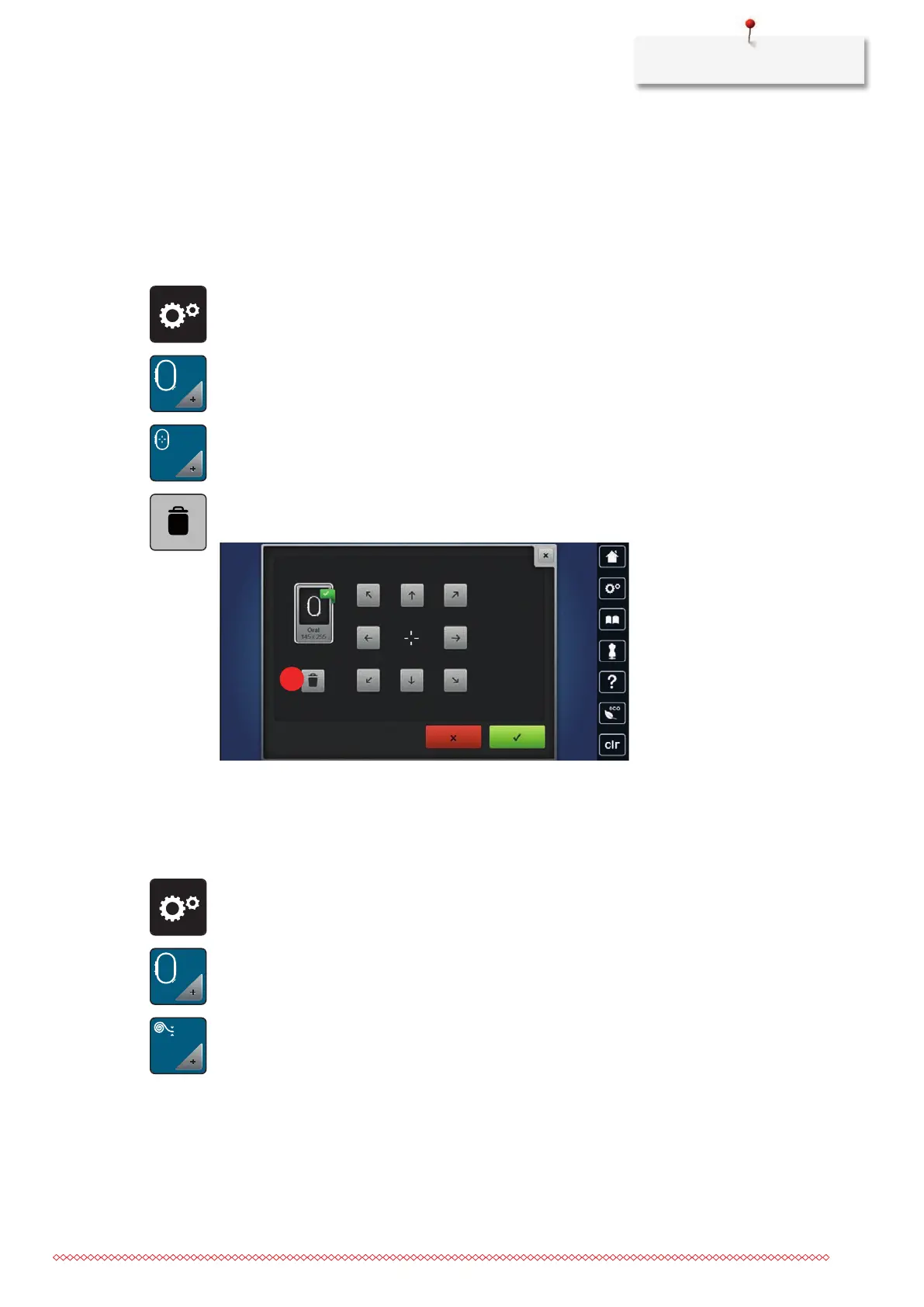
> Tap «Calibrating the embroidery hoop».
> Select the desired embroidery hoop and follow the instructions in the display.
> To delete the current calibration, tap «Delete»(1).
> Center the needle via the arrow icons on the display.
Entering the fabric thickness
If the fabric thickness is more than 4 mm as for e.g. toweling, it is recommended to select 7.5mm or 10
mm. The thicker the fabric, the slower the embroidery speed of the machine. When the machine is switched
off, the alterations are reset to the basic setting 4 mm.
> Tap «Setup Program».
> Tap «Embroidery settings».
> Tap «Entering the fabric thickness».
> Select fabric thickness.
Activating/Deactivating the function thread away
To bring up the thread end after cutting and to pull it out of the fabric, the function must be activated. For
embroidery motifs with long stitches it is recommended to deactivate the function Thread Away. If the
distance between the presser foot and the embroidery hoop is too small, the function will not be carried out.



 To Next Page