Creative sewing
67
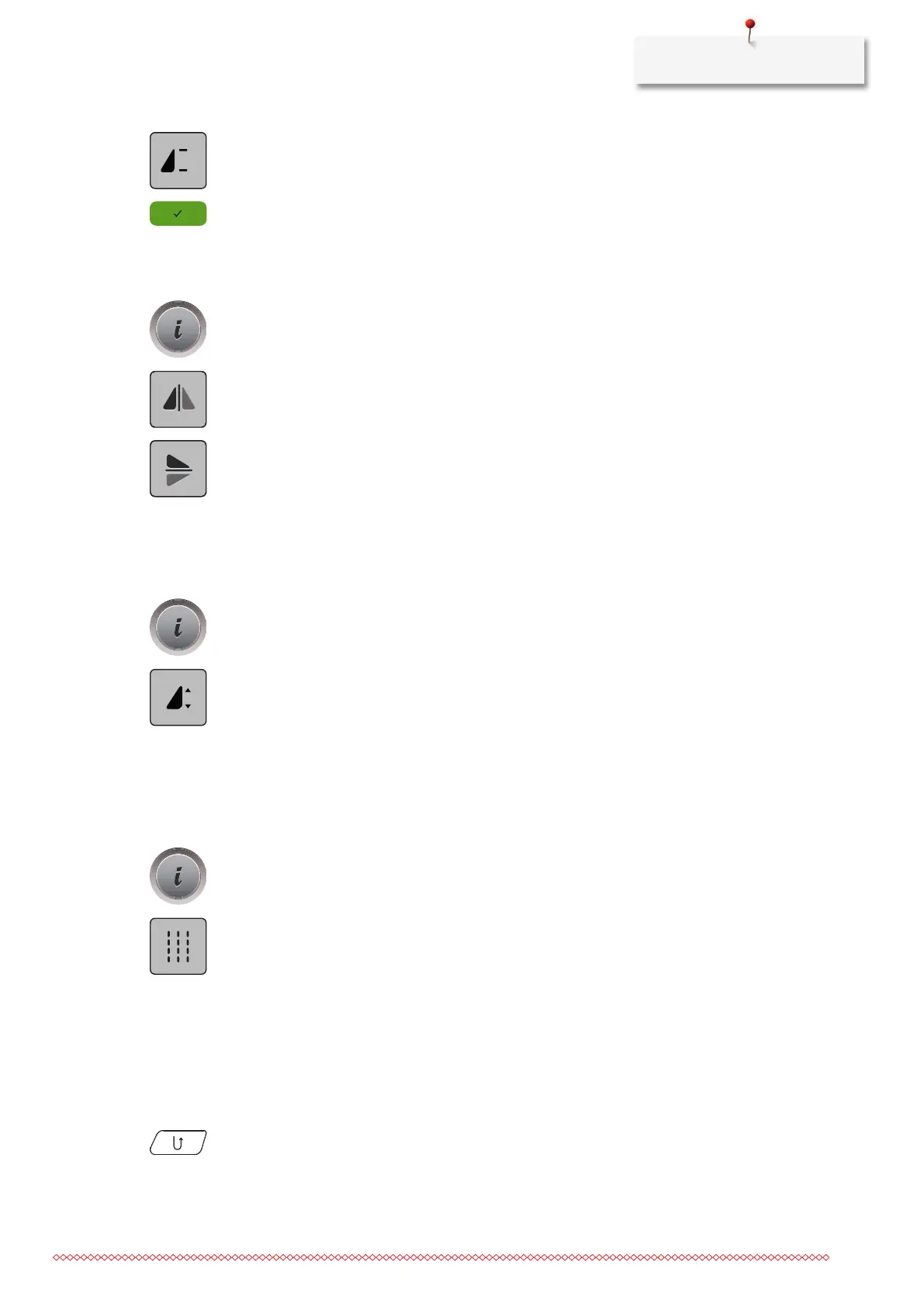
> Tap «Pattern Repeat».
> Enter the required number of stitch patterns.
> Tap «Confirm».
Mirror image of stitch patterns
> Select a stitch pattern or alphabet.
> Tap «i-Dialog».
> To mirror the stitch pattern from left to right, tap «Mirror Image Left/Right».
> To mirror the stitch pattern contrary to the sewing direction, tap «Mirror Image Up/Down».
Editing stitch pattern length
The stitch patterns can be lengthwise extended or shortened.
> Select a stitch pattern or alphabet.
> Tap «i-Dialog».
> Tap «Edit Stitch Pattern Length».
> Adjust the stitch pattern length.
Sewing stitch patterns using the triple stitch
The stitch pattern can be sewn three times for a more attractive result. Not all stitch patterns can be sewn
using the triple stitch.
> Select a stitch pattern.
> Tap «i-Dialog».
> Tap «Triple Stitch».
Quick reverse
> Select a stitch pattern or alphabet.
> To switch immediately to sewing in reverse when pushing the button «Quick Reverse», select Needle
Stop Down (permanent).
> Program needle stop up (permanent) to sew another stitch forward before the machine switches to
reverse sewing.
> Push and hold the button «Quick Reverse».



 To Next Page