Sewing preparation
37
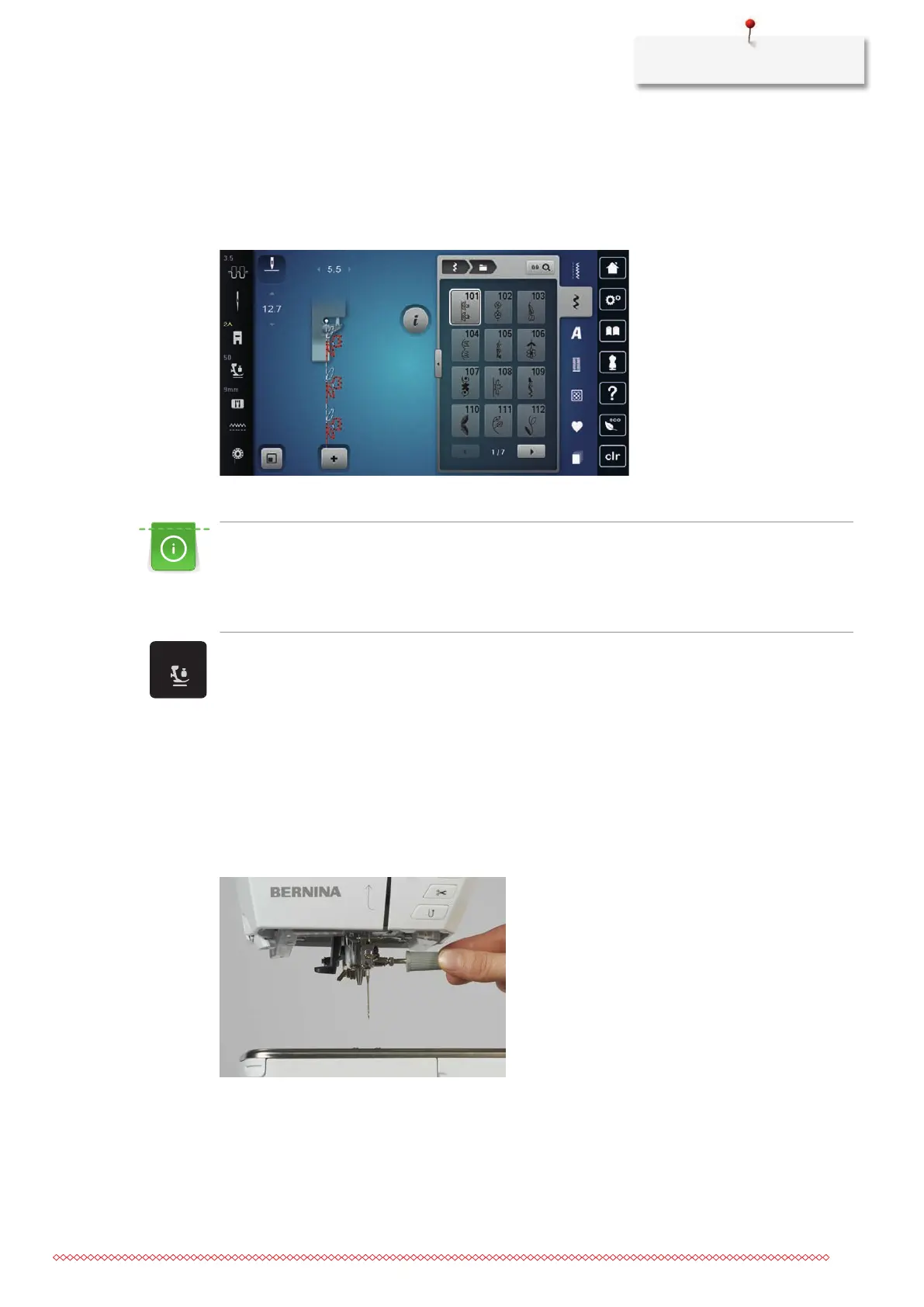
> Select the attached presser foot.
– When the selected presser foot is suitable, sewing can start.
– If the selected presser foot is not suitable for the selected stitch pattern, it can still be selected but the
machine is automatically prevented from starting. An error message is displayed. If an incorrect
presser foot is selected, the sewing stitch is displayed in red in the sewing stitch preview.
Adjusting the presser foot pressure
The presser foot pressure is designed to adjust the pressure of the presser foot optimally to the fabric
thickness. When working with thick fabrics, it is recommended to reduce the presser foot pressure. This
provides the advantage that the presser foot is slightly lifted so that the fabric can be moved more easily.
When working with thin fabrics, it is recommended to increase the presser foot pressure. This provides
the advantage that the fabric cannot be moved too easily under the presser foot.
> Tap «Presser Foot Pressure».
> Adjust the Presser Foot Pressure.
2.9 Needle and stitch plate
Changing the needle
> Raise the needle.
> Switch the machine off and disconnect it from the power supply system.
> Remove the presser foot.
> Loosen the fixing screw of the needle using the screwdriver gray Torx.
> Pull the needle down.
> Hold the new needle with the flat side to the back.
> Insert the needle as far as it will go.
> Tighten the fixing screw of the needle using the screwdriver gray Torx.



 To Next Page