Creative embroidering
152
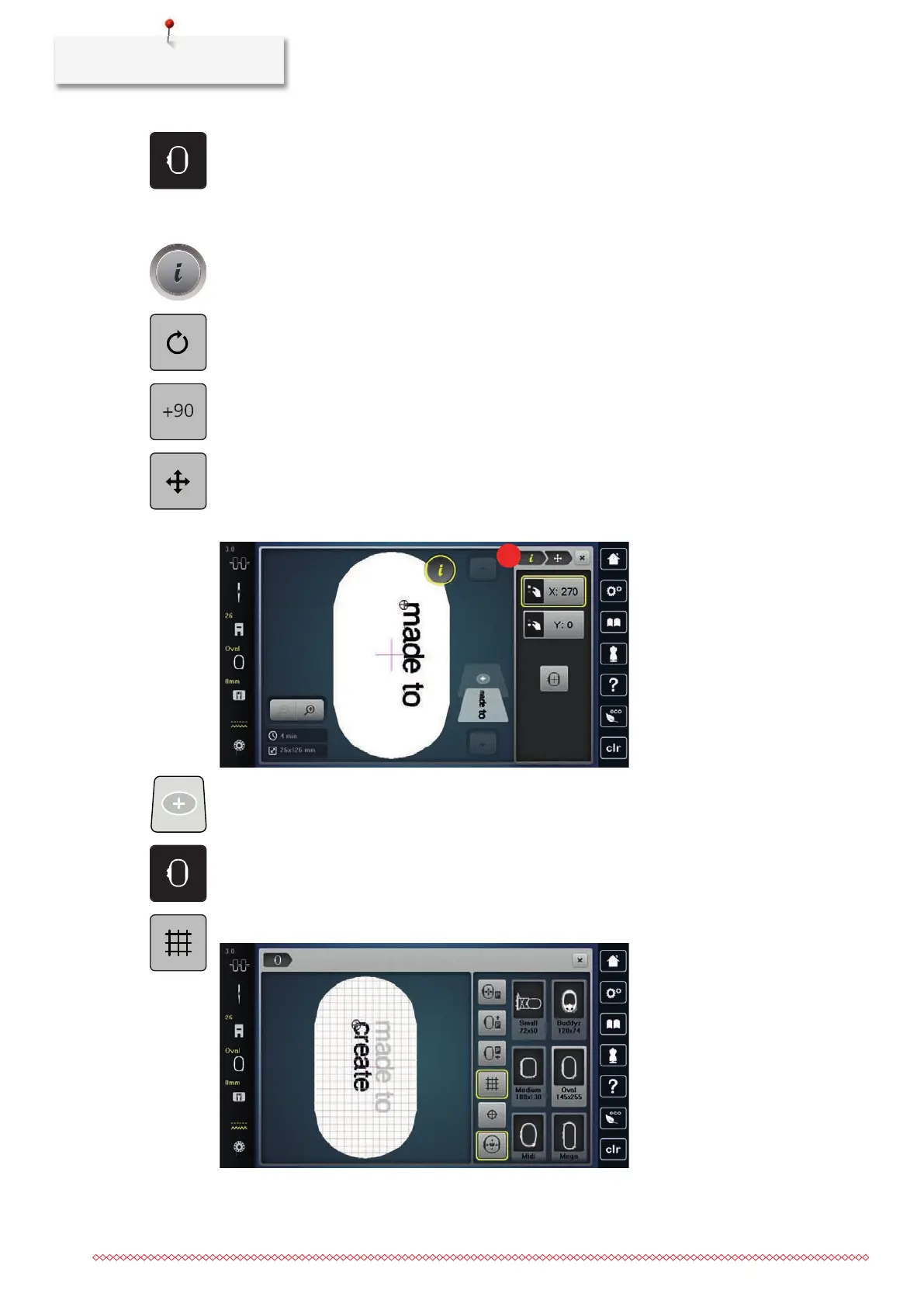
> Tap «Hoop Indicator/Select Hoop».
> Select the hoop.
> To get back to the Edit Mode, tap, «Hoop Indicator/Select Hoop» again.
Editing words/sentences
> Tap «i-Dialog».
> To rotate the embroidery motif, tap «Rotate Embroidery Motif» adjust the angle of rotation with the
Multifunction Knobs.
> To rotate the text by 90°, tap «Rotate the embroidery motif +90°».
> To return to the «i-Dialog», tap «i»(1) in the Process Navigation.
> To relocate the embroidery motif, tap «Move Embroidery Motif» and define the relocation with the
Multifunction Knobs.
> Turn the «Upper Multi-function knob» to move the embroidery motif horizontally.
> Turn the «Lower Multi-function knob» to move the embroidery motif vertically.
> Tap «Add Embroidery Motif».
> Enter the text and rotate it if necessary.
> Tap «Hoop Indicator/Select Hoop».
> To position the text lines more precisely, tap «Grid On/Off».



 To Next Page