Errors and faults
173
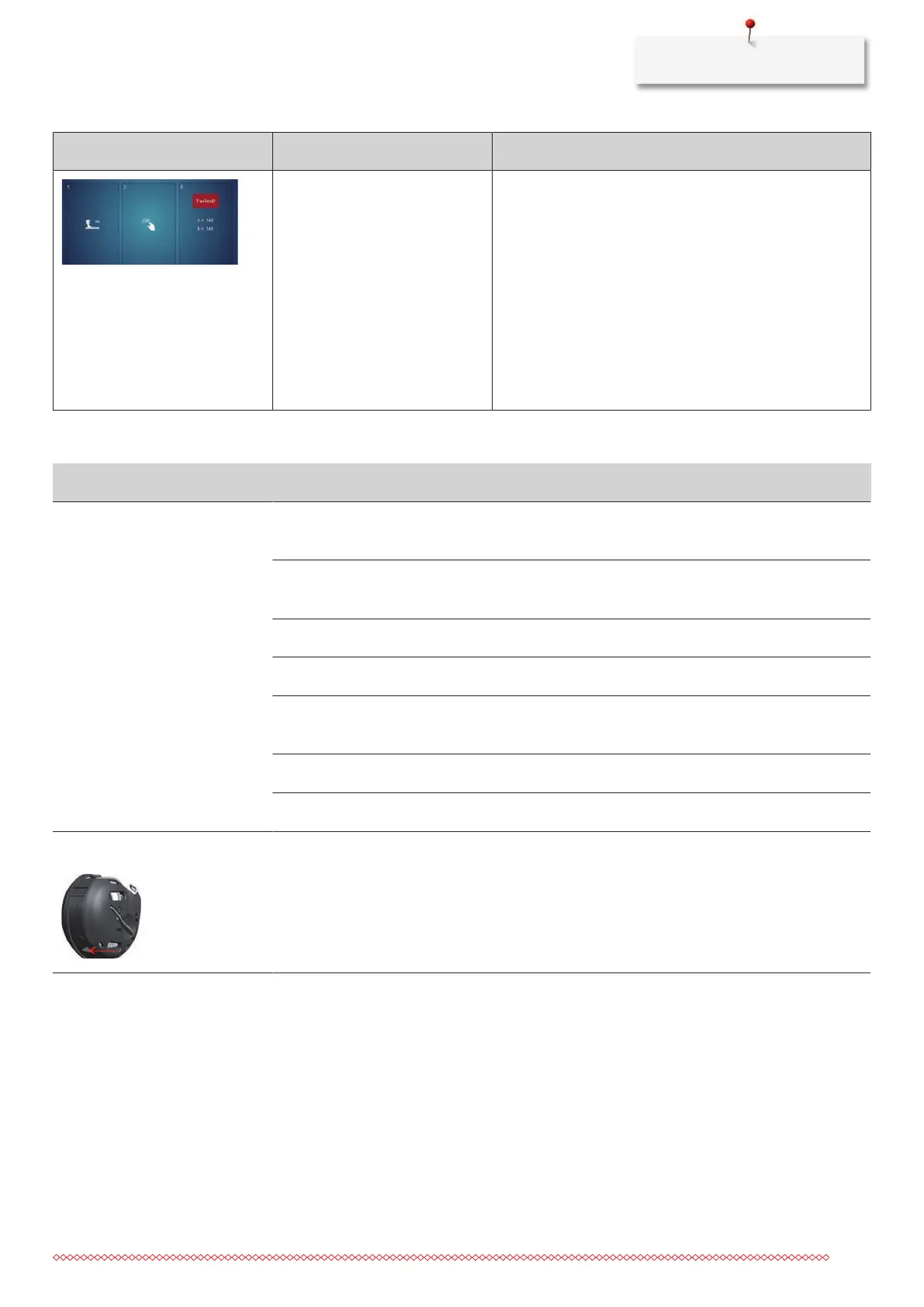
Message on the display Cause Solution
The calibration of the Buttonhole
foot with slide#3A has failed.
> Check the presser foot for ease of movement. If
necessary, remove lint, dust and fabric remnants.
> Clean the reflector with a soft, slightly damp microfiber
cloth.
> Check the position of the reflector. If necessary, correct
the position of the reflector or replace the presser foot.
> Check the plastic on the underside of the presser foot
for signs of wear. If necessary, replace the presser foot.
> Clean the feed dog.
> If the error still occurs, contact your authorized BERNINA
dealer.
18.2 Troubleshooting
Fault Cause Solution
Uneven stitch formation
Upper thread too tight or too
loose.
> Adjust the upper thread tension.
> Check the thread feed from the thread spool.
Needle blunt or bent. > Replace the needle, make sure that a new BERNINA
quality needle is used.
Poor quality needle. > Use a new BERNINA quality needle.
Poor quality thread. > Use quality thread.
Incorrect needle/thread
combination.
> Match the needle with the thread size.
Incorrectly threaded. > Rethread.
Fabric has been pulled. > Feed the fabric evenly.
Uneven stitch formation
Incorrect bobbin case is used. > Use the supplied bobbin case marked with the triangle.



 To Next Page