Embroidering preparation
132
Selecting the stitch plate in the User Interface
After changing the stitch plate, you can check whether this can be used with the selected needle.
> Tap «Stitch Plate Selection».
> Select the previously fitted stitch plate.
– If the selected stitch plate is suitable to be used in combination with the needle, sewing can begin.
– If the selected stitch plate is not suitable to be used in combination with the needle, an error message
is displayed and starting the machine is automatically prevented.
Thread-up command
The machine must be ready for embroidery to bring up the bobbin thread.The bobbin thread can be brought
up in one step for a manual knotting. If no securing stitches are wanted, it is recommended to deactivate the
securing stitches in the Setup.
> Hold the upper thread.
> Push the button«Presser Foot Up/Down».
– The bobbin thread is brought up automatically.
13.5 Embroidery hoop
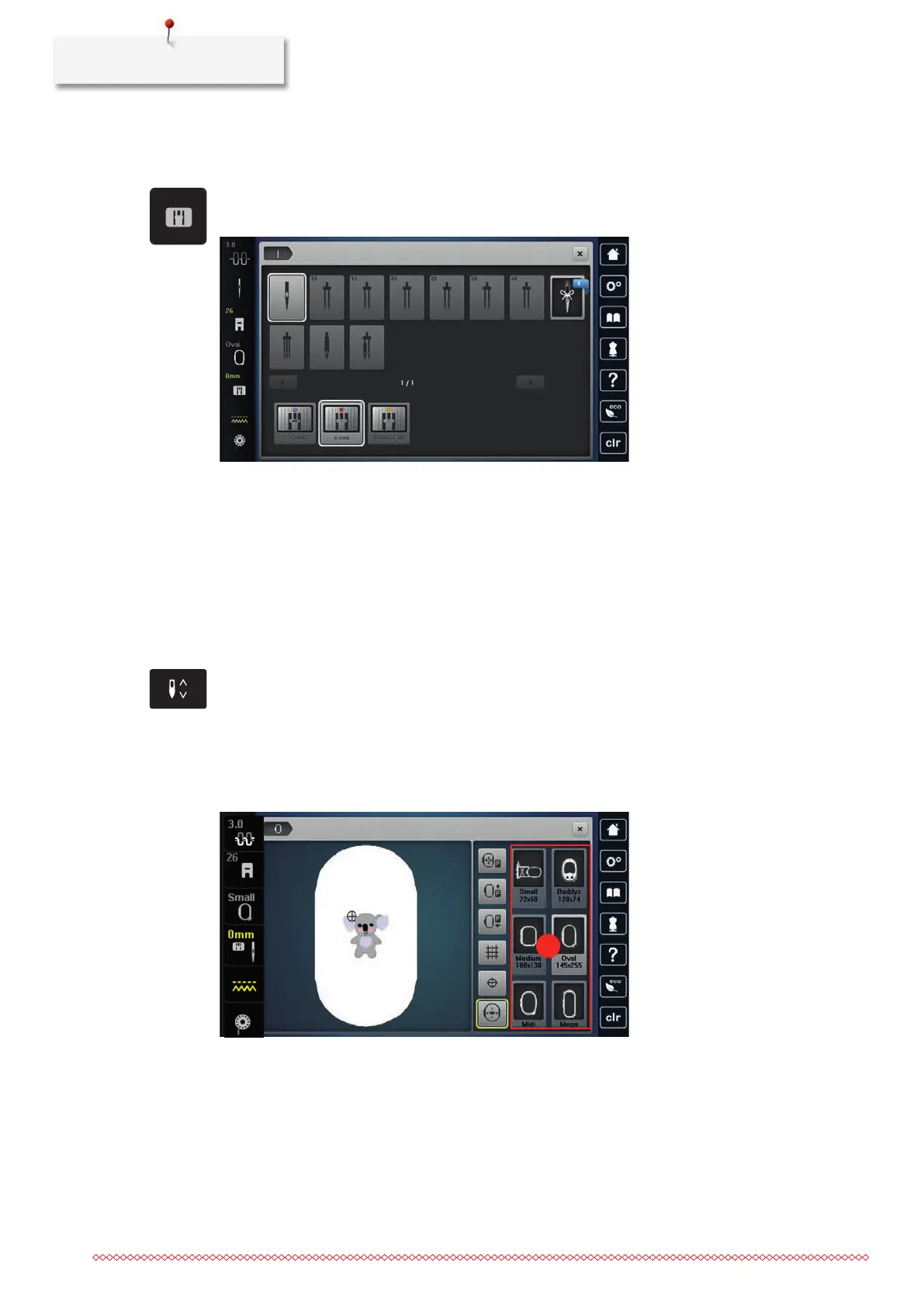
Overview Embroidery hoop selection
1 Hoop selection
Selecting the embroidery hoop
The best embroidery result is achieved when the smallest possible embroidery hoop for the embroidery motif
is selected.
The embroidery motif has a pre-set size which is displayed.



 To Next Page