Care and maintenance
163
17 Care and maintenance
17.1 Firmware
Checking the firmware version
The firmware and hardware versions of the machine and the connected embroidery module are displayed.
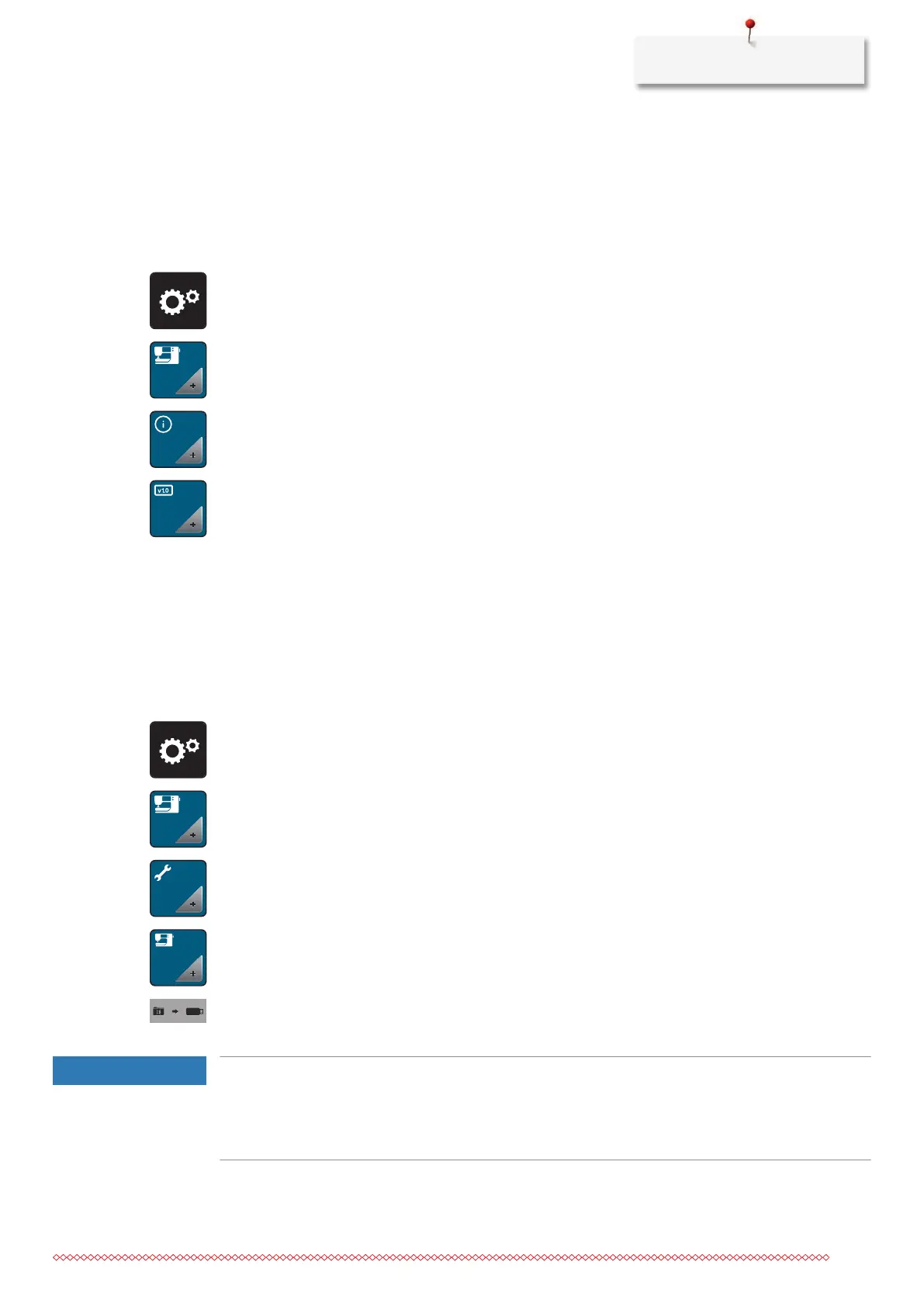
> Tap «Setup Program».
> Tap «Machine Settings».
> Tap «Information».
> Tap «Machine Data».
Updating firmware
The latest firmware of the machine and a detailed step-by-step instruction for updating processes can be
downloaded at www.bernina.com
. In general, personal data and settings are automatically transferred
during a firmware update. For reasons of safety, it is also recommended to save data and settings on a
BERNINA USB stick before the firmware update is started. If personal data and settings should get lost during
a firmware update, they can be transferred to the machine again afterwards.
> Insert the USB stick with the new firmware version into the machine.
> Tap «Setup Program».
> Tap «Machine Settings».
> Tap «Maintenance/Updates».
> Tap «Machine Update».
> Tap «Save Data».
– When the data is saved, a green tick is temporarily displayed.
NOTICE
The BERNINA USB stick (optional accessory) has been removed too early
Firmware has not been updated and the machine cannot be used.
> Remove the BERNINA USB stick (optional accessory) only after the update has been completed
successfully.



 To Next Page