Setup Program
49
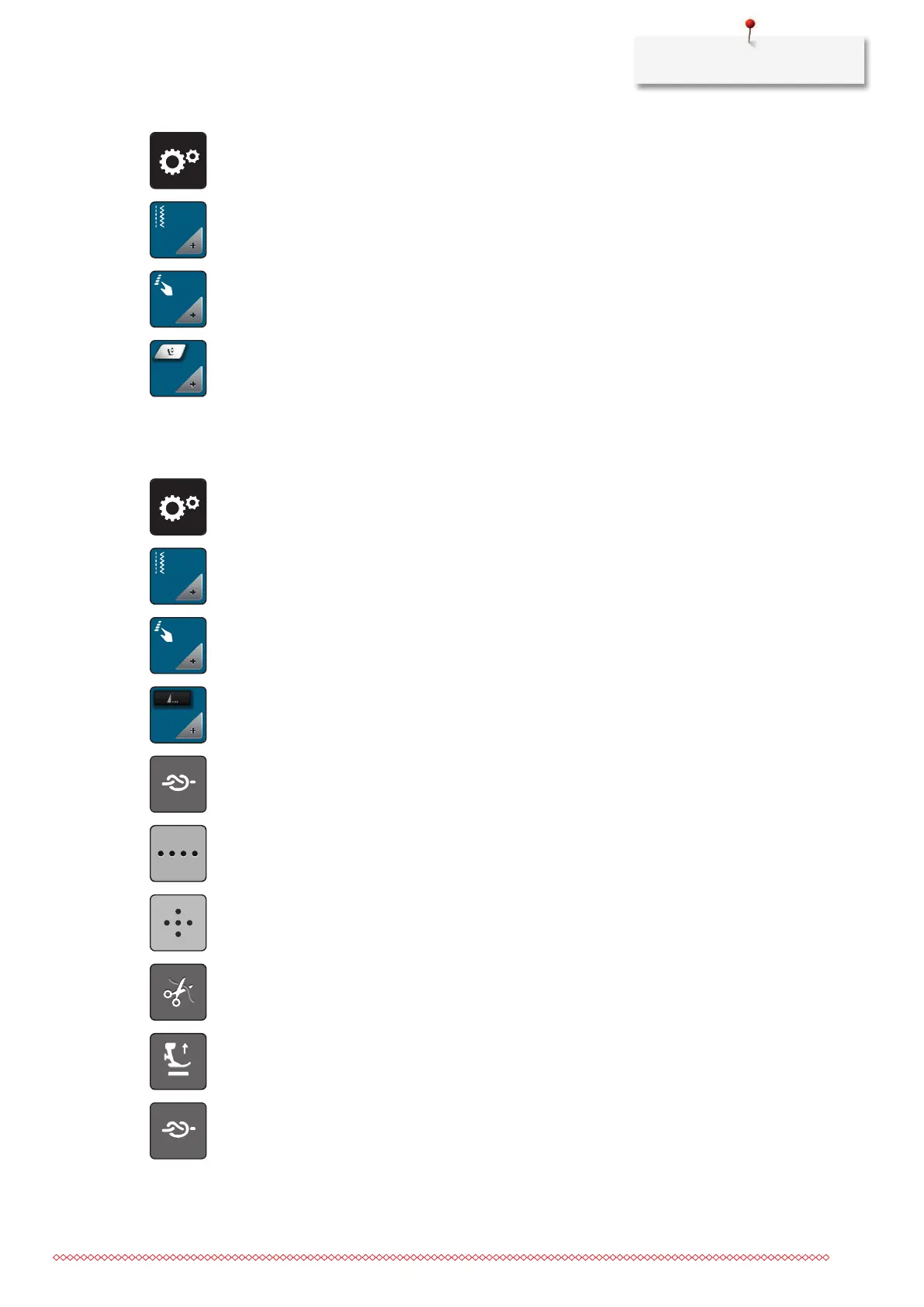
> Tap «Setup Program».
> Tap «Sewing settings».
> Tap «Programming buttons and icons».
> Tap «Programming the Hovering Height of the presser foot».
> To adjust the distance between the fabric and the presser foot.
Programming the button «Pattern end»
The presser foot can be positioned, the thread cut and the automatic securing can be programmed.
> Tap «Setup Program».
> Tap «Sewing settings».
> Tap «Programming buttons and icons».
> Tap «Programming the button Pattern end».
> To sew 4 securing stitches in place, tap «Securing Stitches».
> To program subsequent securing stitches, tap «Securing stitches in close succession».
> To program the number of subsequent securing stitches, tap «Plus» or «Minus».
> To program 4 securing stitches in place, tap «Securing stitches in place».
> To deactivate the automatic thread cut after securing, tap «Automatic Thread Cutter».
> To activate the automatic thread cut after securing, tap «Automatic Thread Cutter» again.
> To keep the presser foot in lowered position, tap «Lift the presser foot».
> To raise the presser foot after securing, tap «Lift the presser foot» again.
> To deactivate the automatic securing, tap «Securing Stitches».
> To activate the automatic securing, tap «Securing Stitches» again.



 To Next Page