Setup Program
51
Programming the button «Quick reverse»
You can choose between «Reverse sewing» and «Stitch-specific reverse sewing».
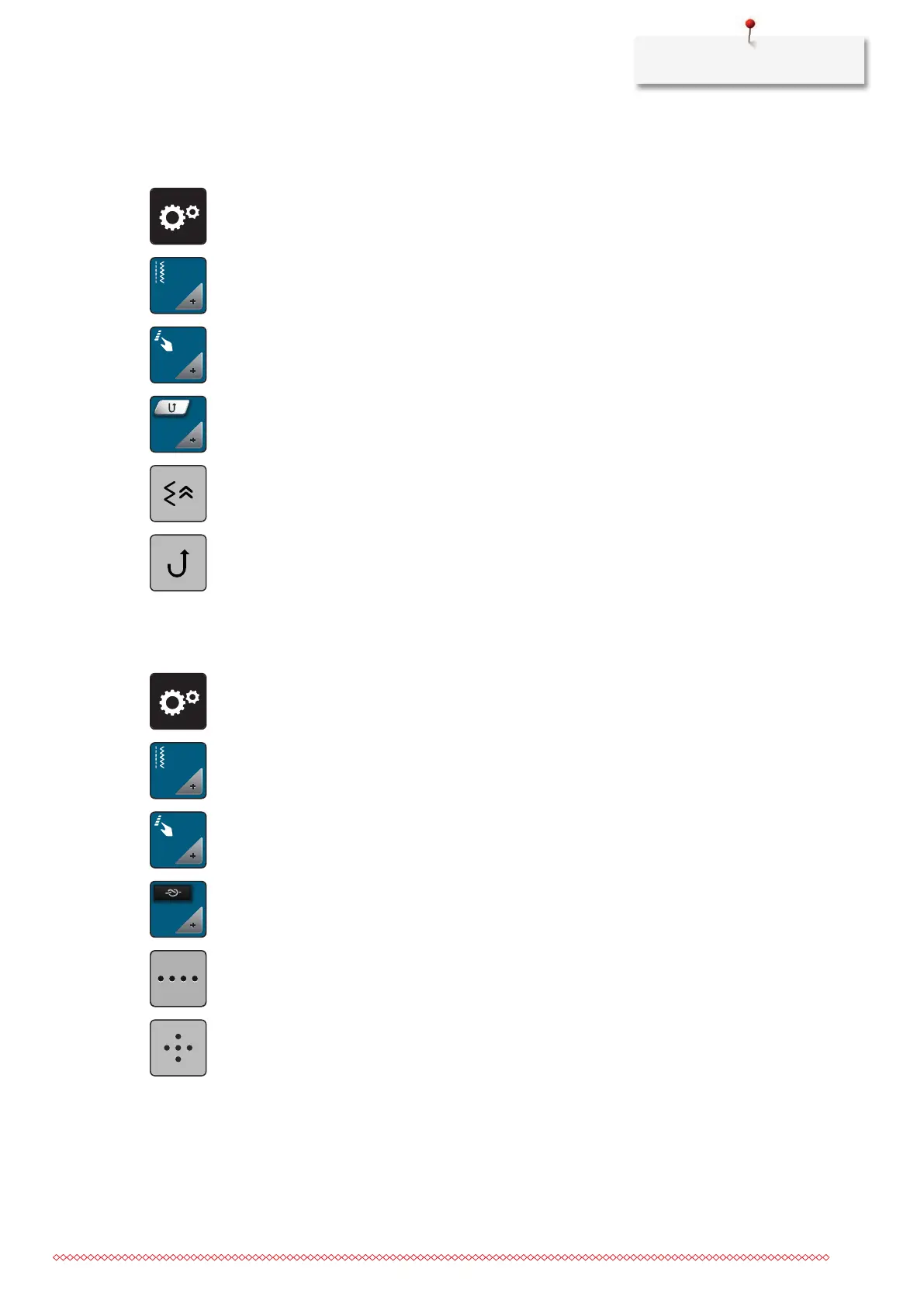
> Tap «Setup Program».
> Tap «Sewing settings».
> Tap «Programming buttons and icons».
> Tap «Programming the button Quick reverse».
> To set the stitch-precise reverse sewing, tap «Backstepping».
> To set the stitch-precise reverse sewing, tap «Permanent Quick Reverse».
Programming the button «Securing»
The number and type of securing stitches can be programmed.
> Tap «Setup Program».
> Tap «Sewing settings».
> Tap «Programming buttons and icons».
> Tap «Programming the button Securing».
> To program subsequent securing stitches, tap «Securing stitches in close succession».
> To program the number of securing stitches, tap «Minus» or «Plus».
> To program 4 securing stitches in place, tap «Securing stitches in place».



 To Next Page