Embroidering preparation
129
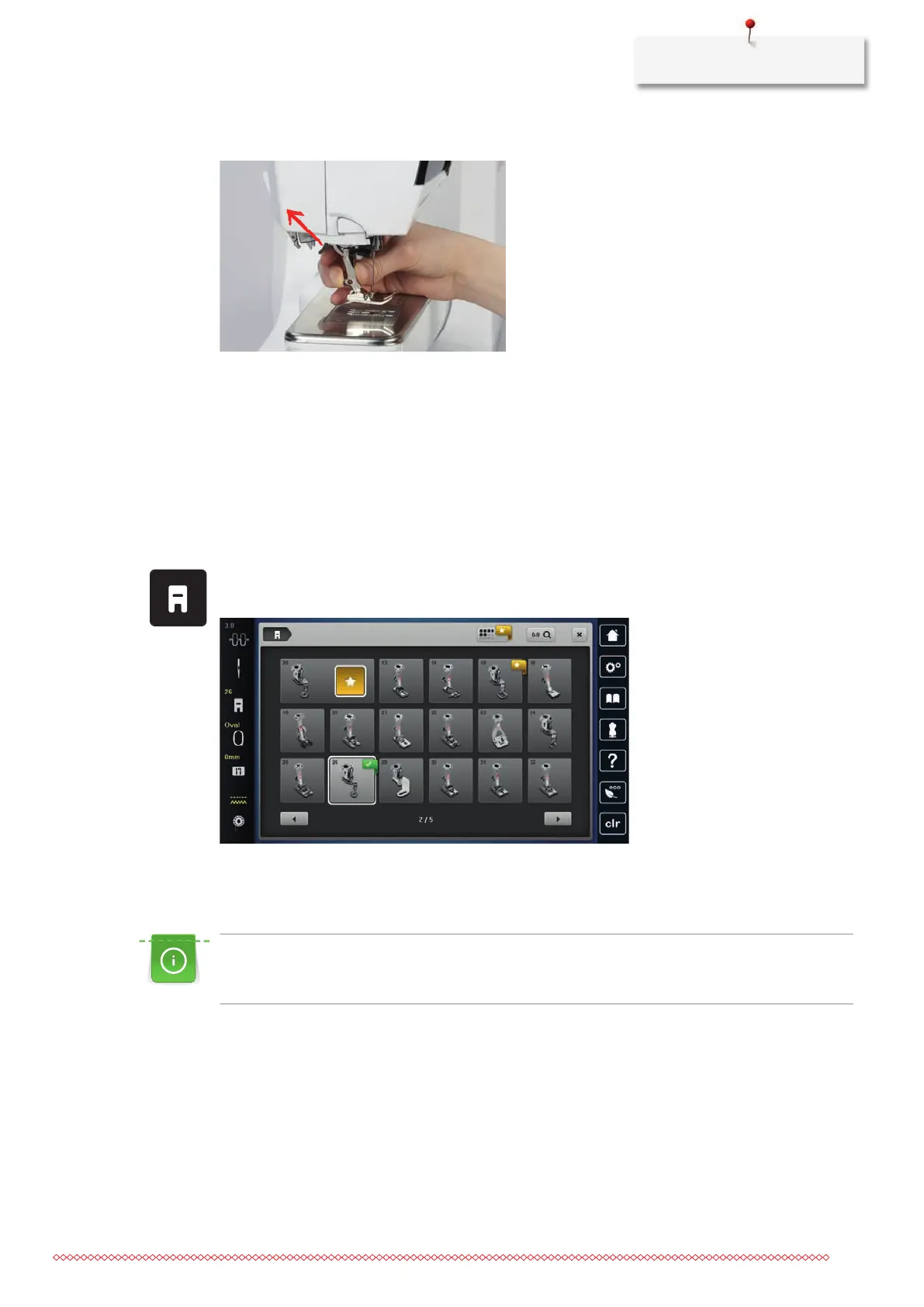
> Push the clamping lever up.
> Remove the presser foot.
> Insert the embroidery foot from below into the bracket.
> Press the clamping lever down.
Selecting the presser foot in the User Interface
After having fitted the appropriate embroidery foot (Embroidery Foot#26, supplied accessory) it can be
selected and saved on the machine. Moreover optional presser feet can be displayed which are available for
the currently selected embroidery motif.
> Switch the machine on.
> Select an embroidery motif.
> Tap «Presser foot indicator / presser foot selection».
> Select the fitted embroidery foot.
13.4 Needle and stitch plate
Inserting the embroidery needle
Embroidery needles of the type 130/705 H-SUK provide a larger eye and are slightly rounded. This avoids
thread abrasion when using Rayon- and cotton embroidery thread. Depending on the embroidery thread
use a size No. 70-SUK to No. 90-SUK needle.
> Raise the needle.
> Switch the machine off and disconnect it from the power supply system.
> Remove the attached foot.



 To Next Page