Sewing preparation
36
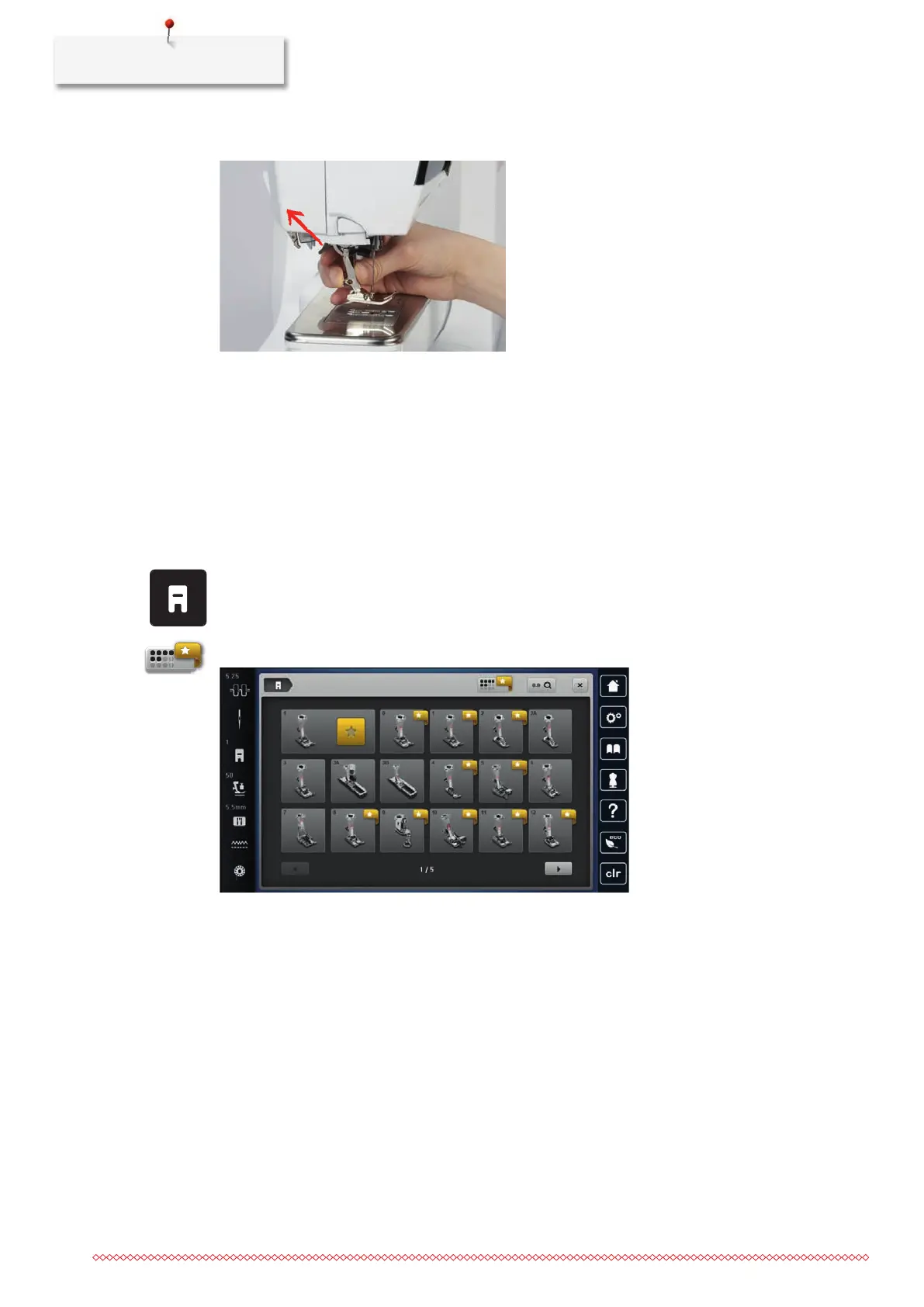
> Push the clamping lever up.
> Remove the presser foot.
> Guide the new presser foot upwards over the cone.
> Press the clamping lever down.
Selecting the presser foot in the User Interface
After changing the presser foot, a check can be performed to determine whether it is suitable for the
selected stitch pattern. Additionally, alternative presser feet are displayed, which are available for the selected
stitch pattern.
> Switch the machine on.
> Select a stitch pattern.
> Tap «Presser foot indicator / presser foot selection».
> To display all suitable presser feet for the selected stitch pattern, tap «Optional Presser Feet».



 To Next Page