Creative embroidering
146
If the grouping of a embroidery motif has been canceled, i.e. the embroidery motif has been broken down
into different elements/colors, the colors are no longer combined for new groupings. With alphabets, the
length of the connecting stitches must first be set to 1 in the setup. The cancellation of the group then
works for all letters.
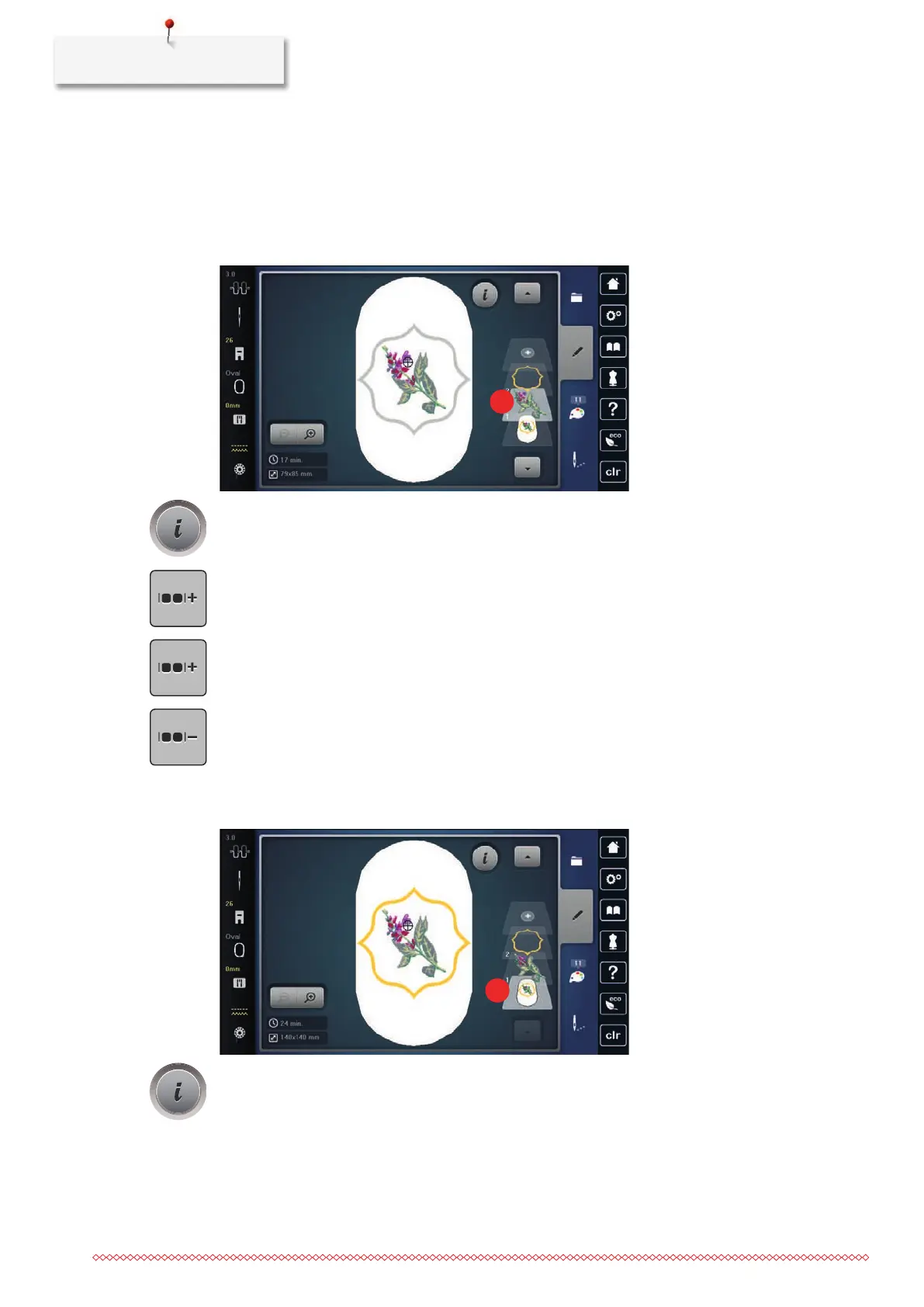
> Create an embroidery motif combination.
> Select the embroidery motif (1) in the embroidery motif combination.
> Tap «i-Dialog».
> Tap «Group Embroidery Motifs».
> Tap «Group».
– Embroidery motifs above the selected embroidery motif are added to the embroidery motif group.
> Select the embroidery motif group.
> Tap «Ungroup».
– The grouping is canceled.
or
> Create an embroidery motif combination.
> Select all embroidery motifs (2).
> Tap «i-Dialog».



 To Next Page