S10/S12/S10A/S12A Patient Monitor User’s Manual
1-11
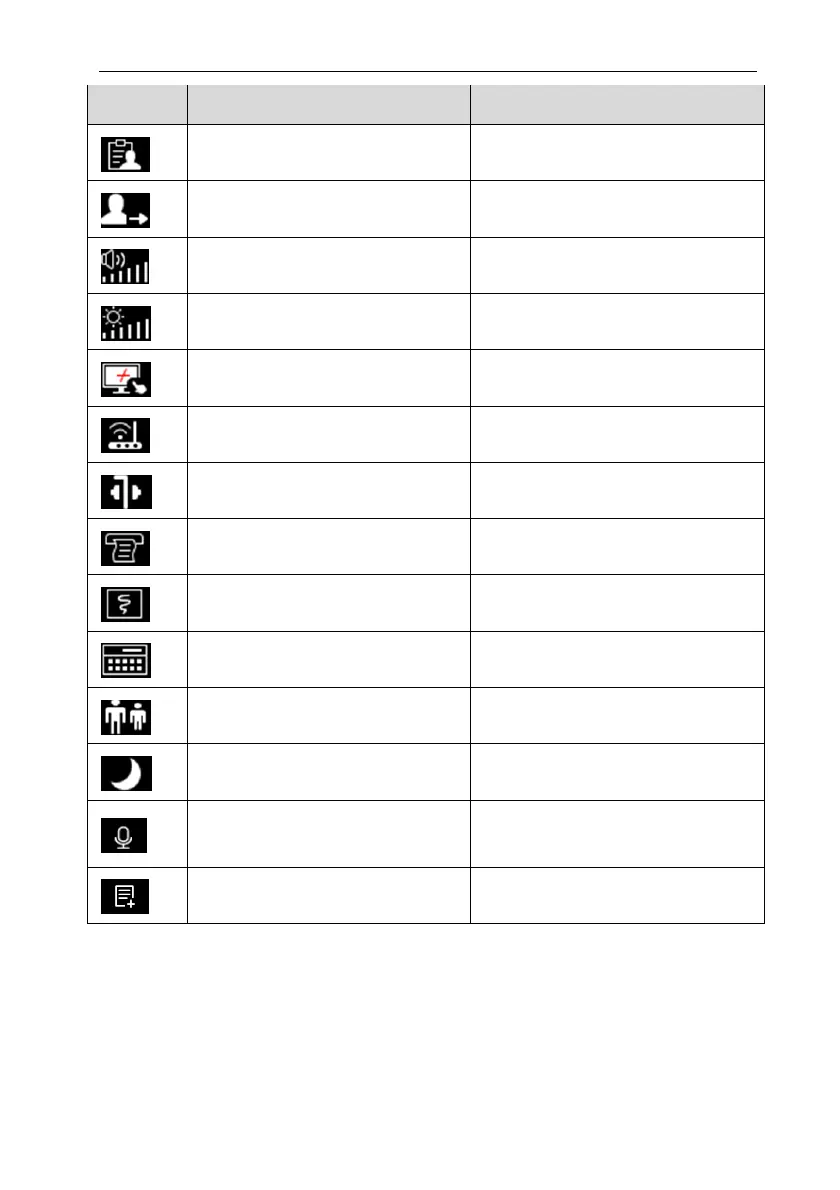
Symbol Quick key Note Function
Patient Management Enter the 【Patient Management】menu
Discharge the patient Discharge the current patient
Volume
Enter the【Sound】setting menu
Brightness
Enter the 【Brightness】 menu
Lock screen or Unlock screen Disable/activate touch screen
Wireless Setup
Enter the【Wireless Setup】menu
Intubation status / exit intubation status Enter / exit Intubation status
Record setup Enter the【Record Setup】menu
Real-time recording Manually start/stop real-time recording
Calculation
Enter the【Calculations】menu
Other bed observation
Enter the 【Remote View】interface
Night mode / exit night mode Enter / Exit night mode
Voice Assistant / Turn off voice
assistant
Turn voice assistant on/off
Manual event Manually trigger and save events
1.5.2.2. Setting the quick keys
You can set quick keys which need to be displayed on the interface, as follows:
1. Enter the 【Quick keys】setting menu in one of the following ways:
Select 【Screen Setup】 quick key select 【Quick keys】 submenu.



 To Next Page