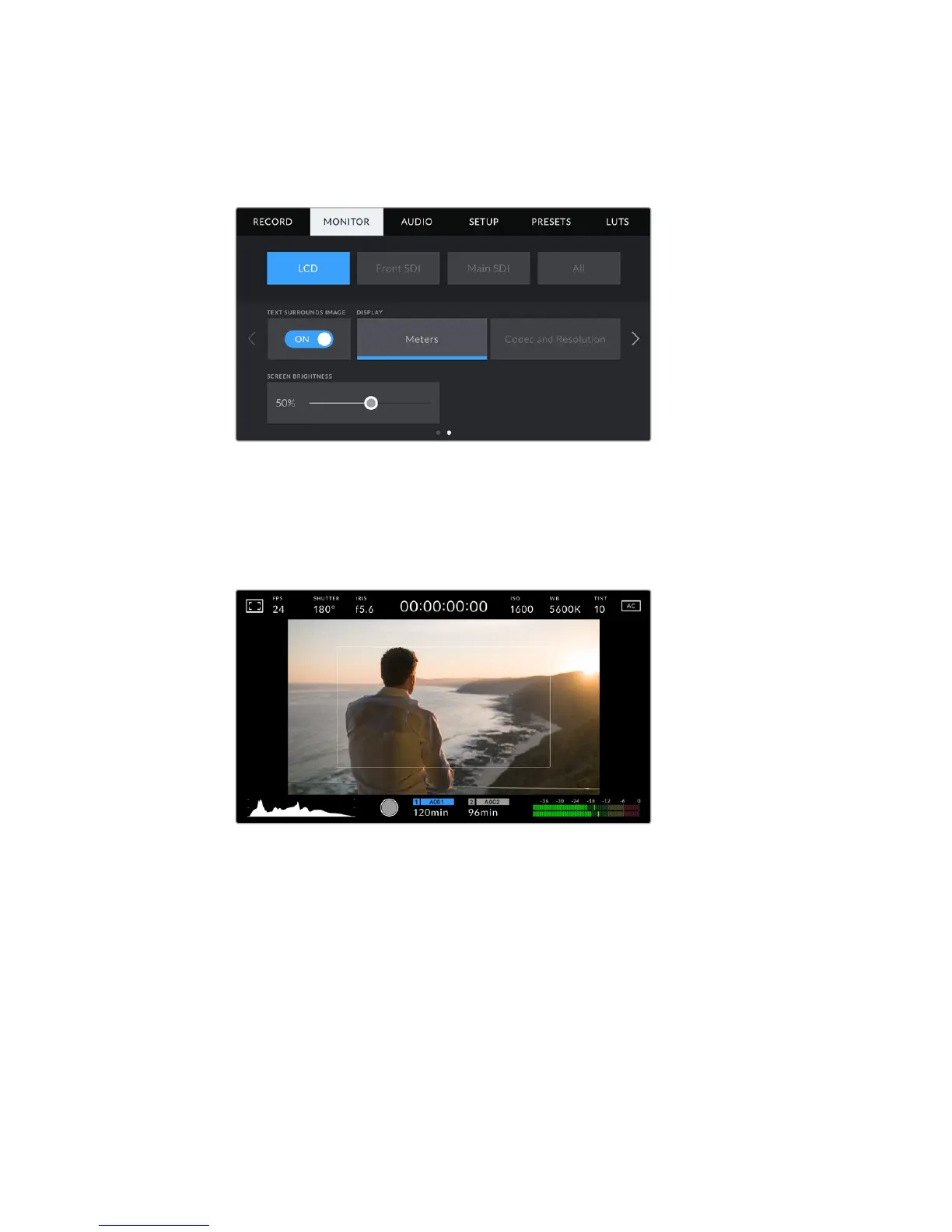
LCD Monitor Settings 2
The second page of your URSA Mini's 'LCD' monitor tab contains settings unique to your
LCDtouchscreen.
Text Surrounds Image
This setting is available on URSA Mini 4K and URSA Mini 4.6K models only. Tap the ‘text
surrounds image’ switch in the ‘LCD’ menu to scale the image on your LCD touchscreen
down 75%. This puts the image in the center of the LCD touchscreen away from status
indicators at the top and bottom edges, giving you an unobstructed view of your URSA
Mini's preview image while keeping status text on screen.
'Text surrounds image' gives you a clear view of your URSA Mini EF or PL's
preview image for framing purposes while keeping status text on screen
Status Text On/Off
This setting is only available for URSA Mini Pro 4.6K. It can be useful to hide the status
text and meters on your LCD HUD, leaving only the information necessary to compose
or direct a shot. Tap the ‘status text’ switch icon to toggle the appearance of status text
and meters for URSA Mini Pro 4.6K's LCD touchscreen. Overlays such as frame guides,
grids, focus assist and zebra will remain visible, if enabled. Swiping up or down on your
URSA Mini Pro 4.6K's LCD touchscreen has the same effect.
Display
Instead of a histogram and audio meters, your URSA Mini can display codec and
resolution information at the left and right bottom edges of the LCD touchscreen. This
can be useful if you prefer to use false color for dialling in exposure, or are recording
audio separately and want to display additional information in the space normally used
by the histogram and audio meter.
98Settings










 To Next Page