27
1.11 How to Operate Nyon 1.11 How to Operate Nyon
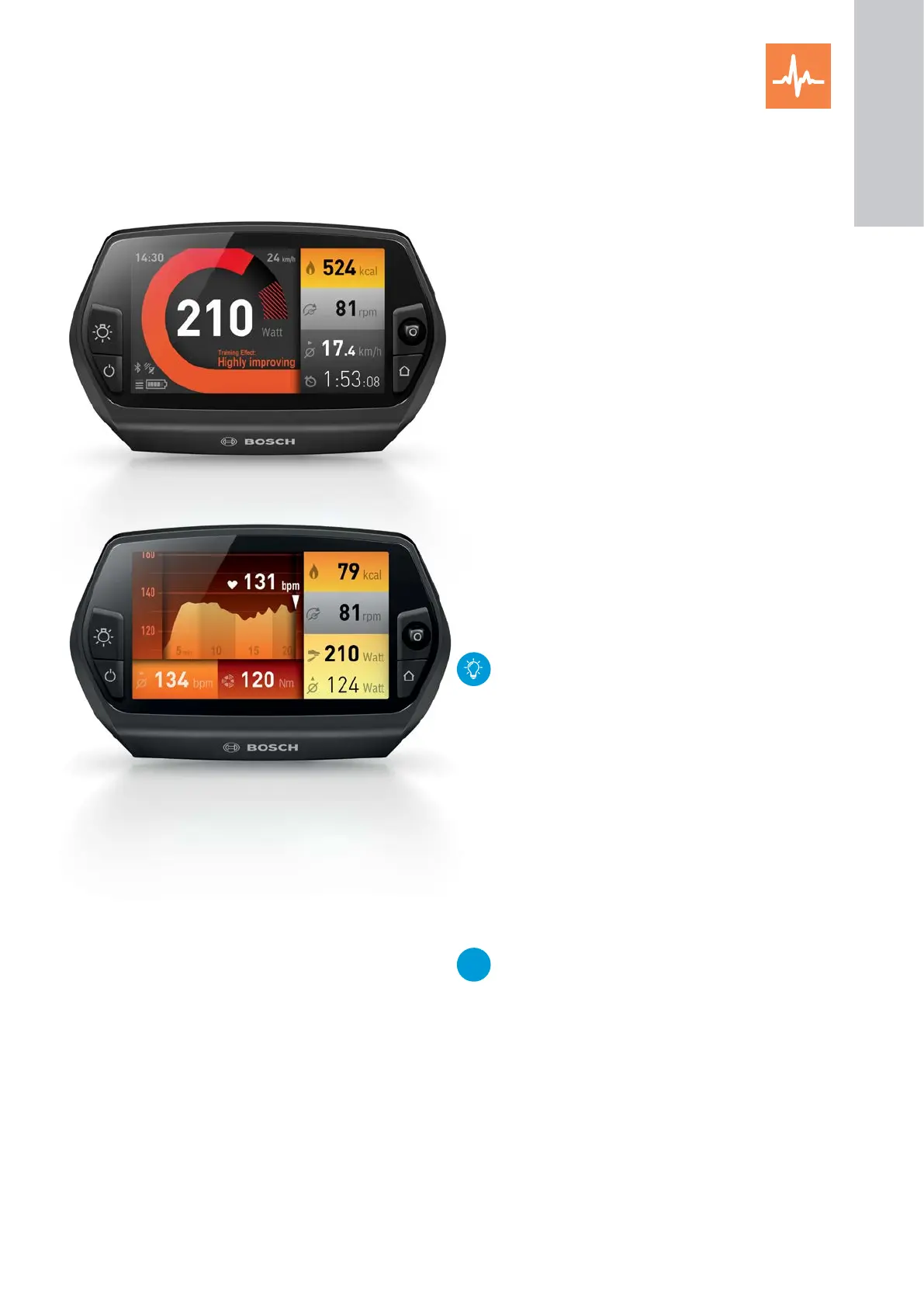
Current rider power: 210W, Training effect "Highly improving"
Heart rate of rider: 131 beats per minute (bpm),
training effect: "Maintaining fitness"
Measure heart rate
X The heart rate is displayed as long as a Blue-
tooth-enabled heart rate monitor is connected with
Nyon, including:
1. Attach a compatible heart rate monitor with
slightly moistened electrodes.
– e.g. Polar H7, Mio heart rate monitor, Sigma
R1 BLUE COMFORTEX+, Suunto Smart Sensor
(technical modifications may effect compati-
bility)
– Other "Bluetooth Low Energy"-enabled heart
rate monitor may also be possible.
2. Operating mode "Settings" → "Connections" →
"Heart Rate Monitor" by moving the joystick to
the right.
3. Nyon detects your heart rate monitor. Press the
joystick to confirm.
4. Observe the instructions in the owner’s manual
from the heart rate monitor manufacturer.
Measurement of heart rate increases the accu-
rate analysis of the training effect. However, the
heart rate displayed may be distorted by electro-
magnetic interference and therefore are for
reference only.
Functions
X "Custom Screen": Enabling a customised display
screen
– You can choose from 20 various blocks of basic
information and three different graphic layouts.
Configuration is via the eBike Connect smartphone
app or in the online portal
&
eBike-Connect.com,
see p. 35 and p. 41.
NEW
If the "Fitness" mode is selected, then the last
used screen is automatically called up (standard
or user-defined).
X "Reset Trip": Reset the training time, calories
burned and average values to "0".
1
ON-BOARD
COMPUTER










 To Next Page