NEW
29
1.11 How to Operate Nyon 1.11 How to Operate Nyon
My eBike
(can only be called up when Nyon is mounted)
X "Shift recommendation": switch shift recommenda-
tion On/Off.
X "eShift": configuration of eShift system, see p. 60
X
"Reset range": resets the range indicator to zero
X "Wheel size circumference": adjustment of the
wheel size circumference by +/– 5%
X "Service": displays the next service appointment
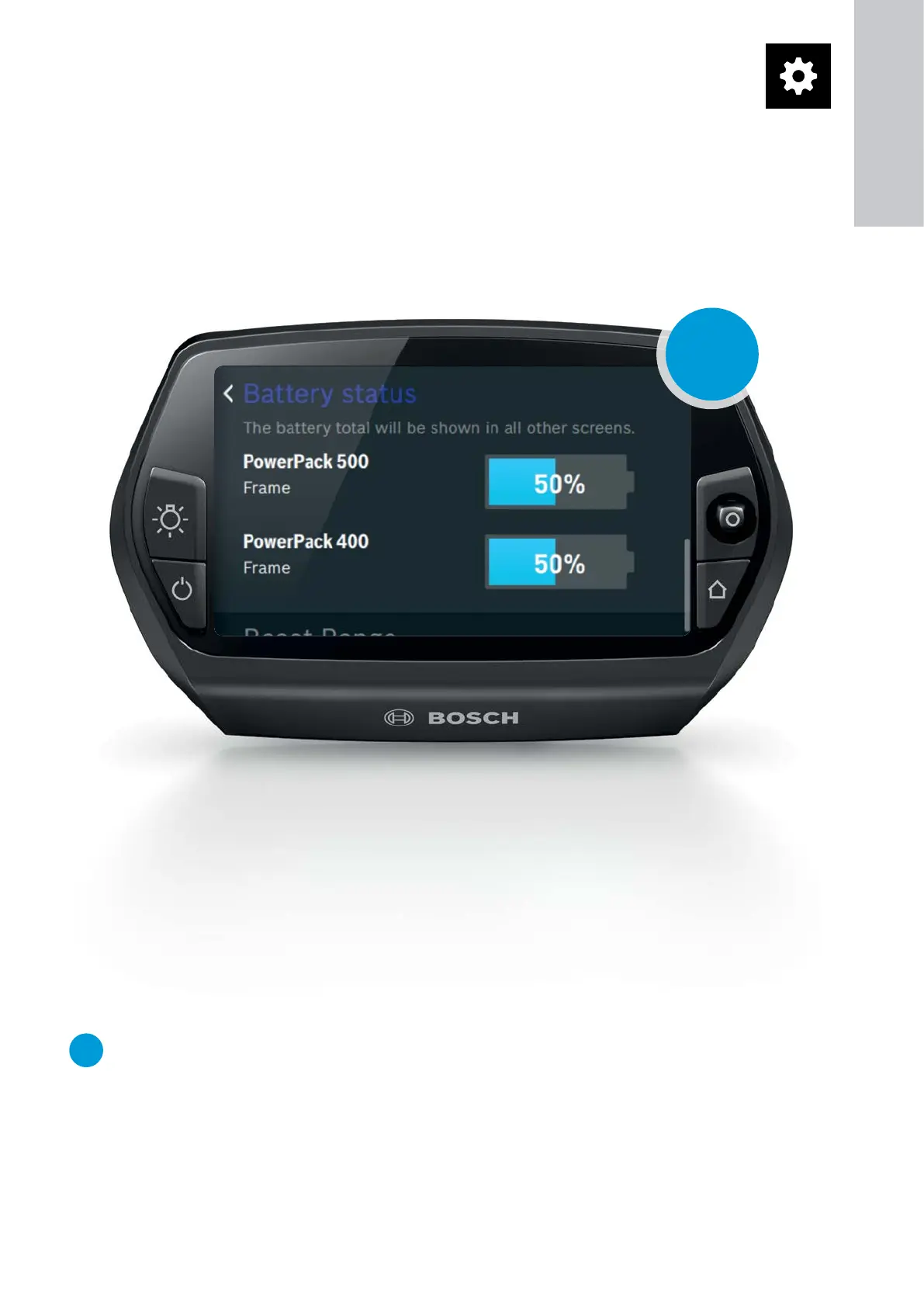
NEW
DualBattery usage: displays the charge level of
both batteries
My Nyon
X "Check for updates": searches for software updates
for Nyon (if Wi-Fi connection is enabled)
– To update, connect Nyon via a USB A - Micro B
cable to a power source.
X "Altitude correction": manual calibration of the
altitude display to compensate for weather-related
barometric fluctuations
X "Automatic brightness": automatic adaptation of
the screen brightness depending on the ambient
light (enable/disable)
X "Home" button: selection of operating mode that
Nyon switches to when the "Home" button is
pressed
X "Automatic reset": automatically resets the count-
ers (such as trip meter, calorie consumption, aver-
age and maximum values) to "0" at midnight every
night
X "Reset Nyon": resets Nyon to the factory settings
– Map material must be reinstalled afterward.
– Personal settings are available once again after
synchronisation with the online portal or the
smartphone app.
1
ON-BOARD
COMPUTER










 To Next Page