NEW
30
1.11 How to Operate Nyon
Region & Language
X "24-hour format": select whether to display clock in
12 or 24 hour format
X "Imperial units": displays speed, distances and
weights in country-specific units
X "Language": select the operating language (German,
English, Danish, Spanish, French, Italian, Dutch,
Portuguese and Swedish)
X "Automatic time zone": select the time zone; the
current time is automatically taken over from the
GPS signal.
Help
X "FAQ": frequently asked questions about Nyon
X "Contact": detailed information sources and contact
information
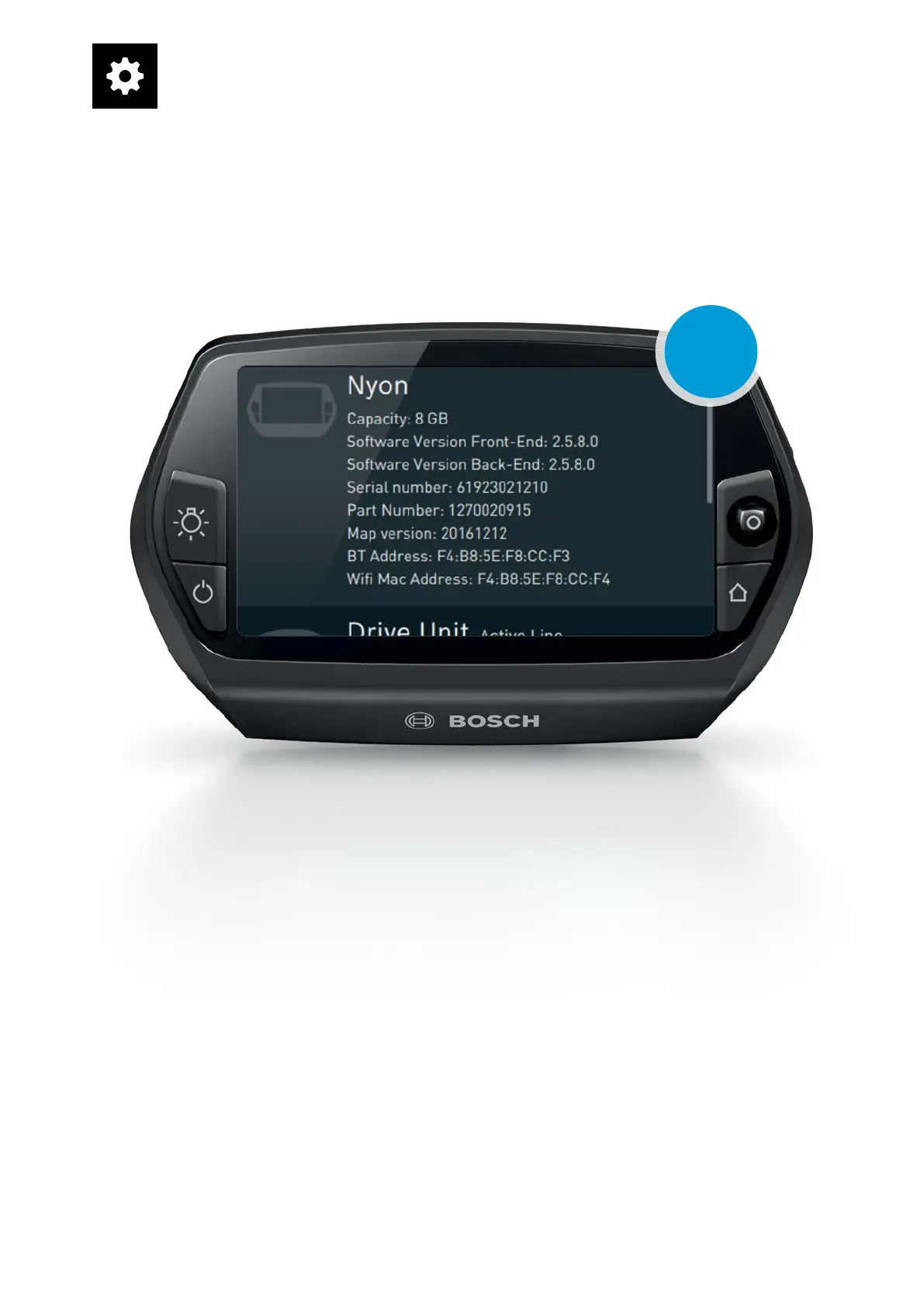
X "System information": hardware and software
versions of eBike components, version of map mate-
rial, serial number of Drive Unit, addresses for
Bluetooth and Wi-Fi connections, date of last syn-
chronisation / update, total mileage of the eBike
Drive Unit
X "Licenses": Bundle specifications for OSS license
usage, overview of licenses and Open Source
sources
"System information" screen
"Settings" operating mode










 To Next Page