33
1.12 Intelligently Networked with Nyon 1.12 Intelligently Networked with Nyon
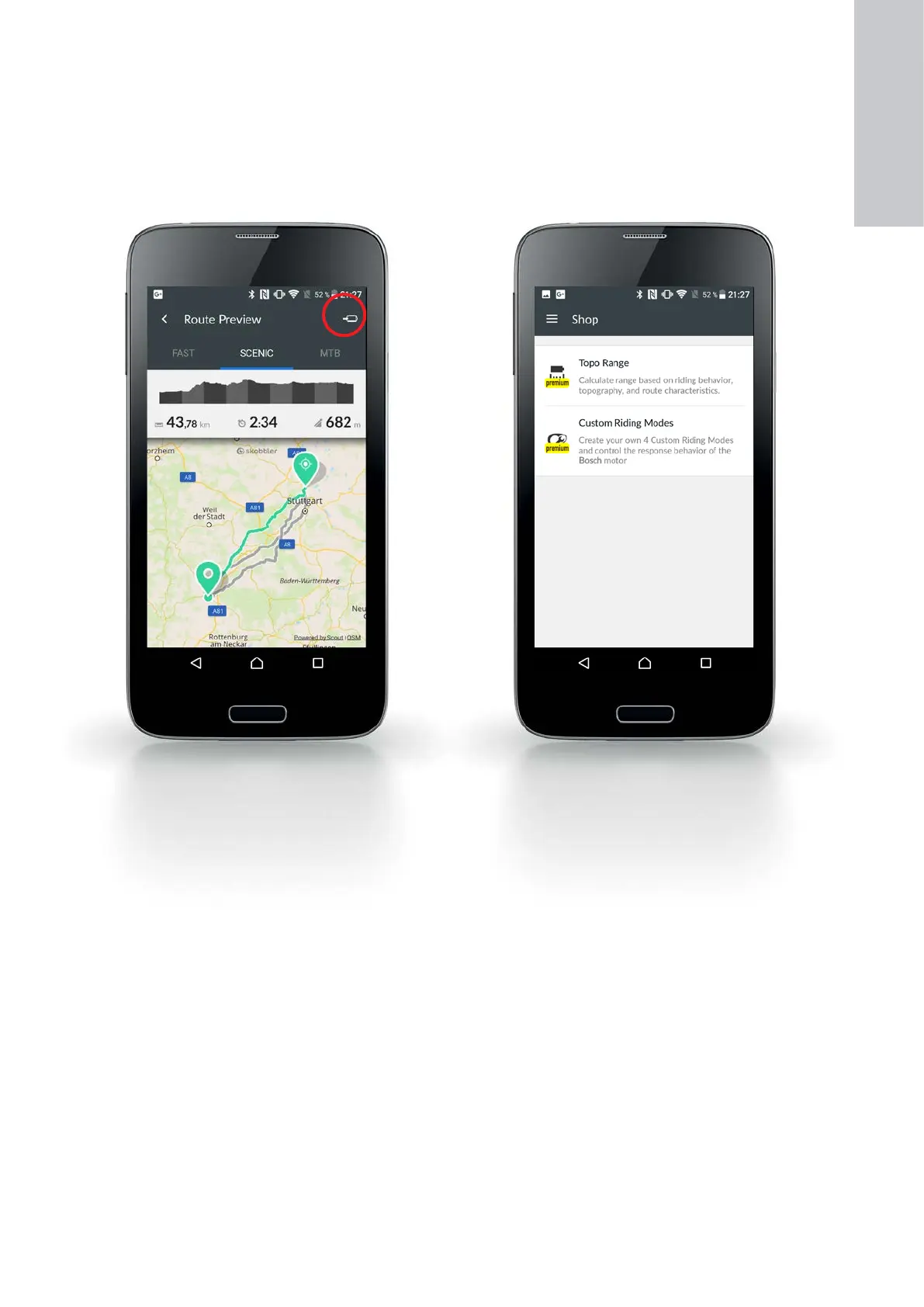
"Maps" menu
X Route planning by entering the destination via the
keyboard or by selecting a previously saved destina-
tion
X The end point can be selected directly on spots in
the map or these can be shifted about later on
X Once you have entered the destination, you will be
offered three different routes (beneath the altitude
profile):
– "FAST", "SCENIC", "MTB"
(with Cruise drive, 25 km/h)
– "FAST", "SCENIC", "SHORT"
(with Speed drive, 45km/h)
X The selected route is transferred to Nyon by
pressing the button on the upper right.
"Shop" menu
X Purchase of following fee-based premium functions:
– "Topo Range": Calculation and graphic represen-
tation of residual range based on riding behavior
and topography
– "Custom Riding Modes": configure up to four
different riding modes
1
ON-BOARD
COMPUTER










 To Next Page