34
1.12 Intelligently Networked with Nyon
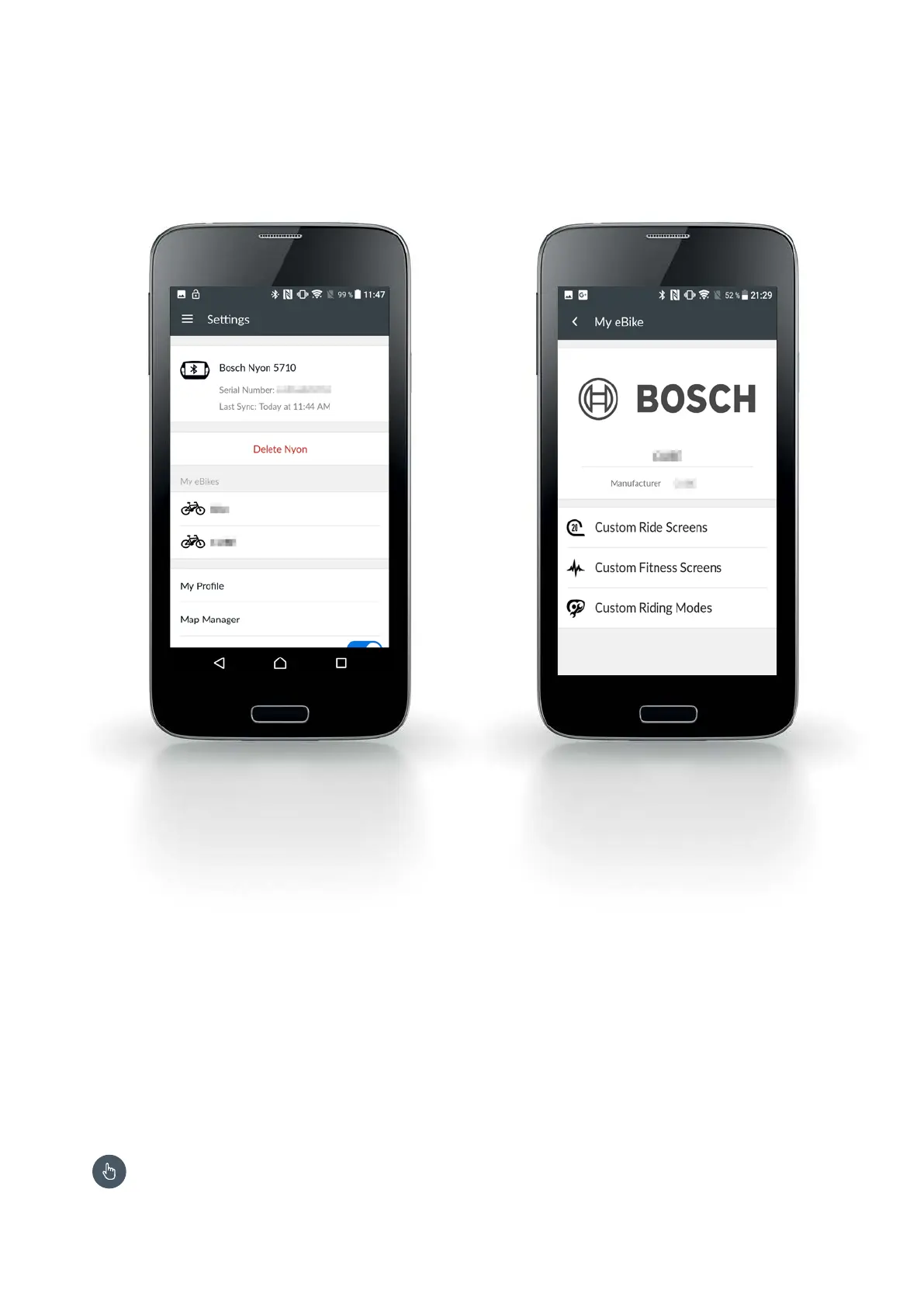
Settings menu – "My Profile"
X Manage personal data (name, e-mail address,
height, fitness information)
X Enter the work and home address for faster route
planning
X Change password.
X Registration via Facebook: automatic access to the
personal data stored there
Settings menu – "My Nyon"
X Display information about Nyon (connection status,
serial number, date of last synchronisation)
X Perform synchronisation with Nyon
X Uncouple Nyon and establish a connection to
another Nyon
Bluetooth connection required, see p. 18
Settings menu – "My eBikes"
X Change Bike name
X Custom screens: you can create custom display
views for the "Ride" and "Fitness" operating modes
– see description on the right page
X Custom riding modes: you can define four custom
riding modes – see description on the right page
Smartphone app eBike Connect










 To Next Page