19
Turning on the Power
Chapter 1
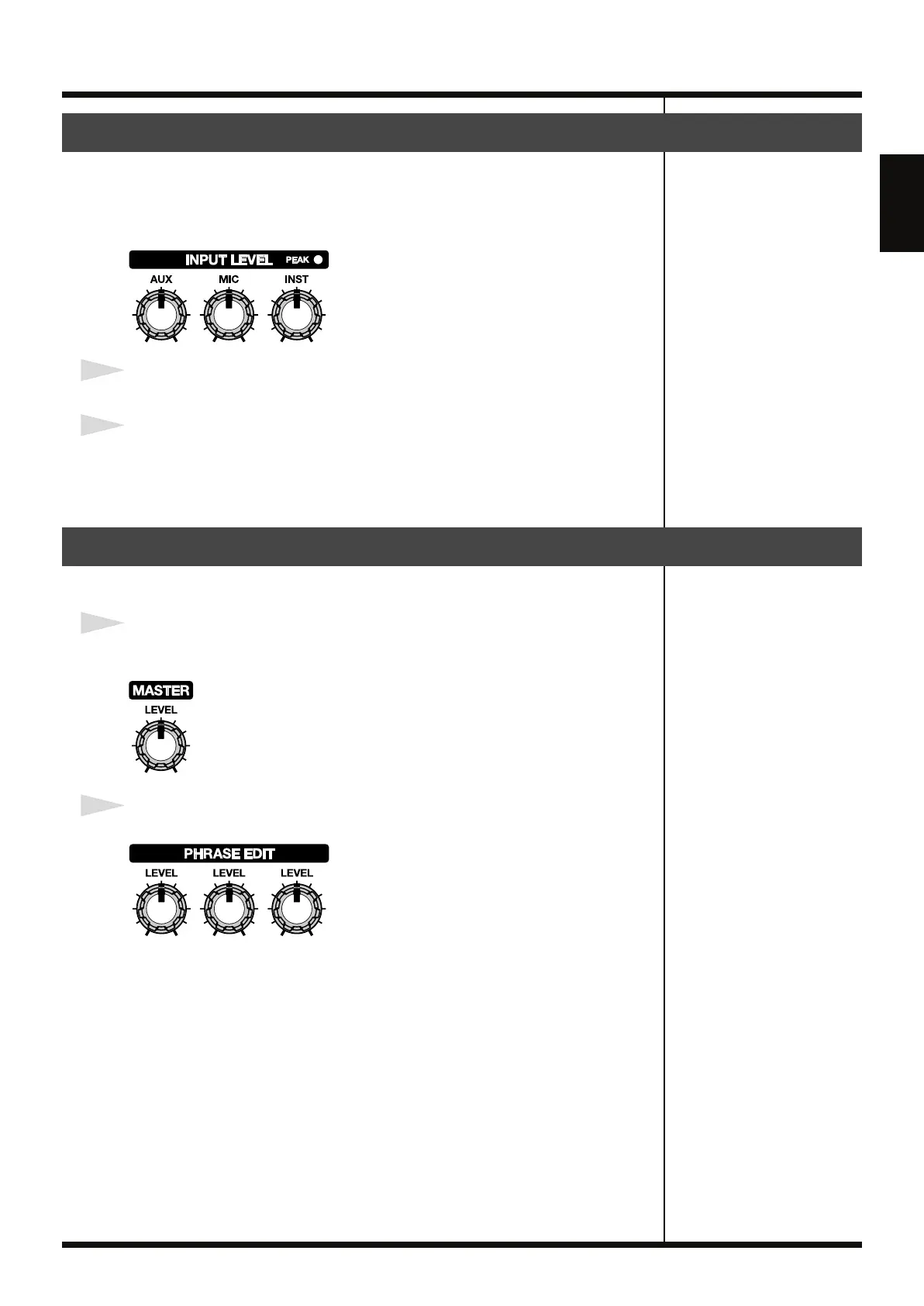
Using the INPUT LEVEL knobs, adjust the input levels so they are appropriate for
the connected instruments.
Adjust the AUX, MIC, or INST knobs depending on the jack to which an instrument
has been connected.
fig.01-070
1
Input to the RC-50 at the maximum levels expected during the performance.
2
Adjust the knob until the PEAK indicator just flickers.
The PEAK indicator lights 6 dB below the level at which the sound starts to distort.
* Setting input levels too high will prevent you from getting the full effect of the sound.
Use this procedure to adjust the output levels.
1
Adjust the output level from the MAIN OUTPUT jacks with the MASTER LEVEL
knob.
fig.01-080
2
Set the PHRASE 1/2/3 LEVEL knobs to the center position.
fig.01-090
Adjusting the Input Levels
Adjusting the Output Levels
RC-50_e.book 19 ページ 2009年4月10日 金曜日 午後1時17分















 To Next Page