82
With Windows
When the RC-50 performs Recover, the patch data will be
overwritten regardless of the setting of Preset Protect (p. 69).
* Carry out the following procedure only with all performances stopped.
1.
Connect the computer and the RC-50 with a USB cable.
2.
Press [SYSTEM/USB] several times until the USB screen is
displayed.
fig.09-030d
3.
Press [WRITE].
* “Stop PLAY/REC!” is displayed if you press [WRITE] while a phrase
or guide is playing. If this occurs, stop the performance of the phrase or
guide, then press [WRITE] again.
* If you have any unsaved data (phrase or patch settings), the message
“Cancel rec data?” appears.
If you press [WRITE], any data currently being worked on in this
operation is deleted, and the procedure continues using the data as it
was before the current operation was begun. To cancel the procedure,
press [EXIT].
When the connection to the computer is completed, the message
“Copy data files.” appears.
The “BOSS_RC-50” icon (or “Removable Disk (*:)” icon)
appears in the My Computer.
fig.09-040
4.
Open the “BOSS_RC-50” icon (or the “Removable Disk (*:)”
icon) located in My Computer.
The “ROLAND” folder is displayed.
5.
Execute the backup or recover.
If backing up:
Copy the “ROLAND” folder to any desired folder on the
computer.
You can create a new folder to use as the backup folder.
If recovering:
1)
Delete the RC-50’s “ROLAND” folder.
2)
Copy the “ROLAND” folder on the computer to the
“BOSS_RC-50” icon.
6.
End the USB connection.
1)
All windows on the computer close.
2)
Click the Task tray icon, then click the message displayed
that indicates use of the drive (*:) is to be stopped.
fig.09-060
3)
Close the “Safe to Remove Hardware” dialog.
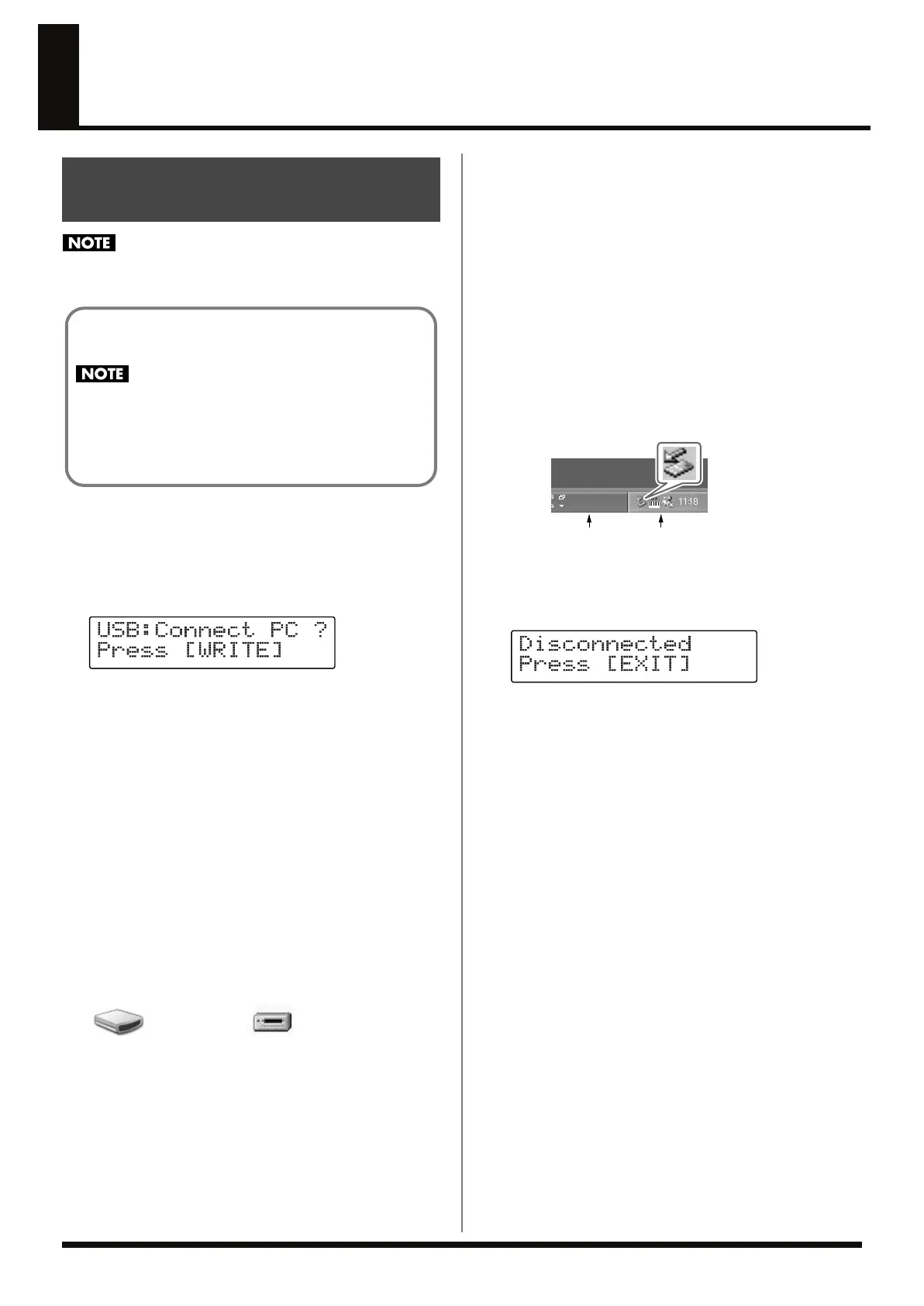
End the USB connection; the RC-50’s display changes to the
following.
fig.09-061d
7.
Press [EXIT].
The Play screen soon reappears in the display.
If the message “Disconnect, OK?” appears, press [EXIT] and
end the USB connection.
In this state, the USB cable can be safely disconnected from the
RC-50 and computer.
Backup and Recovery of the
RC-50’s Data
The supplied CD includes a “ROLAND” folder containing the
factory default data.
Recovering data by merely copying this folder to the RC-50
as is overwrites the RC-50’s “ROLAND” folder, returning
the unit to its original factory settings.
Any data for original phrases already saved to this folder is
cleared. Recover only the data required to the RC-50.
BOSS_RC-50
Removable Disk (*:)
(Ex.)
Task tray
Task bar
RC-50_e.book 82 ページ 2009年4月10日 金曜日 午後1時17分















 To Next Page