36
About Tempos
This section provides information about tempos when using the RC-
50.
When you perform on the RC-50, the playback speed is determined
according to one of two tempo types, the original tempos that are
saved with each of the three separate phrases, and the patch tempos
saved with patches.
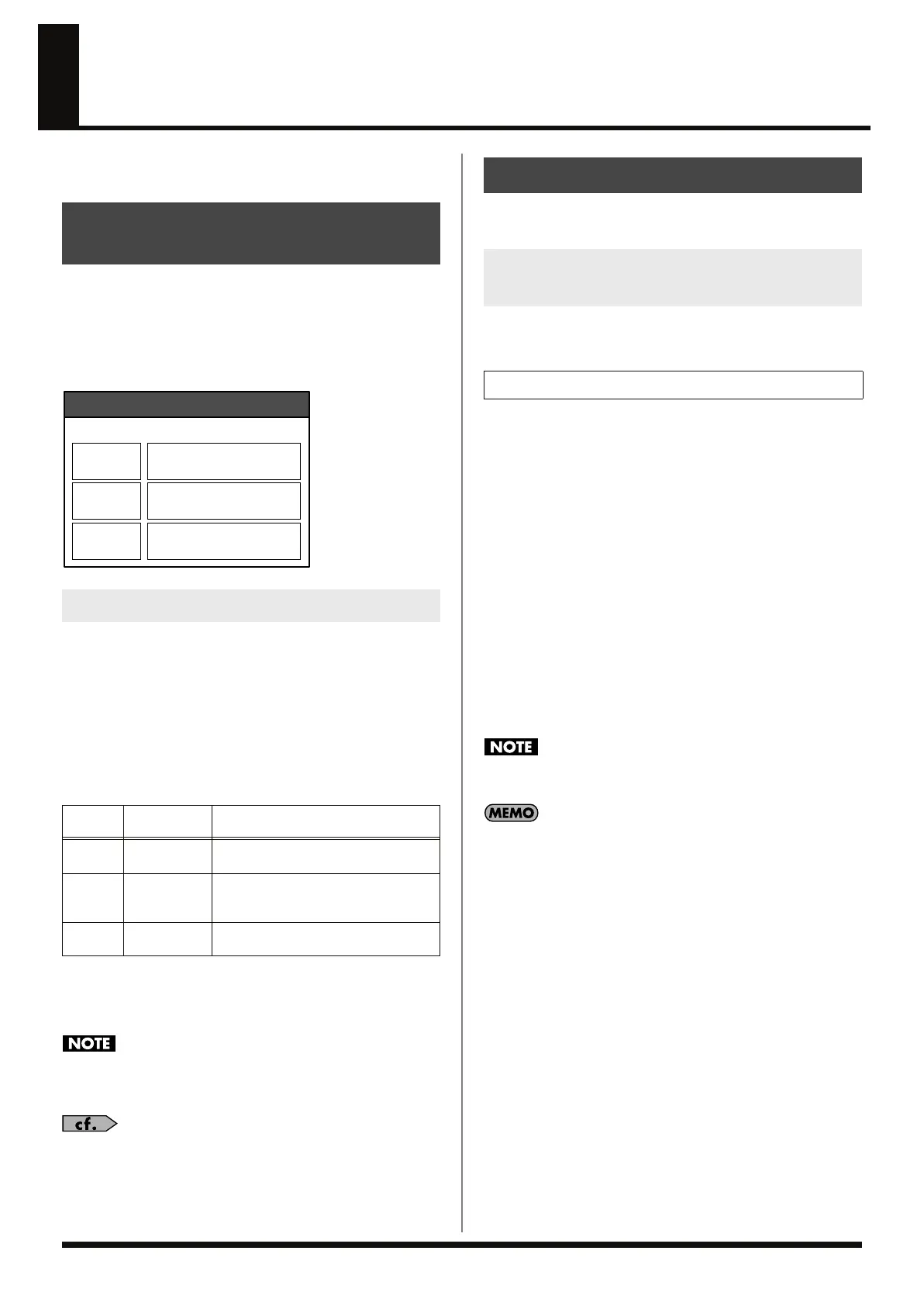
Examples of Original and Patch Tempos
fig.03-009
The RC-50’s performances are played using the patch tempo, but
you can choose whether to use the patch tempo or an original tempo
to play back each phrase. This is called “Tempo Sync.”
When Tempo Sync is switched on, the playback speed is increased or
decreased to match the tempo to the patch tempo.
When Tempo Sync is off, the phrase’s playback speed does not
change.
For example, in the example above, each phrase is played back at the
following tempos.
In this way, switching Tempo sync allows you to perform at the
same tempo used for playback, even if the tempos for each phrase
when recorded (the original tempo) are different.
When the original tempo and the patch tempo are greatly
different, the tone quality of the phrase might decrease by using
Tempo Sync.
For more detailed instructions on making the Loop Sync
settings, refer to “Synchronizing Playback of the Phrase to the
Patch Tempo (Tempo Sync)” (p. 53).
The tempo used when a phrase is recorded is saved to the phrase.
This is called the “original tempo.”
The original tempo is set automatically when a phrase is recorded.
This setting is made depending on the RC-50’s status as shown below.
When the guide is on (when Guide Level is not set to OFF):
The original tempo of the newly recorded phrase is set to the same
tempo as the patch tempo.
At this time, the Loop Quantize indicator lights.
When the guide is set to OFF:
The original tempo of the newly recorded phrase is automatically
calculated from the recorded phrase’s length (at this time, the Loop
Quantize indicator is off).
In addition, when Tempo Sync is set to ON in the recorded phrase,
the patch tempo is also automatically set to the same value as the
phrase’s tempo.
When the tempo is calculated automatically from the length of the
phrase, calculation of the tempo is premised on recording measures
with 1, 2, 4, 8, 16 (or other power of two) guide beats.
The initial status is with a beat (time signature) of 4/4.
When recording phrases using a different beat, set the time signature
prior to recording (p. 39).
The tempo that exceeds maximum tempo (250 bpm) of RC-50
cannot be automatically calculated.
When Synchronized Performance (p. 77) is used to synchronize
the RC-50 to an external MIDI device’s tempo, the phrase's
original tempo is set to the patch tempo, just as when the guide
is switched on.
At this time, the Loop Quantize indicator lights.
→
“Setting Tempo Synchronization with MIDI (MIDI Sync)”
(p. 50)
About Tempos and the
Phrase Playback Speed
About Tempo Sync
Phrase
Performance
Tempo
Playback Speed
1
120
The playback speed is increased to syn-
chronize with the patch tempo.
2 120
The original tempo and patch tempo are
the same, so the phrase’s playback speed
is unchanged.
3 80
Tempo Sync is switched off, so the
phrase’s playback speed is unchanged.
Phrase 1
Patch Tempo: 120
Original Tempo: 100
Tempo Sync: ON
Phrase 2
Original Tempo: 120
Tempo Sync: ON
Phrase 3
Original Tempo: 80
Tempo Sync: OFF
Patch
Original Tempo
How is the Original Tempo Determined
at the Time of Recording?
Single Mode
RC-50_e.book 36 ページ 2009年4月10日 金曜日 午後1時17分















 To Next Page