52
Making the Phrase Settings
After recording of the phrases is completed, proceed by setting the
phrase playback method and other functions.
fig.04-250d
1.
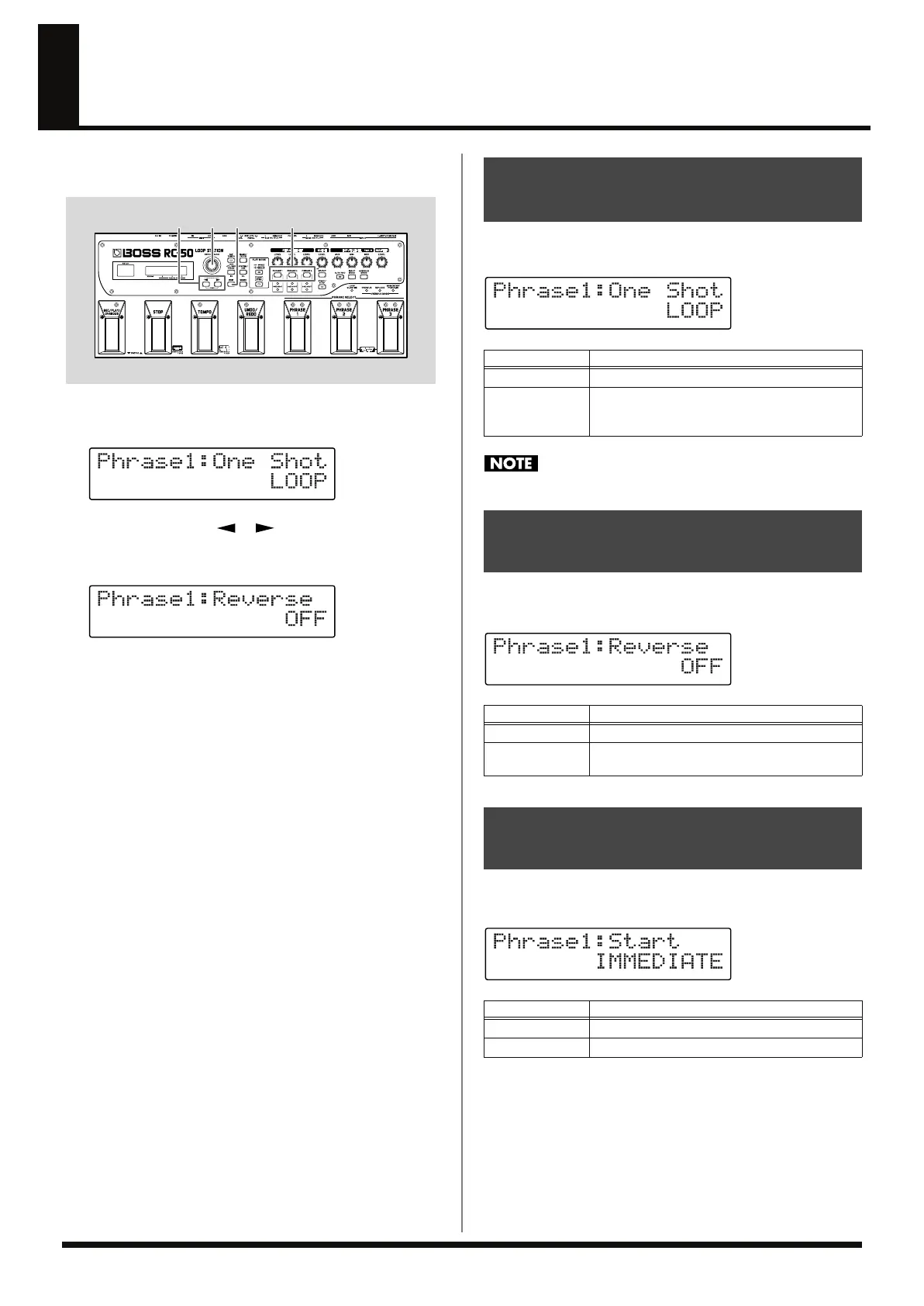
Press [PHRASE] for the phrase whose settings you want to
change, displaying the phrase settings screen.
fig.04-260d
2.
Press PARAMETER [ ] [ ] to display the parameter
you want to edit.
fig.04-270d
3.
Rotate the PATCH/VALUE dial to change the setting.
4.
Repeat Steps 2–3 as needed.
5.
When you have finished making the settings, press [EXIT] to
return to the Play screen.
You can select whether to have a phrase play only one time after
starting (One Shot) or repeat playback (Loop).
fig.04-290d
You cannot overdub when the phrase is set to ONE SHOT.
During playback, you can reverse the time front to back to reverse
playback.
fig.04-280d
When playing back phrases, you can select whether to start playback
with a fade-in or have playback start immediately.
fig.04-300d
32
5
1
(Example)
Having Phrases Play Only Once
(One Shot)
Available Settings
Description
LOOP
Playback repeats.
ONE SHOT
Phrase is played back one time only.
The ONE SHOT indicator for the set phrase
lights.
Playing Back in the Opposite
Direction (Reverse)
Available Settings
Description
OFF
Playback is normal.
ON
Playback is reversed.
The REVERSE indicator for the set phrase lights.
Playing Back While Fading
In (Start Mode)
Available Settings
Description
IMMEDIATE
Playback starts immediately.
FADE IN
Playback starts while fading in.
RC-50_e.book 52 ページ 2009年4月10日 金曜日 午後1時17分















 To Next Page