46
Preparations for Creating Patches
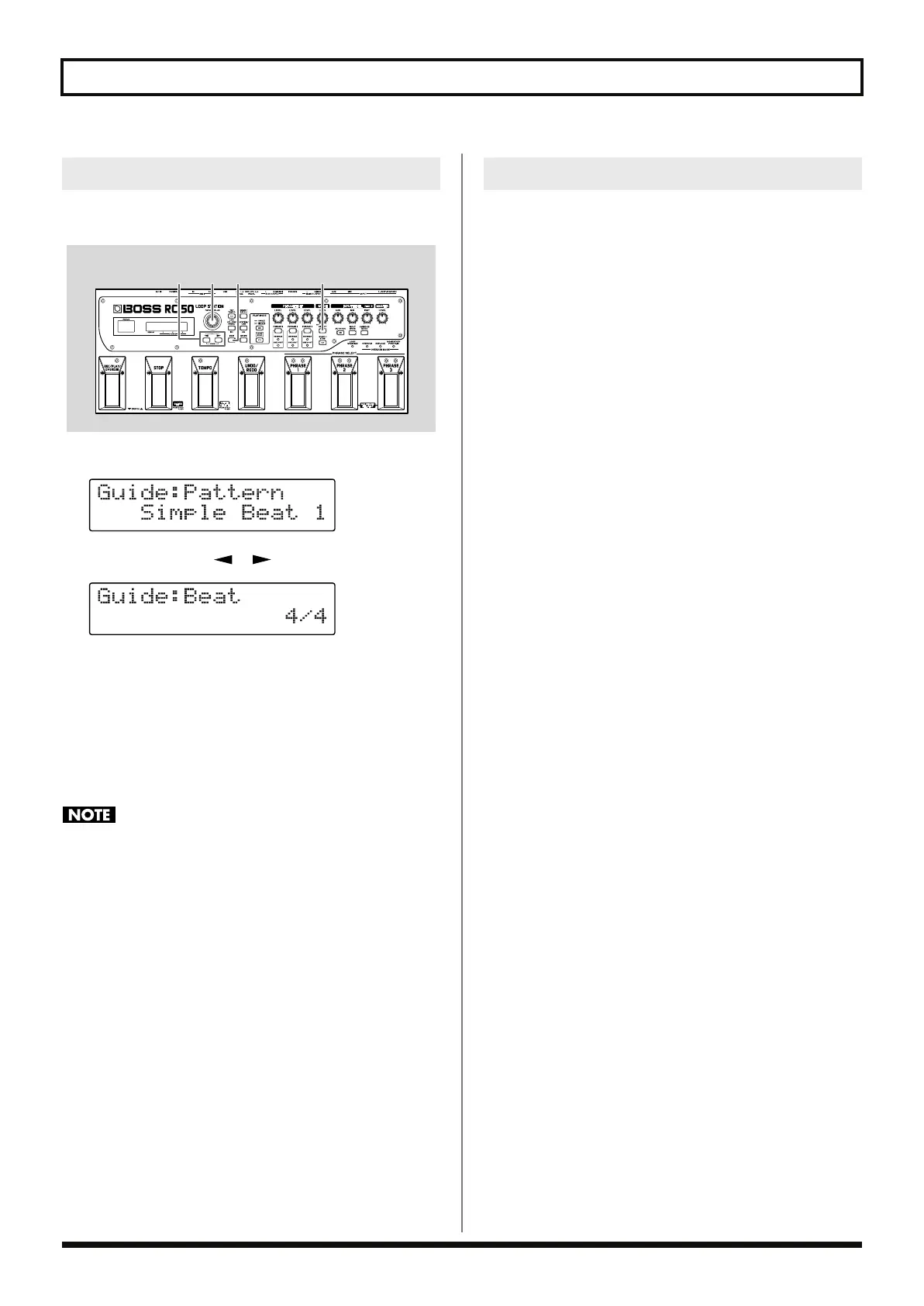
You can set the guide’s beat. The beat can be changed only when all
phrases are blank.
fig.04-070
1.
Press [GUIDE SELECT] to display the guide settings screen.
fig.04-061d
2.
Press PARAMETER [ ] [ ] until “Beat” is displayed.
fig.04-070d
3.
Use the PATCH/VALUE dial to select the beat for the guide
sound.
Available Settings:
2/4, 3/4, 4/4, 5/4, 6/4, 7/4, 5/8, 6/8, 7/8, 8/8, 9/8, 10/8,
11/8, 12/8, 13/8, 14/8, 15/8
4.
When you have finished making the settings, press [EXIT] to
return to the Play screen.
You cannot change the beat while recording phrases or if any of
the phrases have already been recorded.
If you are going to be listening to the guide while recording, prepare
the guide by playing it with the volume raised. If recording after
playing the guide beforehand, press [GUIDE START/STOP] to start
the guide.
Setting the Beat
32 1
4
Playing the Guide
RC-50_e.book 46 ページ 2009年4月10日 金曜日 午後1時17分















 To Next Page