22
Playback
fig.01-100
1
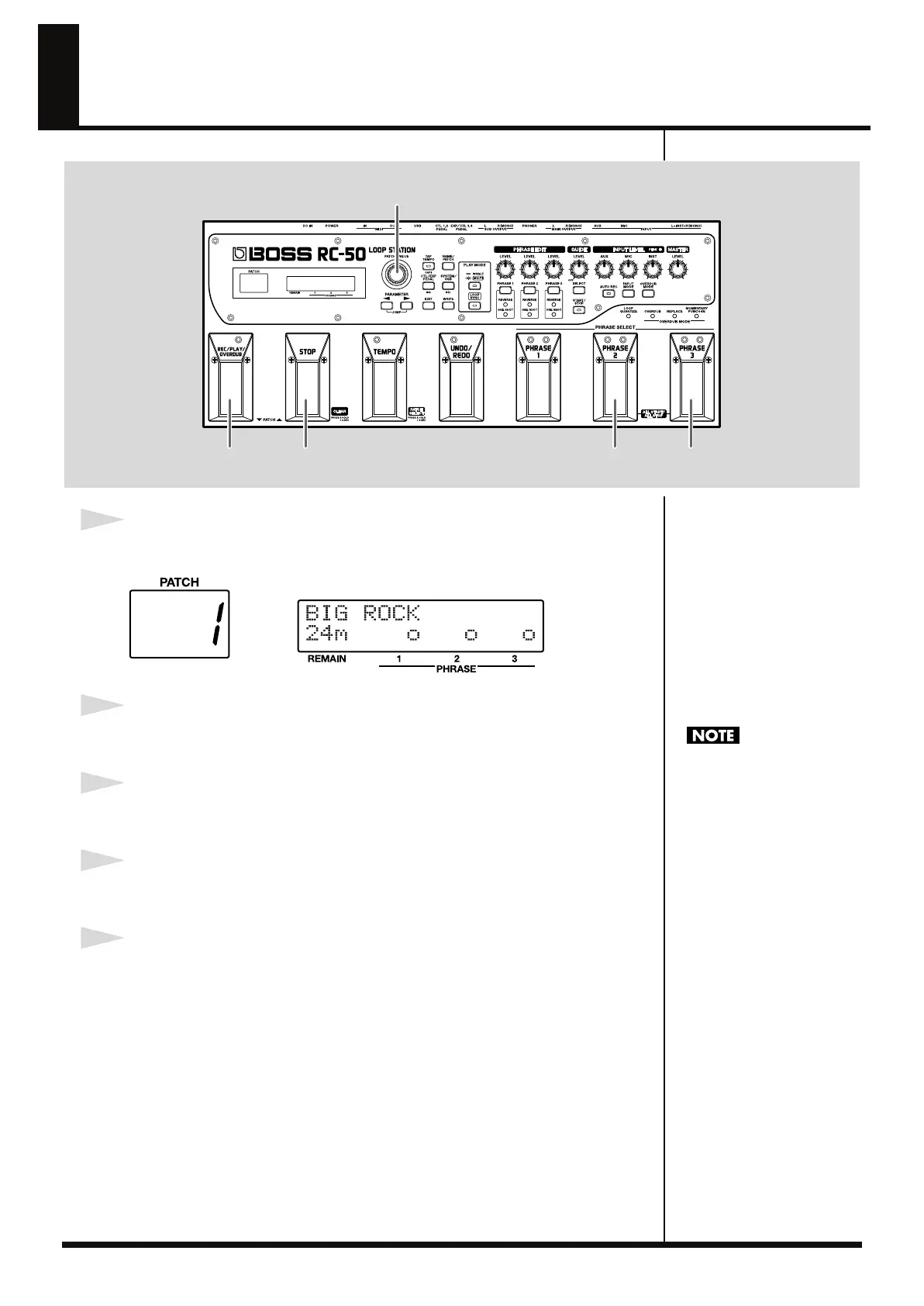
In the Play screen, rotate the PATCH/VALUE dial to select Patch 1,
“BIG ROCK.”
fig.01-101d
2
Press the REC/PLAY/OVERDUB pedal.
Phrase 1 is played back.
3
Press the PHRASE 2 pedal.
Phrase 1 stops playing, and the playback of Phrase 2 begins.
4
Press the PHRASE 3 pedal.
Phrase 2 stops playing, and the playback of Phrase 3 begins.
5
Press the STOP pedal.
Phrase 3 stops playing.
In this manner, the RC-50 allows you to play back phrases as you switch from one to
the next.
This mode is referred to as “Single mode.”
1
25
43
Do not turn off the power
during playback. This may
result in loss of recorded
material.
RC-50_e.book 22 ページ 2009年4月10日 金曜日 午後1時17分















 To Next Page