75
Chapter 8
Making the Settings for MIDI-Related Functions
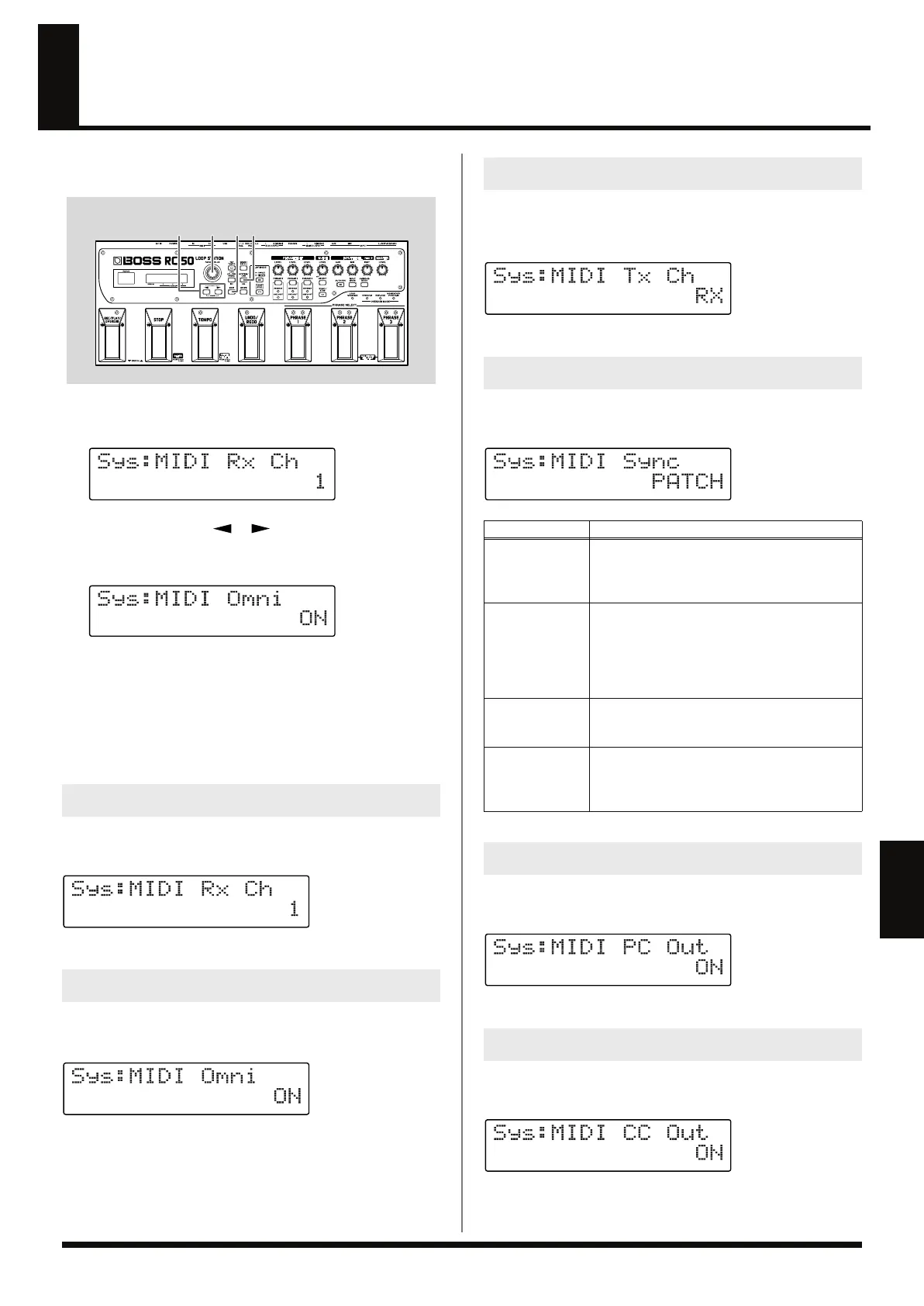
This section describes the RC-50’s MIDI-related functions. Make the
settings in accordance with how the RC-50 is to be used.
fig.08-030
1.
Press [SYSTEM/USB] several times until the MIDI settings
screen is displayed.
fig.08-040d
2.
Press PARAMETER [ ] [ ] to display the screen for the
parameter you want to set.
fig.08-050d
3.
Use the PATCH/VALUE dial to change the value of the
setting.
4.
Repeat Steps 2 and 3 as needed.
5.
Press [EXIT] to return to the Play screen.
This procedure sets the MIDI channel used for receiving MIDI
messages.
fig.08-060d
Available Settings: 1–16 (Channel 1–Channel 16)
When set to ON, messages are received via all MIDI channels,
regardless of the MIDI Receive Channel settings.
fig.08-070d
Available Settings: OFF, ON
This procedure sets the MIDI channel used for transmitting MIDI
messages. When set to “RX,” messages are transmitted over the
same channel used as the MIDI Receive Channel.
fig.08-080d
Available Settings: 1–16, RX
You can have performances be synchronized to a MIDI sequencer or
other external MIDI device.
fig.08-090d
This selects whether or not MIDI Program Change messages are
output.
fig.08-110d
Available Settings: OFF, ON
This selects whether or not MIDI Control Change messages are
output.
fig.08-120d
Available Settings: OFF, ON
MIDI Receive Channel
MIDI Omni Mode
32
5 1
(Example)
MIDI Transmit Channel
MIDI Sync
Available Settings
Description
PATCH
Synchronization settings are determined sepa-
rately for each individual patch.
Patch synchronization settings are made with
MIDI Sync (p. 50) in the patch’s settings.
AUTO
Although performances are normally played at
the tempo set with the RC-50, if a MIDI Start
message is received while playback of all phras-
es is stopped, the performance begins automati-
cally with the tempo determined by the MIDI
clock message from the external MIDI device.
INTERNAL
Performances are played at the tempo set with
the RC-50, with recording, playback, and over-
dubbing carried out with the RC-50’s controls.
REMOTE
Although performances are played at the tempo
set with the RC-50, the start of recording, play-
back, and stopping (only) are controlled with the
external MIDI device.
MIDI Program Change Out
MIDI Control Change Out
RC-50_e.book 75 ページ 2009年4月10日 金曜日 午後1時17分















 To Next Page