53
Making the Phrase Settings
Chapter 4
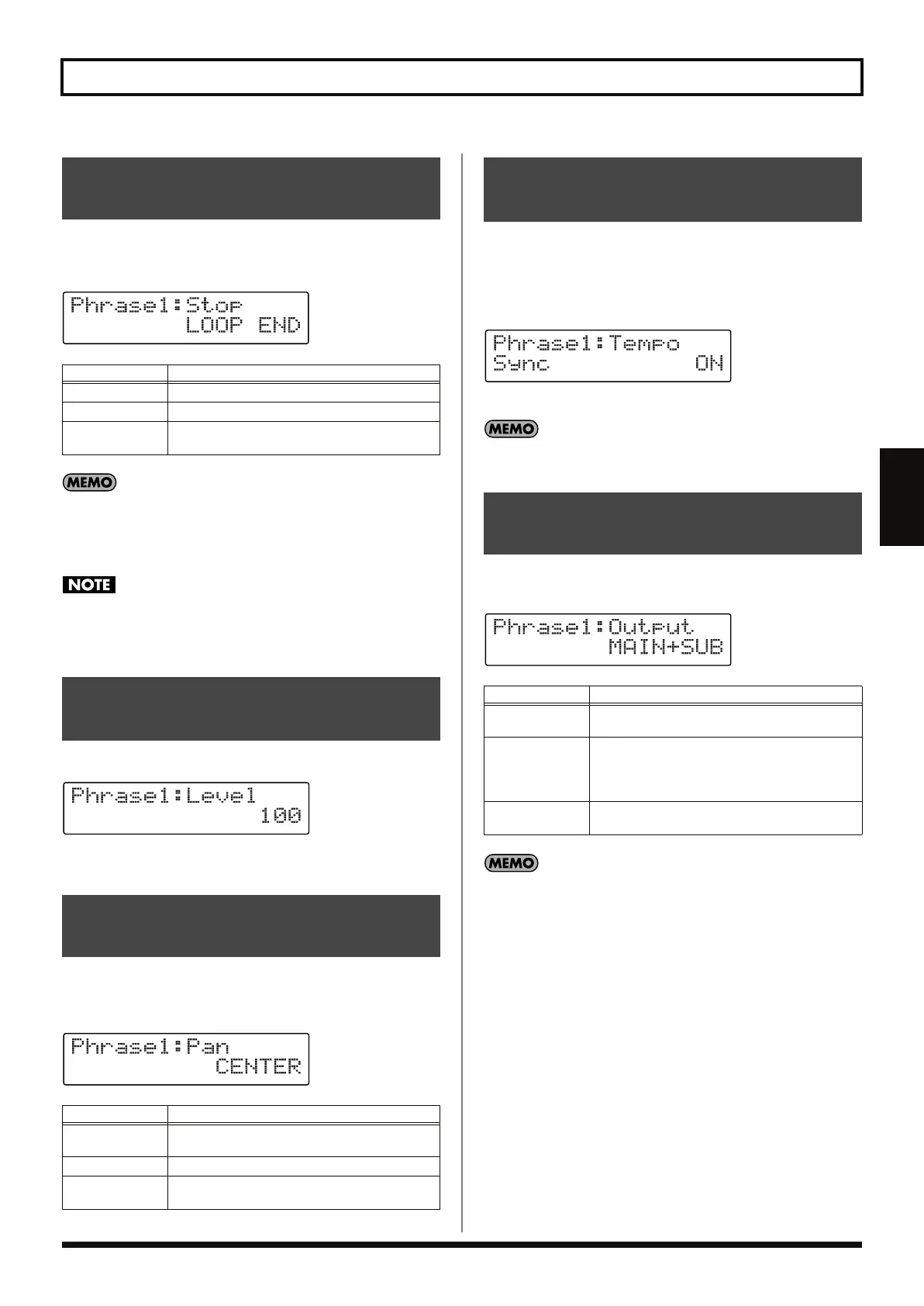
You can select the manner in which playback of phrases stops, either
by stopping while fading out, after playing back to the end of the
loop, or immediately.
fig.04-310d
After pressing the STOP pedal with Stop mode set to FADE
OUT or LOOP END, you can have playback stop immediately
by pressing the STOP pedal a second time before the playback is
actually programmed to stop.
If the phrase is stopped when the Stop mode is set to FADE
OUT or LOOP END, no further overdubbing can be carried out
up to the point at which the phrase stops playing.
* You can also change this value with the PHRASE LEVEL knob.
fig.04-311d
Available Settings: 0–200
You can adjust the positioning (panning) of the phrase’s sound.
Using Pan to spread the phrases out laterally allows you to perform
with an expansive, ensemble sound.
fig.04-320d
You can have playback of phrases recorded at different original
tempos be synchronized to the patch tempo.
When playing back effect sounds and other material with tempos
differing from the song’s tempo, which you want to play back at
tempos other than the song’s tempo, set Tempo Sync to off.
fig.04-330d
Available Settings: OFF, ON
For more detailed information on Tempo sync, refer to “About
Tempo Sync” (p. 36).
You can switch the jacks used to output the sounds of each of the
phrases.
fig.04-340d
You can save Output Select settings to each patch individually,
or have the same settings used by all of the patches.
→
“Using the Same Audio Outputs for All Patches (Input/
Phrase 1, 2, 3/Guide Output Select)” (p. 69)
Selecting the Method Use to
Stop Phrases (Stop Mode)
Available Settings
Description
IMMEDIATE
Stops immediately.
FADE OUT
Playback stops while fading out.
LOOP END
Playback stops after playing back to the end of
the loop.
Adjusting the Volume of the
Phrases (Phrase Level)
Adjusting the Positioning of
the Phrase’s Sound (Pan)
Available Settings
Description
L50–L1
Playback is from the left of center. When set to
L50, playback comes from the left side only.
CENTER
Playback is from the center.
R1–R50
Playback is from the right of center. When set to
R50, playback comes from the right side only.
Synchronizing Playback of the Phrase
to the Patch Tempo (Tempo Sync)
Switching the Output for the
Phrase Sounds (Output Select)
Available Settings
Description
MAIN
The sound is output from the MAIN OUTPUT
and PHONES jacks.
SUB
The sound is output from the SUB OUTPUT
jacks.
The sound is not output from the MAIN OUT-
PUT and PHONES jacks.
MAIN+SUB
The sound is output from the MAIN and SUB
OUTPUT jacks and the PHONES jack.
RC-50_e.book 53 ページ 2009年4月10日 金曜日 午後1時17分















 To Next Page