72
Pedal Settings
This procedure sets the functions for the EXP pedal connected to the
EXP/CTL 3,4 PEDAL jack.
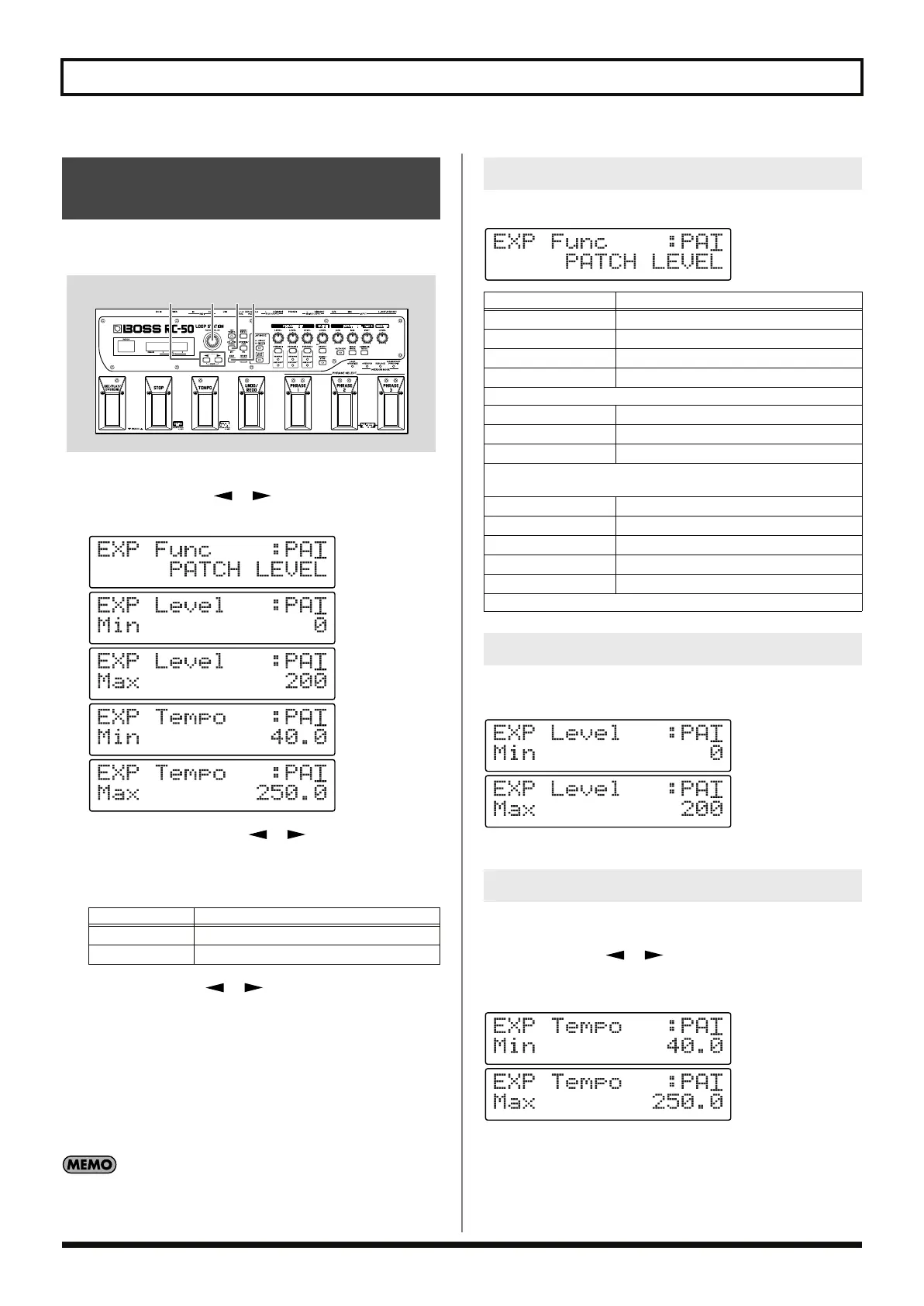
fig.07-130
1.
Press [CTL/EXP PEDAL].
2.
Press PARAMETER [ ] [ ] to display either
“EXP Func,” ”EXP Level,” or ”EXP Tempo.”
fig.07-130d
3.
After using PARAMETER [ ] [ ] to move the cursor to
“SYS” or ”PAT” in the upper row of the display, you can then
rotate the PATCH/VALUE dial to select either the system
settings or patch settings as the settings to be used.
4.
Use PARAMETER [ ] [ ] to move the cursor to the
lower row of the display, then use the PATCH/VALUE dial to
change the setting.
5.
Repeat Steps 2 and 4 as needed.
6.
Press [EXIT] to return to the Play screen.
* When selecting patch pedal settings, use the procedure described in
“Saving by Patch Numbers (Patch Write)” (p. 54) when saving the
settings.
When switching between the system settings and patch settings,
“EXP Func,” “EXP Level Min/Max,” and “EXP Tempo Min/
Max” are together affected.
This procedure selects the function to be controlled by the EXP pedal.
fig.07-131d
This procedure sets the minimum and maximum volume levels
when the level is being controlled with the EXP pedal.
fig.07-140d
Available Settings: 0–200
This procedure sets the minimum and maximum tempos when the
patch level is being controlled with the EXP pedal.
Press PARAMETER [ ] [ ] to move the cursor to the digit
you want to change, then rotate the PATCH/VALUE dial to change
the setting.
fig.07-150d
Available Settings: 40.0–250.0
Setting the Functions for the
EXP pedal
Available Settings
Description
~~: SYS
The system settings are used.
~~: PAT
The patch settings are used.
3,42,3,4
1 6
EXP Pedal Functions
Available Settings
Description
OFF
No operation
PHRASE 1 LEVEL
Controls the volume level of Phrase 1
PHRASE 2 LEVEL
Controls the volume level of Phrase 2
PHRASE 3 LEVEL
Controls the volume level of Phrase 3
Pressing the pedal down increases the volume level.
PHRASE 1 PAN
Controls the panning of Phrase 1
PHRASE 2 PAN
Controls the panning of Phrase 2
PHRASE 3 PAN
Controls the panning of Phrase 3
Pressing the pedal down shifts the sound to the right; releasing the
pedal shifts the sound to the left.
CURRENT LEVEL
Controls the volume level of the current phrase
CURRENT PAN
Controls the panning of the current phrase
GUIDE LEVEL
Controls the volume level of the guide sound
PATCH LEVEL
Controls the patch’s volume level
PATCH TEMPO
Controls the patch tempo
Pressing the pedal down increases the tempo.
EXP Pedal Min/Max Level
EXP Pedal Min/Max Tempo
RC-50_e.book 72 ページ 2009年4月10日 金曜日 午後1時17分















 To Next Page