18
Turning on the Power
Once the connections have been completed (p. 16), turn on power to your various
devices in the order specified. By turning on devices in the wrong order, you risk
causing malfunction and/or damage to speakers and other devices.
1
Confirm the following before turning on the power.
• Are all external devices properly connected?
• Is the volume turned down completely on the RC-50 and on amps and other
connected equipment?
2
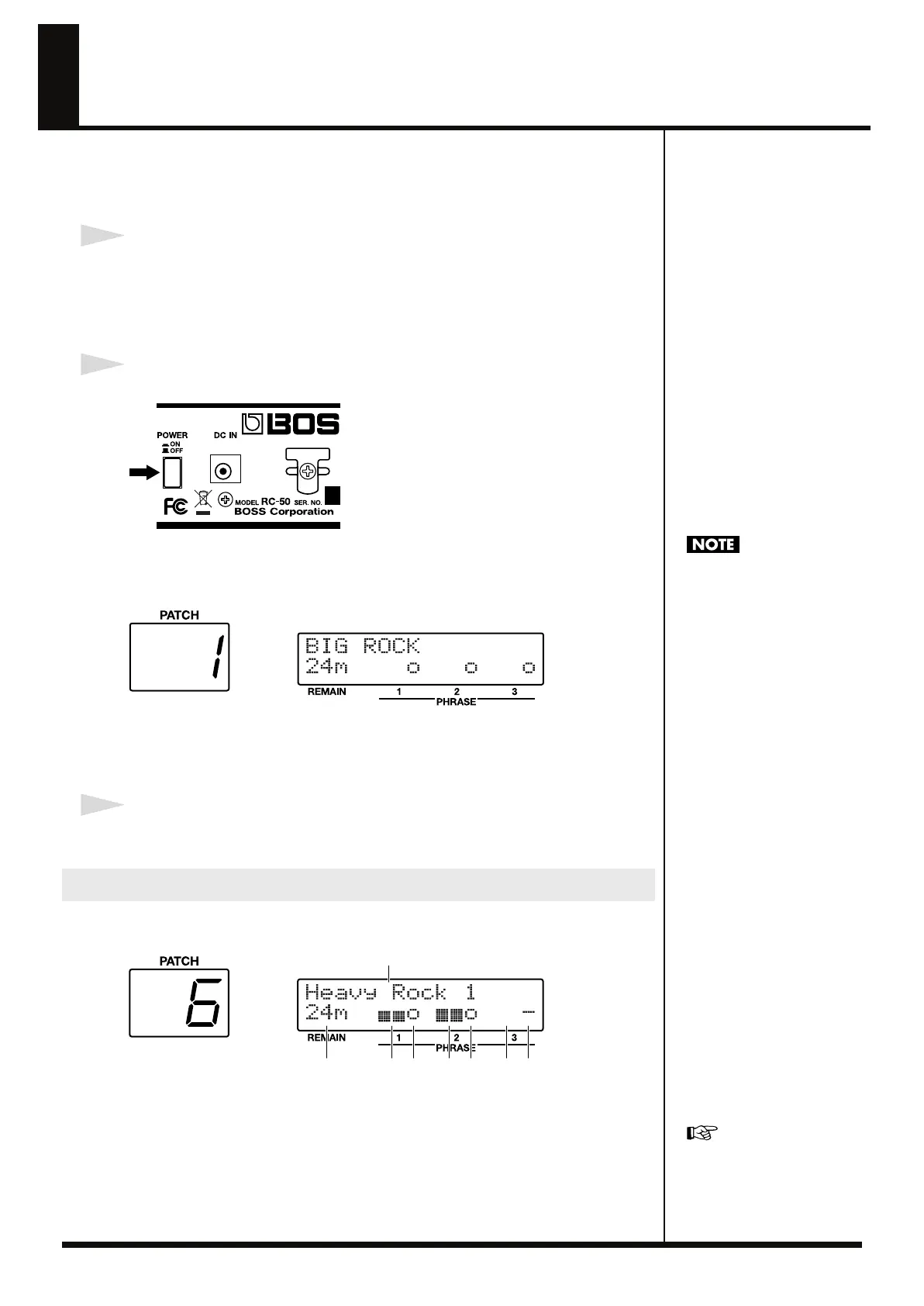
Press the POWER switch on the RC-50’s rear panel to turn on the power.
fig.01-051
The display switches to the following, and after several seconds the RC-50 is ready
for regular performance.
The screen appearing at this point is called the Play screen.
fig.01-060d
* The patch selected at the time the power was last turned off is selected.
* This unit is equipped with a protection circuit. A brief interval (a few seconds) after power
up is required before the unit will operate normally.
3
Turn on the equipment in the following order:
External effects processors
→
guitar amps (speakers).
The following information is shown in the Play screen:
(Example)
fig.01-121
(1)
Patch name (16 characters)
(2)
Recording status of each phrase
o : Recorded
– : Not yet recorded
(3)
Level meters indicating current volume level (L/R) of each phrase.
(4)
Available recording time remaining (in minutes)
Play Screen
Keep the power on until the
Play screen is displayed.
For more information on
phrases and patches, refer to
“About Phrases and Patches”
(p. 28).
(1)
(2)(3)(3)(3)(4) (2)(2)
RC-50_e.book 18 ページ 2009年4月10日 金曜日 午後1時17分















 To Next Page