44
Preparations for Creating Patches
Before recording the phrases, you must first prepare the patches.
When creating a new patch by processing an existing patch or by
selecting an INIT PATCH containing no data, start by selecting a
patch to edit first.
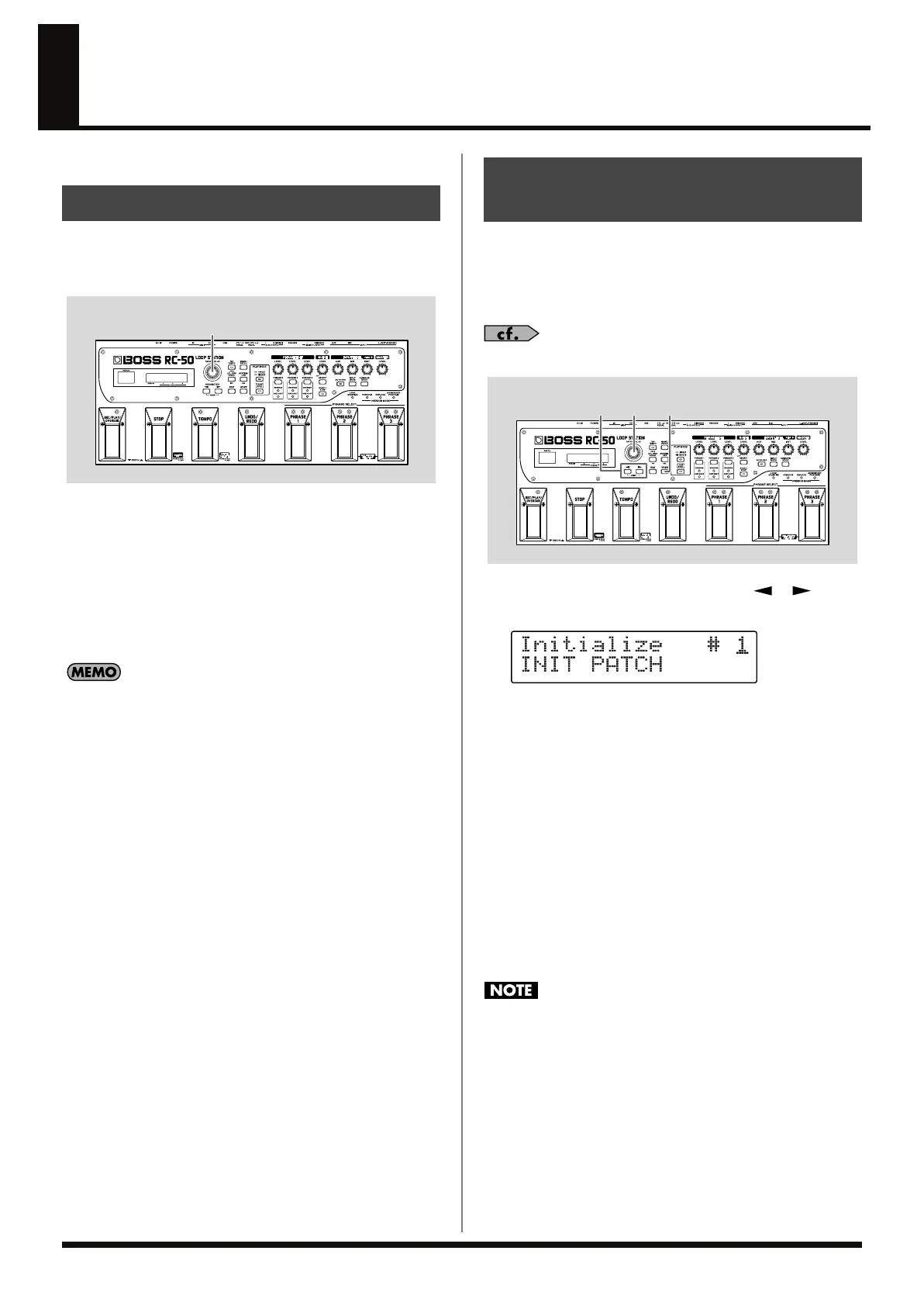
fig.04-010
1.
In the Play screen, rotate the PATCH/VALUE dial to switch to
a patch.
As you rotate the dial to the right (clockwise), the patch
numbers change up to Patch Number 99, then start over from
Patch Number 1 when you continue to turn the dial.
When the dial is rotated to the left (counterclockwise), the patch
numbers change down to Patch Number 1, then start over from
Patch Number 99 when you continue to turn the dial.
• You can set the upper and lower limits at which the patches are
switched. For more detailed information, refer to “Limiting the
Patches That Can Be Switched (Patch Extent)” (p. 68).
• You can switch patches with the RC-50’s pedals instead of using
the PATCH/VALUE dial. For more details, refer to “Switching
Patches with the Pedals (Patch Select Mode)” (p. 33).
• You can switch patches using a foot switch connected to the
CTL 1,2 PEDAL or EXP/CTL 3,4 PEDAL jacks.
For more details, refer to “Setting the Functions for the RC-50’s
Pedals and External Foot Switches (TEMPO/UNDO/CTL1/
CTL2/CTL3/CTL4 Pedal Function)” (p. 70).
If Patches Are Not Switching
On the RC-50, patches can only be switched from the Play screen.
Press [EXIT] to return to the Play screen.
Patch Initialize allows you to initialize the settings of an existing
patch and restore its basic settings.
When creating an entirely new patch, executing Patch Initialize can
help you prevent any unintended or mistaken settings from being
used.
“Patch Parameters” (p. 97)
fig.04-020
1.
Press [WRITE], then press PARAMETER [ ] [ ] until
“Initialize” is displayed.
fig.04-030d
2.
Rotate the PATCH/VALUE dial to select the patch you want to
initialize.
If the currently selected patch is the one you want to initialize,
go directly to the next step.
* You cannot initialize patch numbers 1–5 when Preset Protect (p. 69)
is set to ON.
* To cancel the initialization, press [EXIT]. The Play screen returns to
the display.
3.
Press [WRITE].
The RC-50 switches to the initialized patch, and the Play screen
returns to the display.
* All data contained in the patch is lost once the initialization is
executed.
Do not turn off the power while the message “Initializing...” is
displayed. This may result in loss of recorded material.
Selecting Patches
1
Initializing Patches to Their
Basic Settings (Patch Initialize)
21
1,3
RC-50_e.book 44 ページ 2009年4月10日 金曜日 午後1時17分















 To Next Page