68
System Settings
System settings cover parameters whose settings affect the overall
operation of the RC-50.
These parameters remain unchanged, even when the patches are
switched.
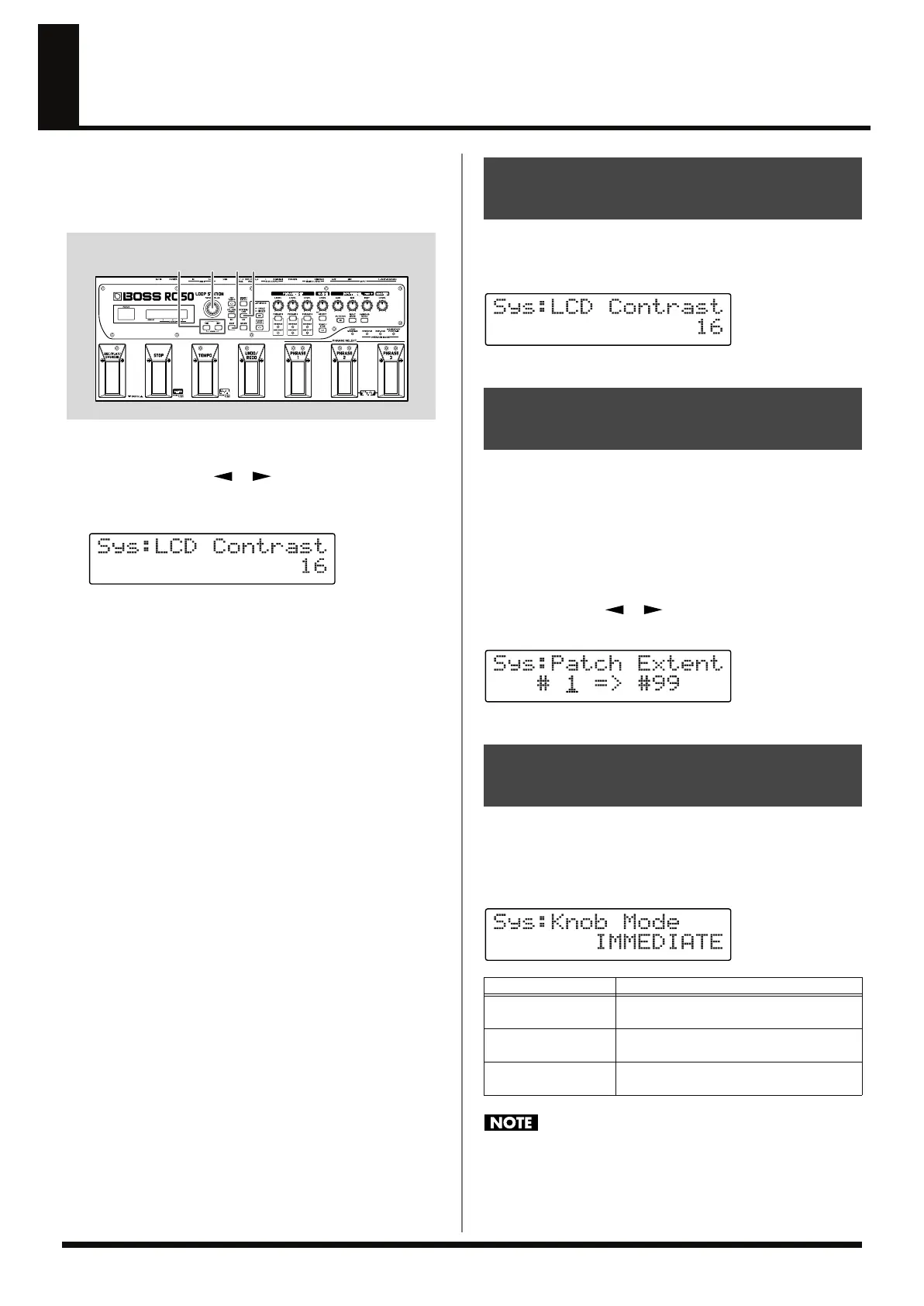
fig.07-020
1.
Press [SYSTEM/USB].
2.
Press PARAMETER [ ] [ ] until the parameter you
want to set is displayed.
fig.07-030d
3.
Rotate the PATCH/VALUE dial to change the value of the
setting.
4.
Repeat Steps 2 and 3 as needed.
5.
When you have finished making the settings, press [EXIT] to
return to the Play screen.
In some locations where the RC-50 is set up, you may find that the
(right) display is difficult to read.
If this occurs, adjust the display’s contrast (brightness).
fig.07-040d
Available Settings: 1–16
Setting upper and lower limits for patches the RC-50 can switch to,
thereby defining the range of available patches for switching,
enables you to select only the necessary patches. For example, by
saving patches for different applications in ranges from 1 to 10, 11 to
20, and so on, and setting these ranges with Patch Extent, you can
then limit the range of patches the RC-50 can switch to in Patch
Select mode or with the PATCH/VALUE dial, thus reducing the
operations involved in switching patches.
Press PARAMETER [ ] [ ] to move the cursor, and rotate the
PATCH/VALUE dial to set the upper and lower limits of the range.
fig.07-050d
Available Settings: 1–99
This sets the way the values of settings are changed when the control
knobs are turned.
* The Knob Mode setting works with respect to the PHRASE 1/2/3
LEVEL and GUIDE LEVEL knobs.
fig.07-055d
When patches are switched with Knob Mode set to “KNOB
POSITION,” the settings of the patch in effect immediately
following the switch are changed to the values corresponding to
the knob positions, so the patch will not function according to
the patch settings.
32
5 1
(Example)
Adjusting the Screen
Brightness (LCD Contrast)
Limiting the Patches That Can Be
Switched (Patch Extent)
Setting the Knob Functions
(Knob Mode)
Available Settings
Description
IMMEDIATE
Turning the knobs immediately changes the
values.
CURRENT SETTING
Values begin to change only once the knob
position reaches the values set in the patch.
KNOB POSITION
Values correspond to the knob positions at
all times.
RC-50_e.book 68 ページ 2009年4月10日 金曜日 午後1時17分















 To Next Page