6 Detecting and correcting faults
100 Operating Manual ARC 400 BOWA-IFU-11779-ARC400-V2.1.0-S0-EN
6. Detecting and correcting faults
Two types of faults can occur:
system faults
EASY monitoring faults
6.1. System information
A warning message appears on the display when a system fault occurs.
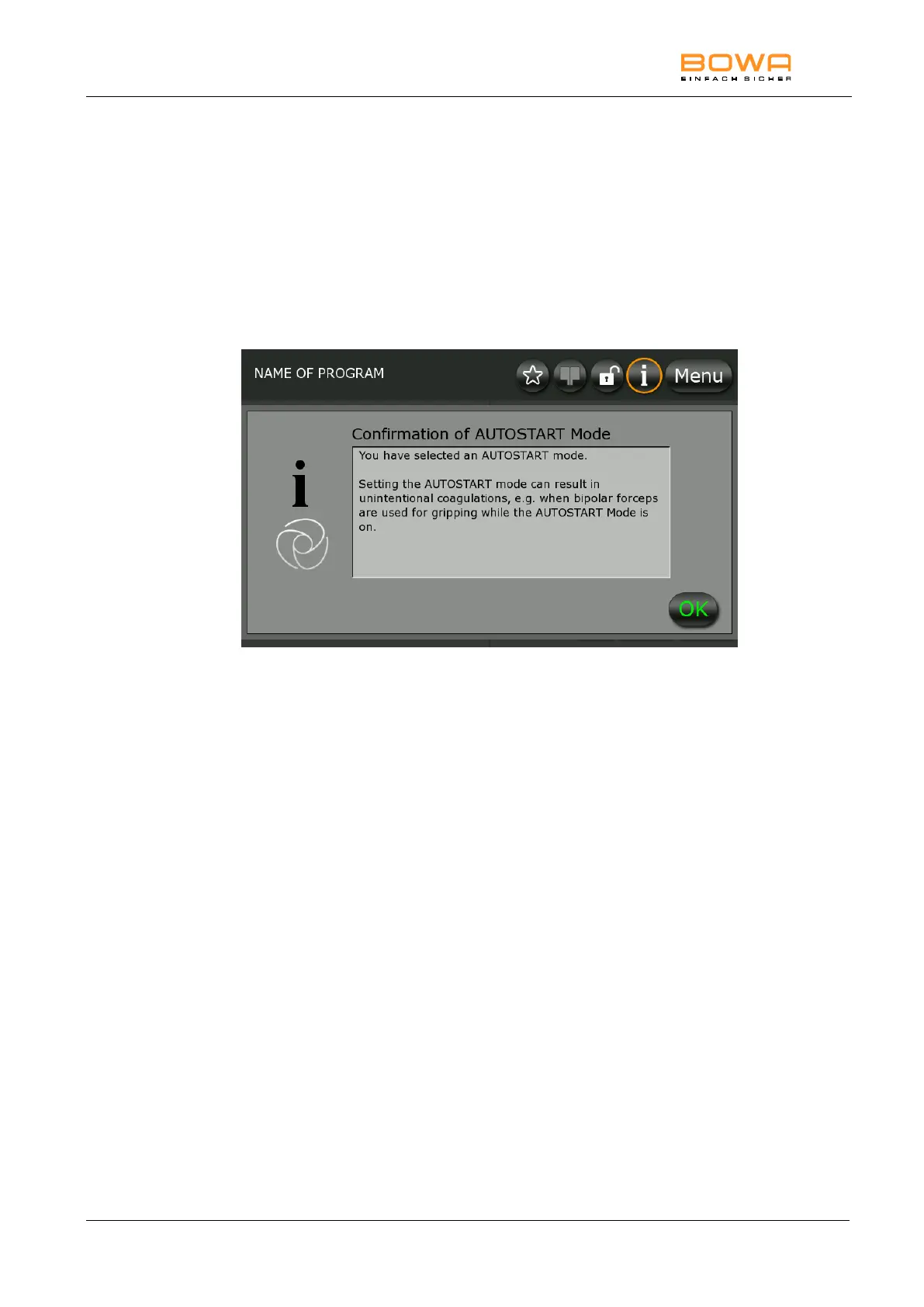
Figure 6-1: Confirmation of AUTOSTART Mode
System information has three different categories:
Notice (grey screen)
Warning (orange screen)
Error (red screen)
Notices are shown for five seconds on the display. Warnings and errors are
shown for ten seconds.
While an error is present, activations are prohibited.
The message is available using the orange marked „i“ in the system bar.



 To Next Page