5 Operation
52 Operating Manual ARC 400 BOWA-IFU-11779-ARC400-V2.1.0-S0-EN
5.4.8. Playing videos
1. Plug the delivered BOWA USB stick into the connection on the rear
side of the ARC 400.
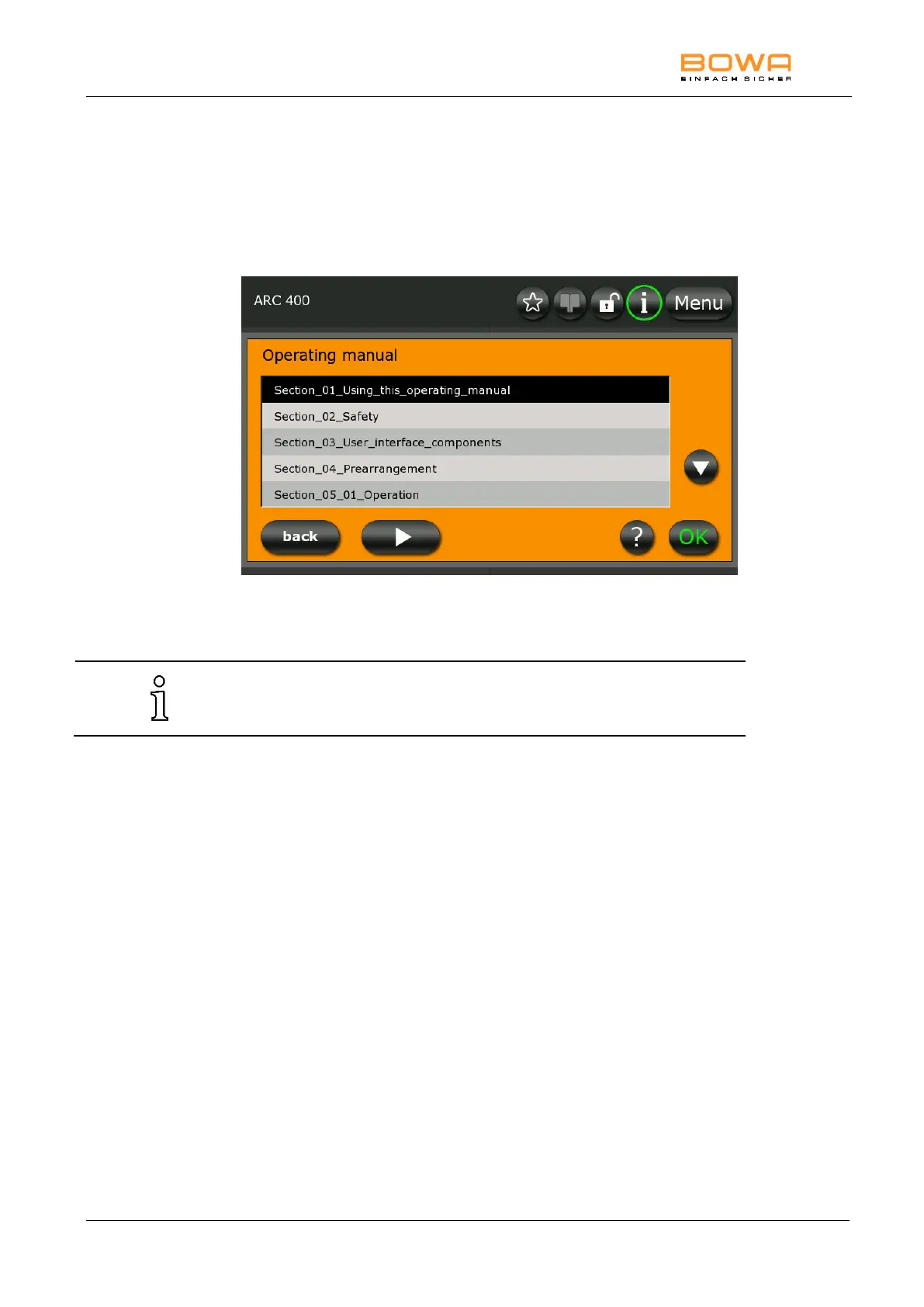
2. To play the video, press the “Play” button in the operating manual
dialog.
Figure 5-18: Operating manual dialog
3. To stop the video, switch off the device.
The device restarts normally.



 To Next Page