5 Operation
BOWA-IFU-11779-ARC400-V2.1.0-S0-EN Operating Manual ARC 400 87
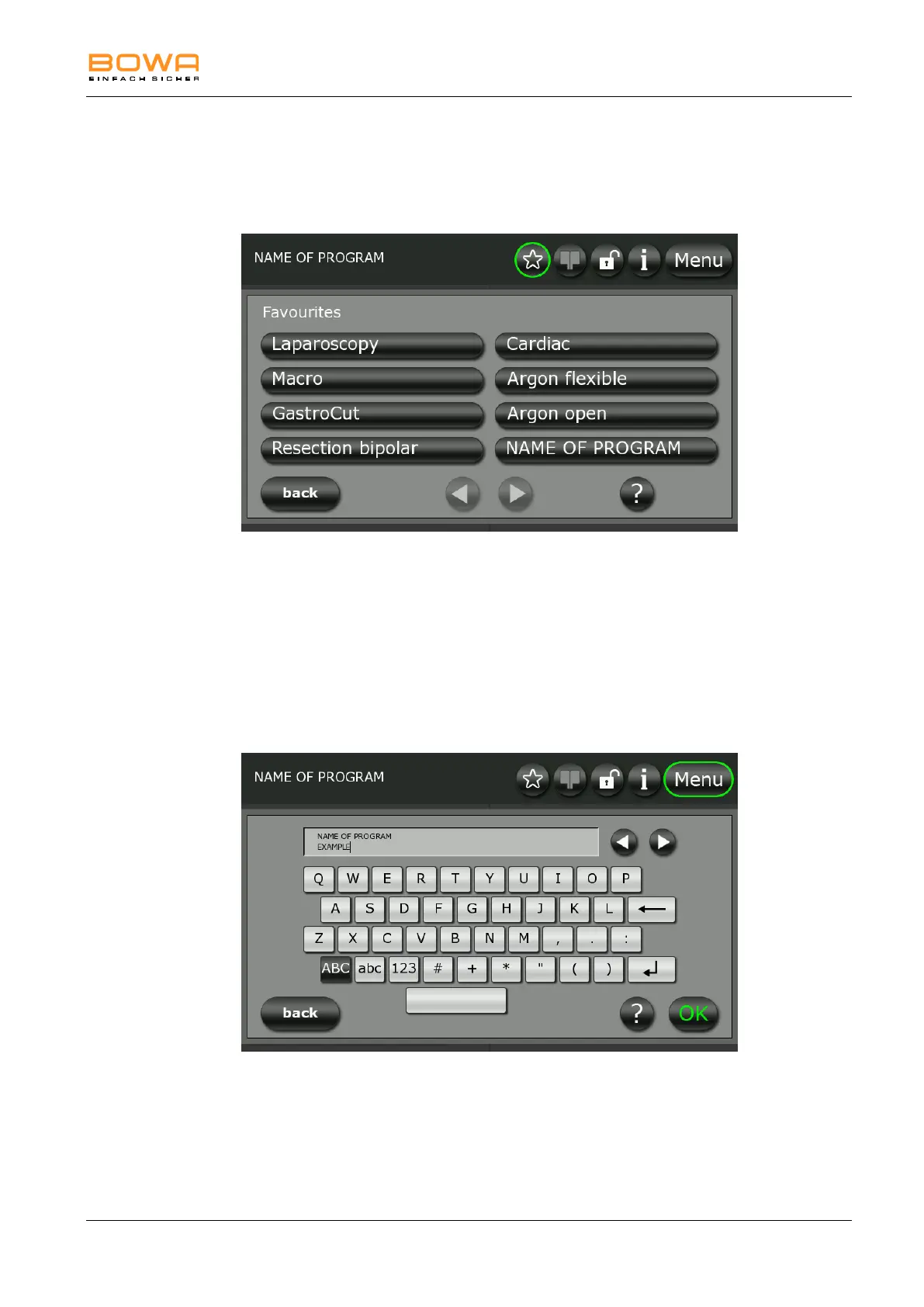
5.10.7. "Favourites" dialog
Use the "Favourites" dialog to select previously defined favourite programs.
A fast selection of the favourites is possible using the star button in the
main screen.
Figure 5-26: "Favourites" dialog
Use the arrow buttons at the bottom of the screen to navigate to the next
page of the Favourites list.
Confirm with "OK" to accept the selection.
To return to the main screen click on "back".
5.10.8. "Save Program" dialog
Use the "Save Program" dialog to save the current program settings under
the same name or a different name.
Figure 5-27: "Save program" dialog
With a keypad program names can be created. Several symbols, capital or
small letters or numbers are selection options.
You can use the “Enter” button to assign two-line program names.
Confirm with "OK" to accept the selection.
To return to the main screen click on "back".



 To Next Page