5 Operation
86 Operating Manual ARC 400 BOWA-IFU-11779-ARC400-V2.1.0-S0-EN
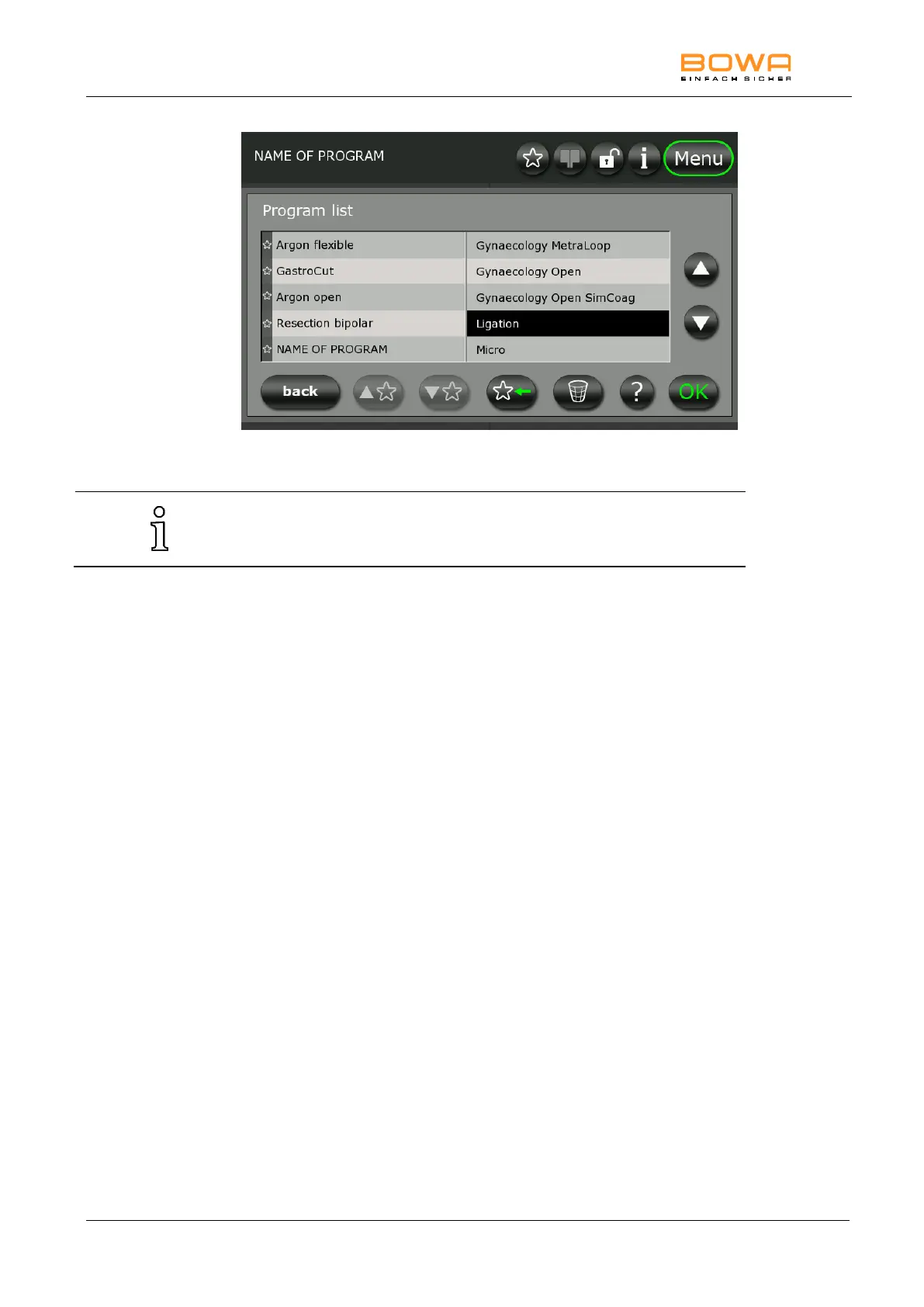
Figure 5-25: "Select program" dialog
Up to 300 programs can be put on the favourites list.
Saved programs can be deleted under “Program”.
1. In the program list, select the program to be deleted by touching
the program name.
You can also navigate horizontally with the arrows.
2. Touch the “Wastebin” symbol to permanently delete the selected
program.
The selected program is deleted after you confirm this in a
confirmation prompt.
The default program cannot be deleted.



 To Next Page