5 Operation
BOWA-IFU-11779-ARC400-V2.1.0-S0-EN Operating Manual ARC 400 83
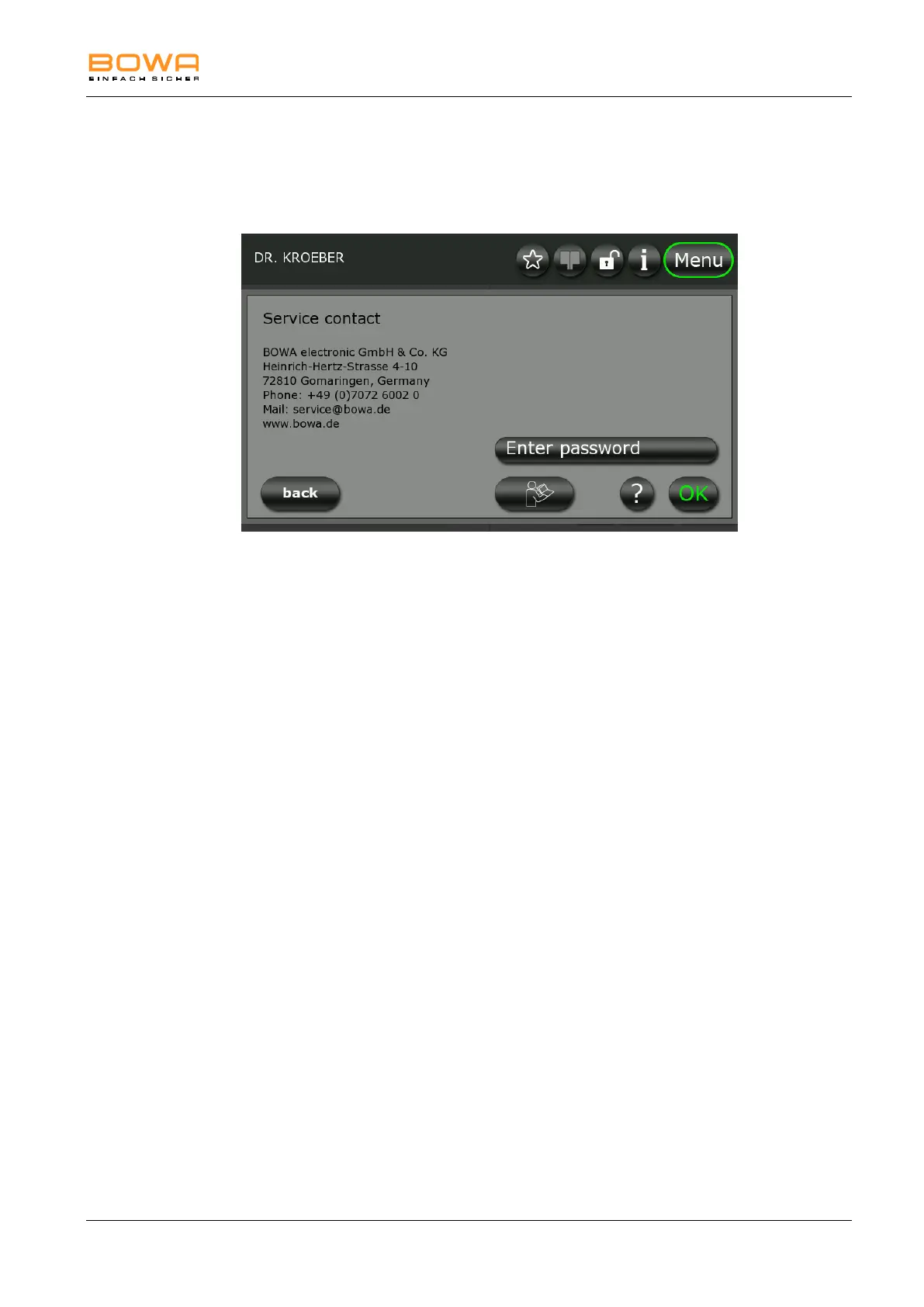
5.10.4. "Service" dialog
After entering a password, you can use the "Service" dialog to access
additional options, such as resetting the device to the factory default
configuration or viewing the instructions of use.
Figure 5-22: "Service" dialog
Opening the operating instructions:
1. Press the "Operating instructions" button.
The operating instructions are displayed chapter for chapter.
2. Use the arrow buttons to select the desired chapter.
3. Press "OK" to open the selected chapter.
Use the arrow buttons to open the individual pages of the chapter.
4. Press "back" to return to the chapter overview.



 To Next Page