5 Operation
BOWA-IFU-11779-ARC400-V2.1.0-S0-EN Operating Manual ARC 400 81
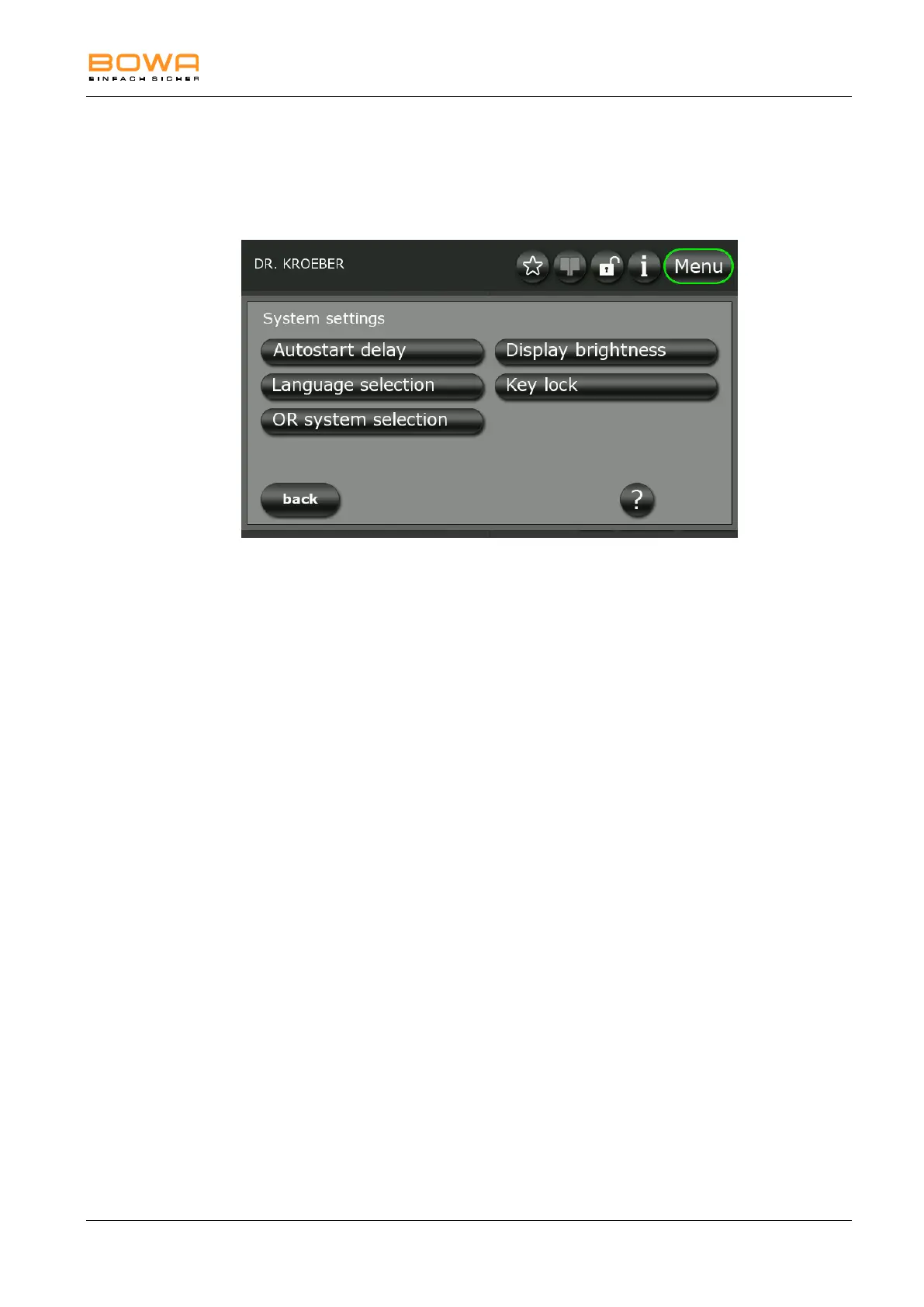
5.10.2. "System Settings" dialog
The following parameters can be configured in the "System Settings"
dialog:
Figure 5-20: “System settings” dialog
The following languages are selectable in „language selection“:
German, English, French, Italian, Spanish, Russian, Polish, Turkish,
Japanese, Korean, Thai, Indonesian, Chinese, Portuguese, Czech, Arabic,
Hungarian, Danish, Finnish, Vietnamese, Swedish, Dutch, Bulgarian,
Serbian, Romanian, Slovakian and Kazakh.
Under “Key lock” you can disable automatic screen lock or set its duration.
The duration can be set from 30 seconds to 5 minutes.
A link to an optional OP system can be made under “OR system selection”.



 To Next Page