4 Prearrangement
BOWA-IFU-11779-ARC400-V2.1.0-S0-EN Operating Manual ARC 400 31
6. Do not place any other objects on or above the HF device.
7. Place the HF device on top of ARC PLUS only, do not place it on other
devices.
8. Connect the power cord.
4.2. Switching on the HF device
Do not use the HF device if the display components are not working. See
Section Detecting and correcting faults, page 99 for troubleshooting
instructions.
The line voltage must match the voltage specified on the nameplate.
Connect the power cord to the generator and plug the cord into a grounded
AC power outlet.
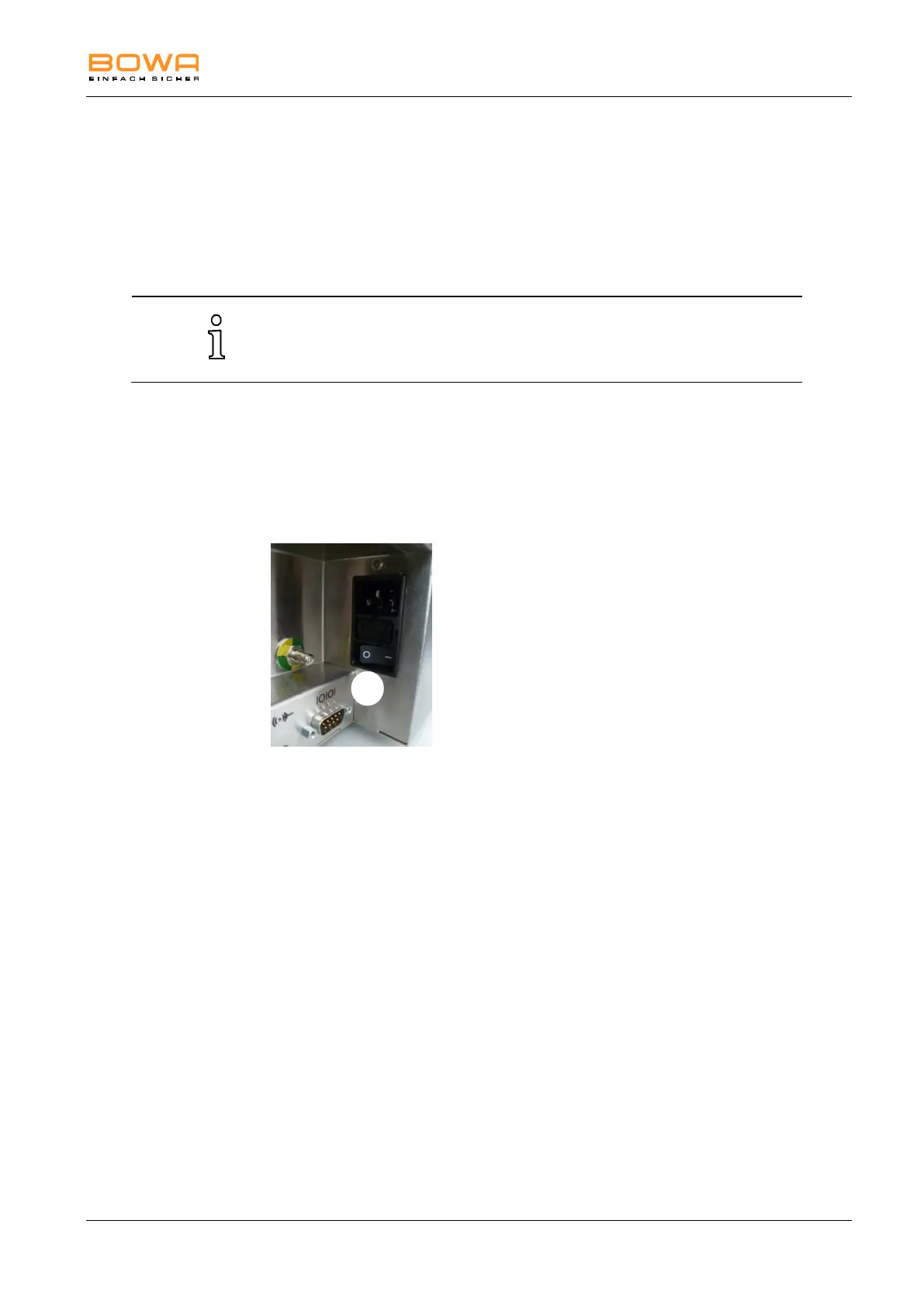
1. Switch the HF device on using the power switch 31 on the rear side of
the unit and touch the On/Off button on the front panel.
The HF unit performs a self-test: All user interface components light
up.
The bars of the activation display light up, while the connector
surrounds light up orange.
Full functionality of the loudspeaker is indicated by the start melody.
The individually configurable start screen appears if it has been set up.
2. Check all controls and indicators for proper operation:
Power switch
On/off switch
Touchscreen
Monopolar socket connectors
Bipolar socket connectors
Activation bar for monopolar and bipolar sockets



 To Next Page