5 Operation
42 Operating Manual ARC 400 BOWA-IFU-11779-ARC400-V2.1.0-S0-EN
If a mode is changed within a socket, the set parameters, e.g. effect and
max. Watt, remain the same for the respective mode. However, if, for
example, the factory default setting of a mode is adapted and
subsequently changed to a different mode and then back again, the user
changes are not undone.
5.4.2. Specifying power limits
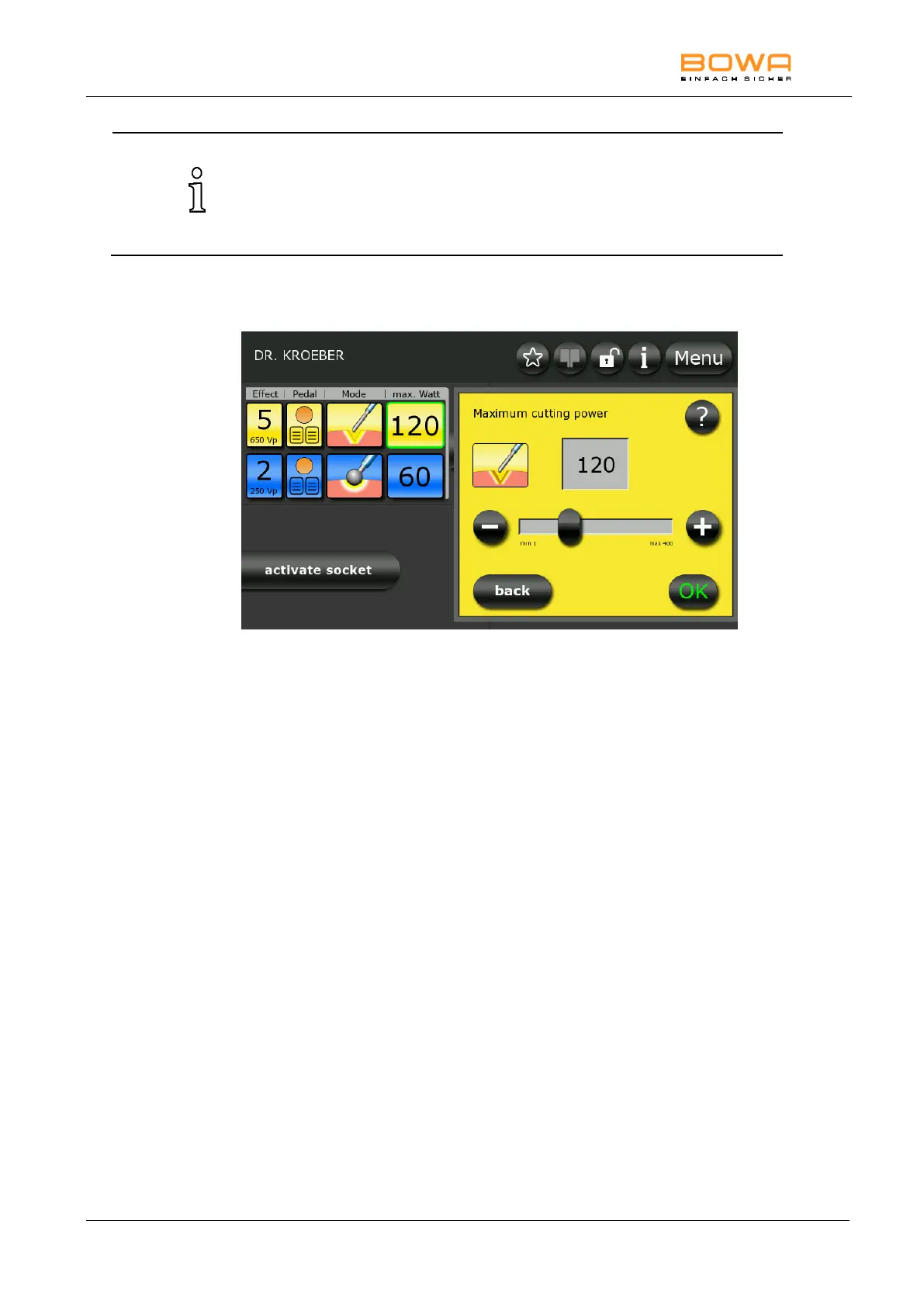
Figure 5-9: Maximum power monopolar cutting
1. To select the maximum current for monopolar cutting, first select one of
the two socket connectors on the left side and press the yellow icon
under the “max. Watt” button.
The “max. Watt” power settings are relative values. This setting
configures the maximum value of the desired upper power limit.
Measured power values can and may therefore deviate from the
characteristic power curves (see Section 10.2) by ±20%.
2. Use the "+" and "-" buttons to adjust the power level in single steps.
– or –
Use the slider to set the power level in steps of 10.
3. Press the "?" button for more information on this selection.
4. Confirm your selection by pressing the "OK" button.
- or -
Press the "Back" button to return to the main screen without changing
the selection.



 To Next Page