5 Operation
BOWA-IFU-11779-ARC400-V2.1.0-S0-EN Operating Manual ARC 400 47
5.4.5. Selecting the neutral electrode
1. Press the "EASY" button on the status bar to select the neutral
electrode.
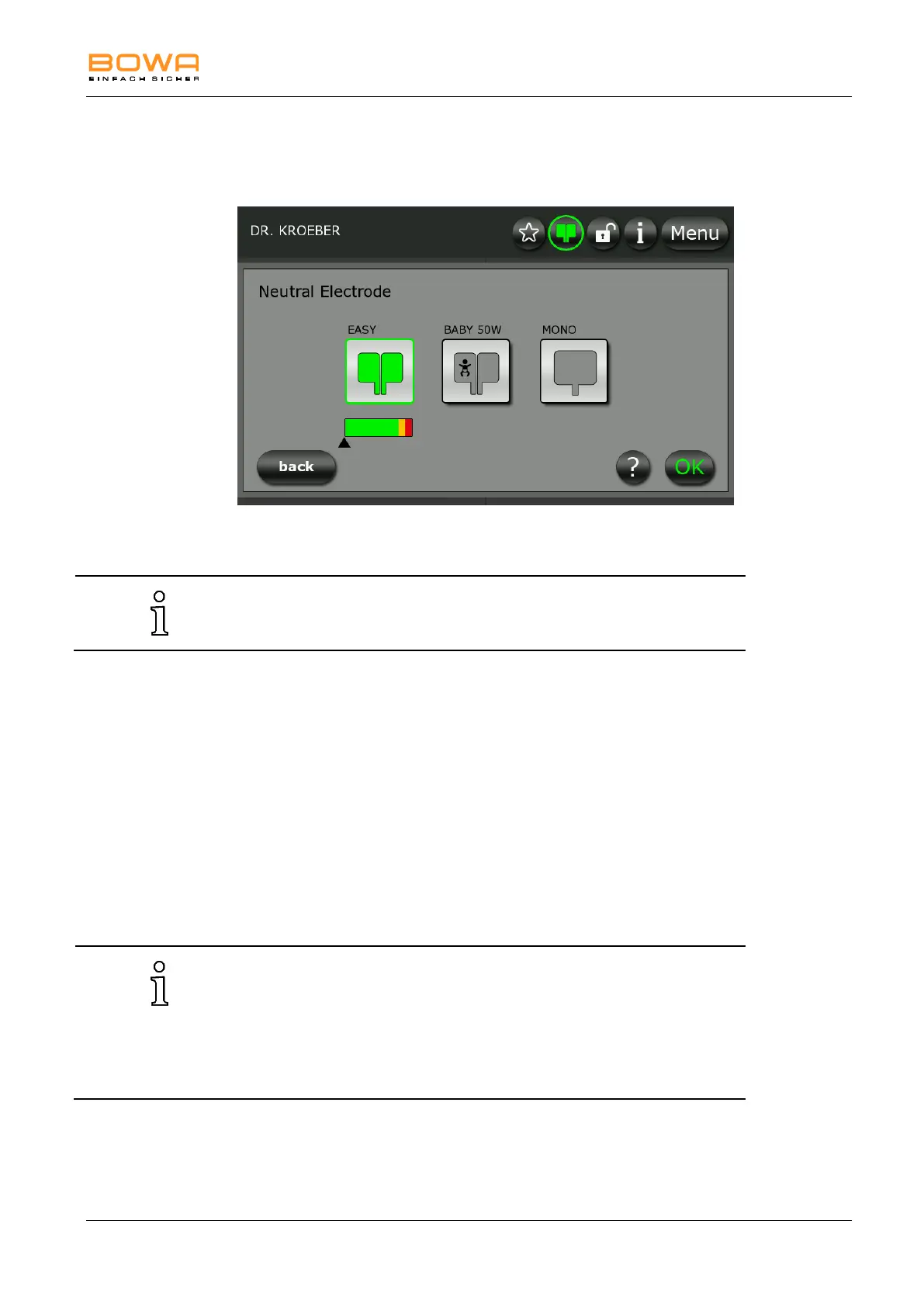
Figure 5-14: Neutral electrode
The maximum power output of monopolar current types is reduced to
50 W when a children’s electrode is selected.
2. Select the type of connected electrode by pressing the corresponding
icon:
EASY: for monitoring split neutral electrodes
BABY: for monitoring split neutral electrodes for infants
MONO: to select a one-piece neutral electrode
3. Press the "?" button for more information on this selection.
4. Confirm your selection by pressing the "OK" button.
- or -
Press the "Back" button to return to the main screen without changing
the selection.
The selected type of neutral electrode in connection with a colour-
indicator for the contact quality is shown in the status bar.
When using the „EASY“ and „BABY“ mode, no unsplit electrodes are
accepted.
Using the „MONO“ mode, no split electrodes are accepted.
The “Monopolar Resection” and “Metraloop” programs are not allowed
when the Baby electrode is selected.



 To Next Page