EasyManua.ls Logo

Bowa ARC 400 - Volume Dialog

Bowa ARC 400
166 pages
Print Icon
To Next Page IconTo Next Page
To Previous Page IconTo Previous Page
Loading...
5 Operation
82 Operating Manual ARC 400 BOWA-IFU-11779-ARC400-V2.1.0-S0-EN
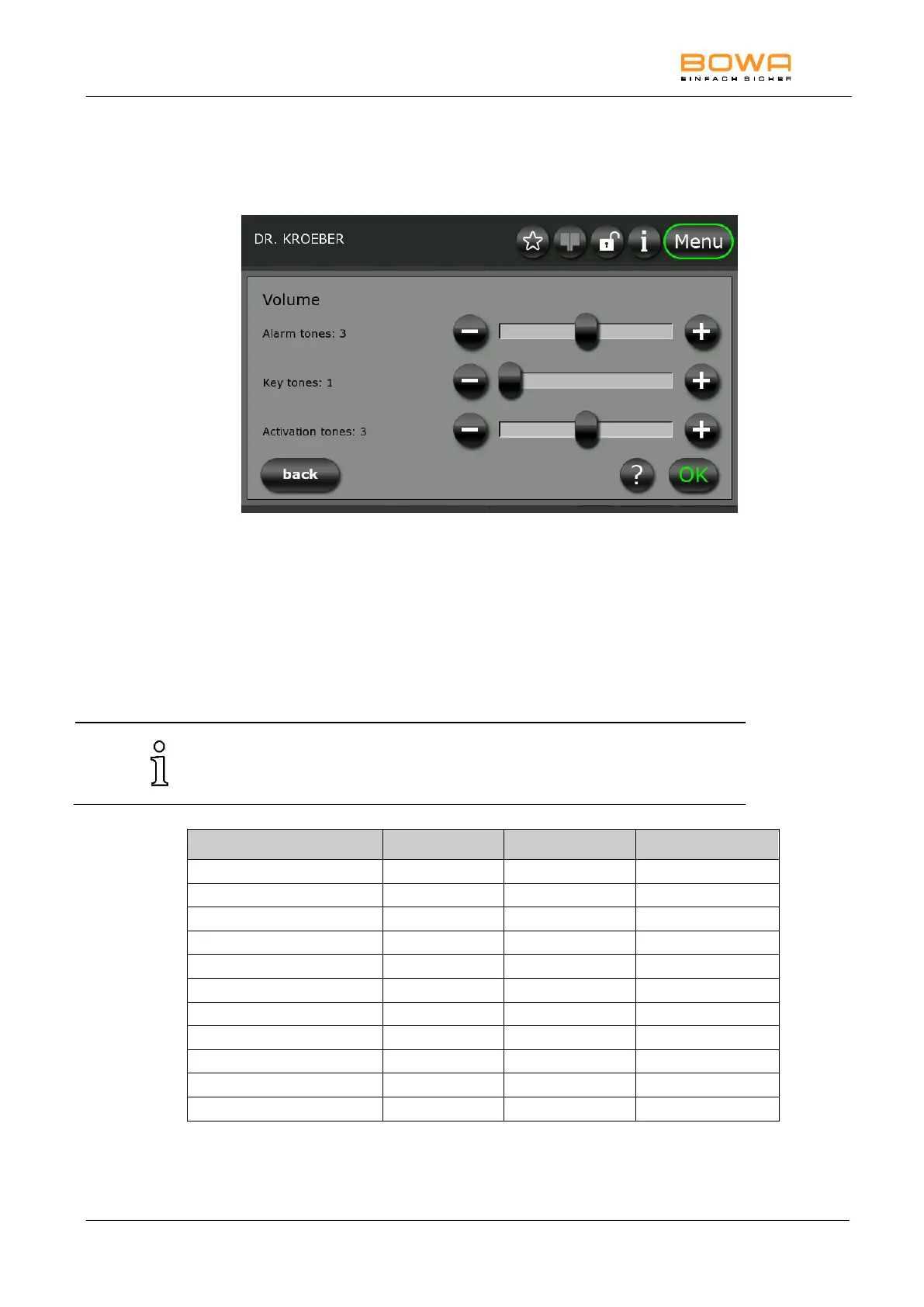
5.10.3. "Volume" dialog
Use the "Volume" dialog to set the volume of the individual acoustic
signals.
Figure 5-21: "Sound Level" dialog
Incremental setting
Press the "+" and "-" buttons.
Fast setting
Move the slider in the desired direction.
The volume of the activation signal should be increased as necessary for
use in relatively noisy surroundings. The alarm tones have a minimum
volume and limited changeability.

Mode
Category
Frequency (Hz)
Signal type
Monopolar Cut
Activation tones
635
Continuous sound
Monopolar Coag
Activation tones
475
Continuous sound
Bipolar Cut
Activation tones
565
Continuous sound
Bipolar Coag
Activation tones
505
Continuous sound
Sim Coag
Activation tones
755
Continuous sound
LIGATION end
Activation tones
-
Alternating sound
Foot switch changeover
Alarm tones
-
Signal tone
ZAP Mode
Alarm tones
-
Signal tone
Error
Alarm tones
-
Signal tone
Warning
Alarm tones
-
Signal tone
Note
Alarm tones
-
Signal tone

Table of Contents

Related product manuals