5 Operation
BOWA-IFU-11779-ARC400-V2.1.0-S0-EN Operating Manual ARC 400 85
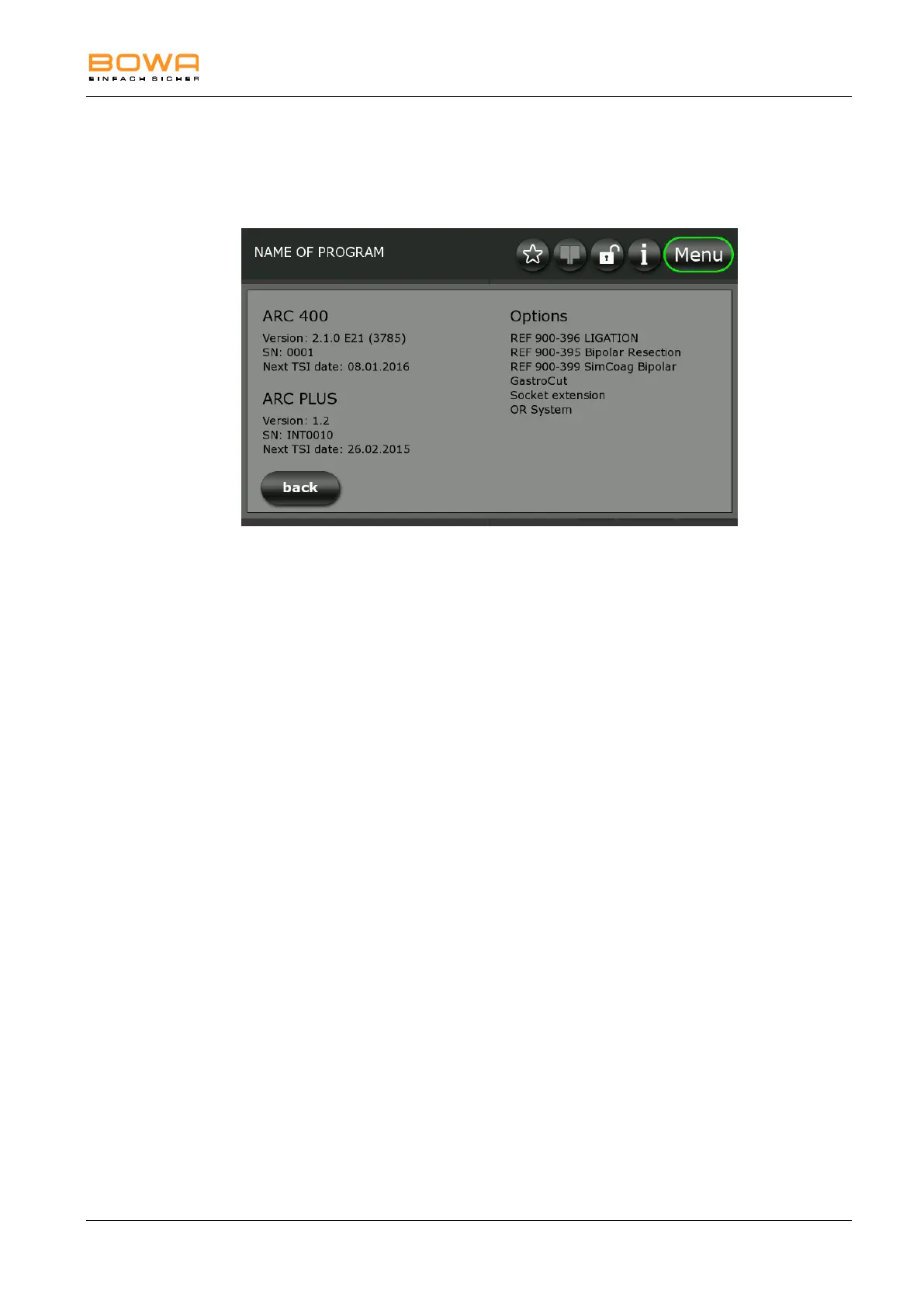
5.10.5. "System information" dialog
The "System information" dialog displays various System parameters such
as version, serial number, TSI date for ARC 400 and if applicable ARC
PLUS, as well as options.
Figure 5-24: "System information" dialog
Moreover, the software version and the next TSI date is displayed, see
chapter Safety inspection, page 107.
5.10.6. "Select program" dialog
1. Use the "Select program" dialog to select programs from a list and to
add them to the favourites.
- or -
Fast settings of this menu are possible by tapping on the present
program name in the main screen.
2. For the selection of a program, tap on the desired program name.
3. The horizontal navigation is possible using the arrows. The programs
are always arranged alphabetically in the right column.
4. Use the star symbols at the bottom of the screen to assign programs to
the Favourites list. The green arrow is for adding programs to the
favourites, and the red arrow is for removing them.
5. The assignment to the favourites is possible using the star button in the
lower area of the screen.
6. Press "OK" to load the selected program.
- or -
To return to the main screen click on "back".



 To Next Page