5 Operation
92 Operating Manual ARC 400 BOWA-IFU-11779-ARC400-V2.1.0-S0-EN
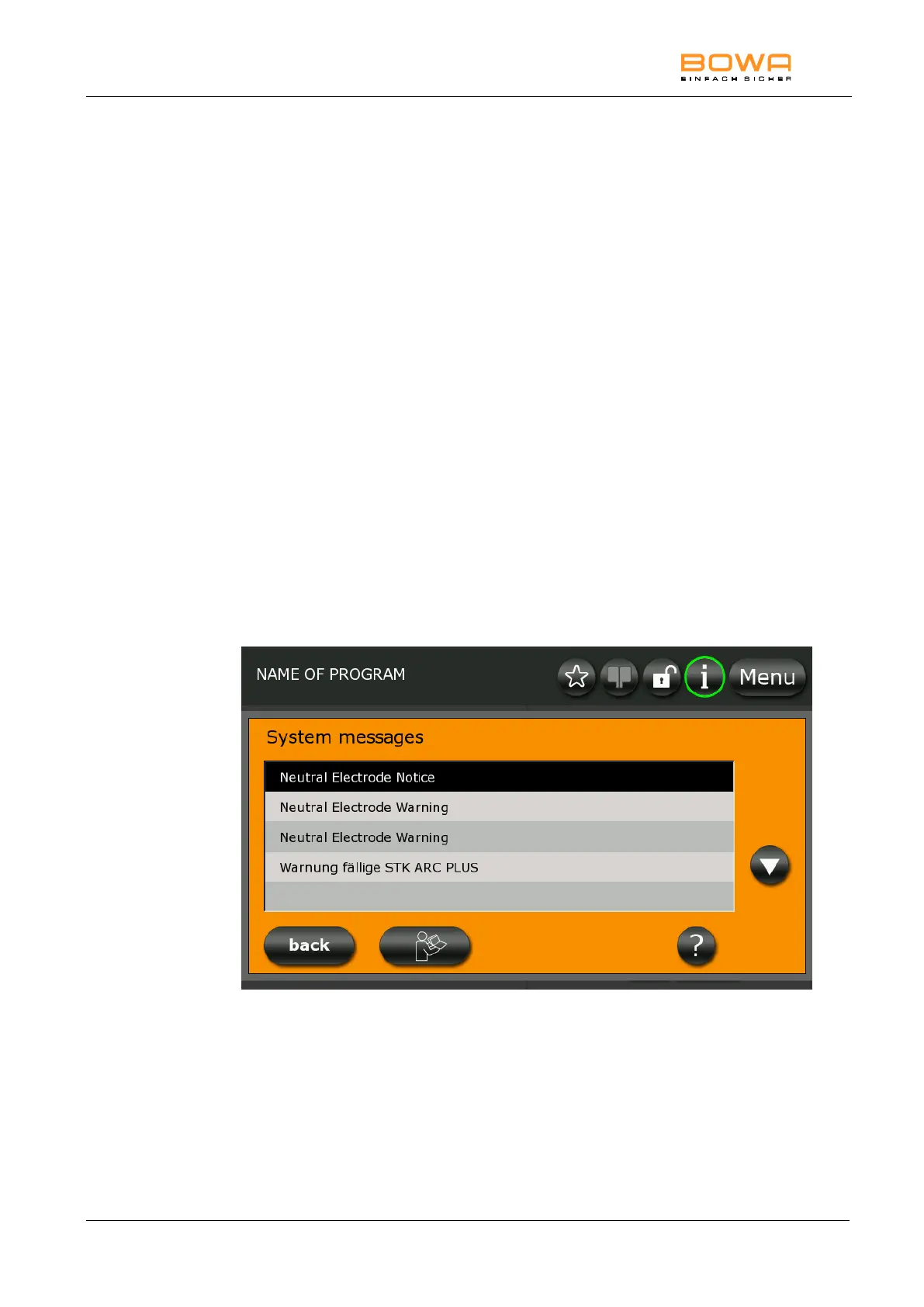
5.10.11. "System messages" dialog
In the "System messages" dialog, it is possible to open the saved system
messages which have occurred since switching on the HF device.
These messages are not saved when switching off the HF device.
Opening saved system messages:
1. Select a system message.
2. The selected system message is displayed again with "?".
3. Press "OK" to return to the overview.
Opening the instructions of use:
1. Press the "instructions of use" button.
The instructions of use are displayed chapter for chapter
2. Use the arrow buttons to select the desired chapter.
3. Press "OK" to open the selected chapter.
Use the arrow buttons to open the individual pages of the chapter.
4. Press "back" to return to the chapter overview.
Figure 5-36: "System messages" dialog



 To Next Page